Browse documentation
Apple Developer Analytics
Learn how to find your app usage details on your Apple Developer Account
Through your Apple Developer Account, you will be able to track iOS-specific usage of your app.
1 - Log in to your Apple Developer Account
You can log in from this URL: https://developer.apple.com/account/
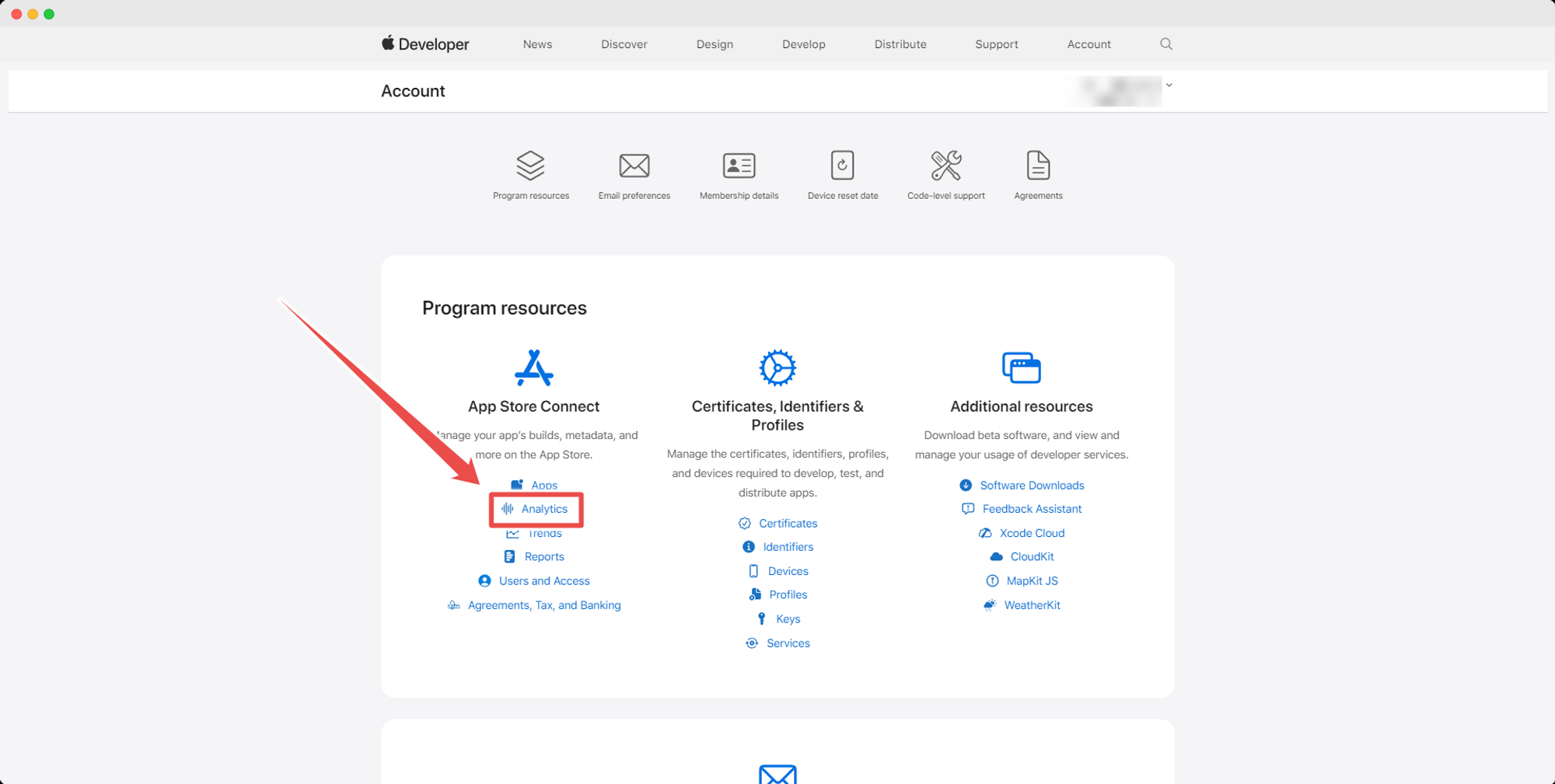
2 - Select the “App Analytics” tab
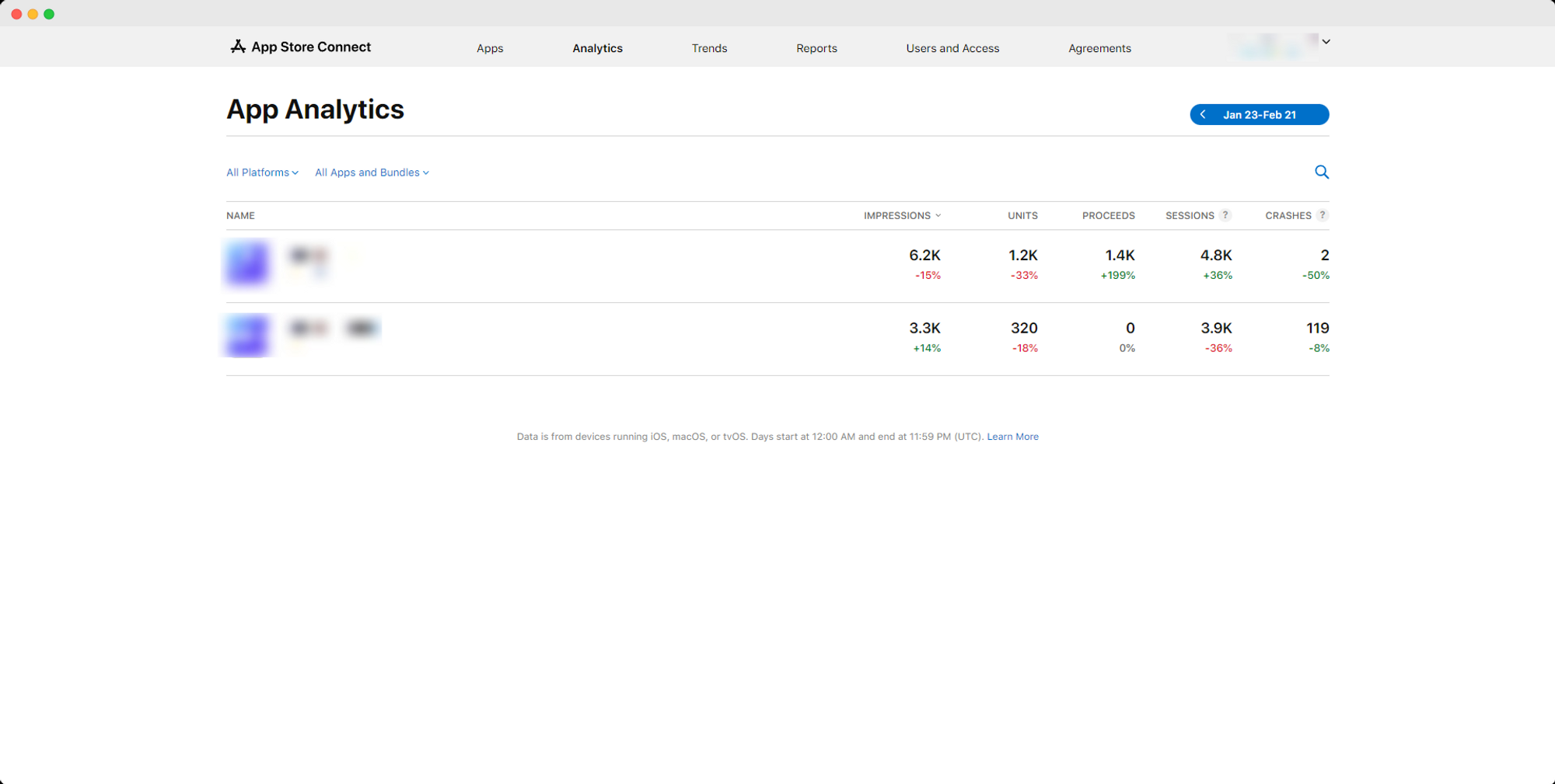
3 - Select the app you want to see analytics for
4 - Analytics Information
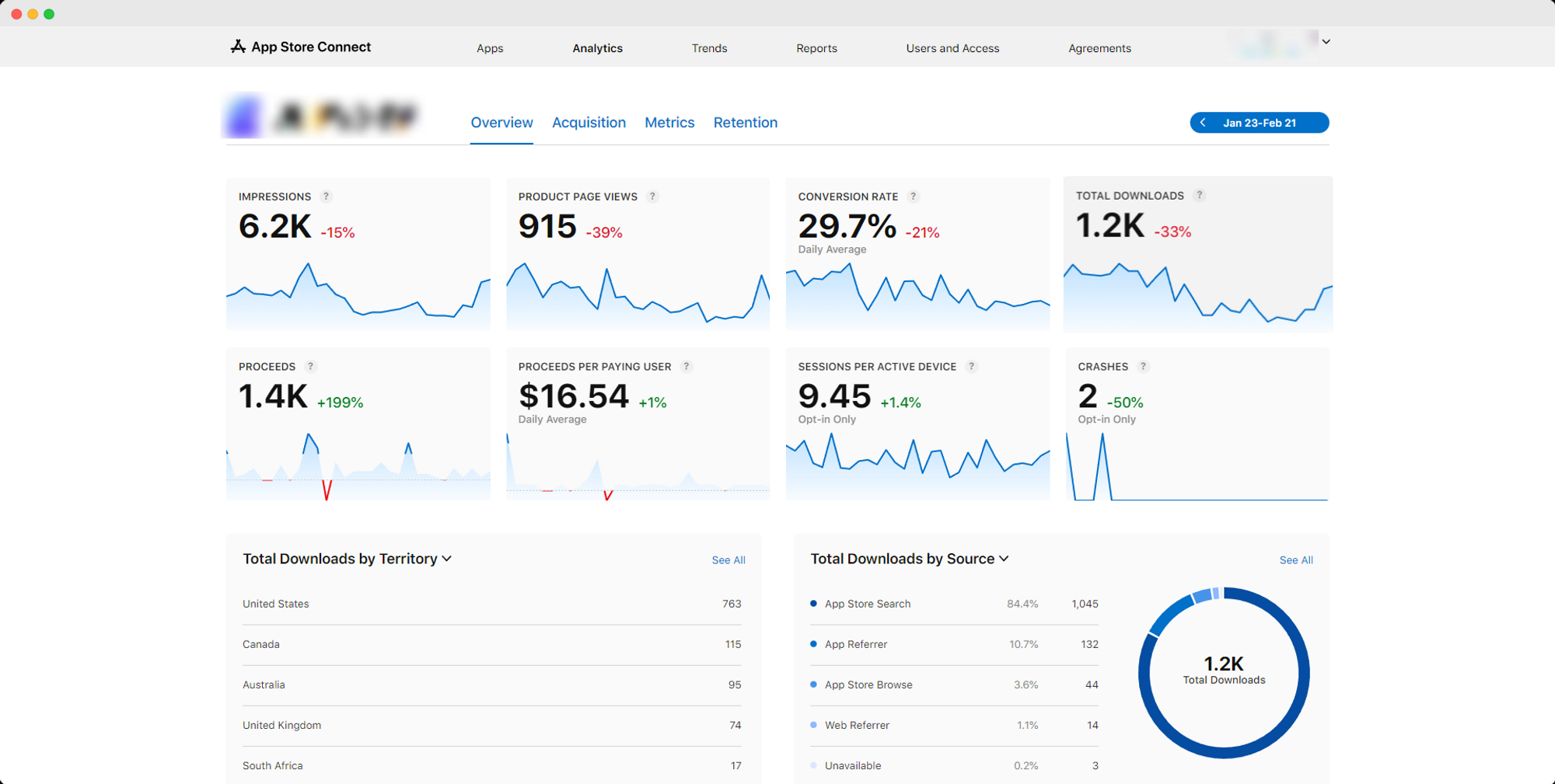
On the “Overview” tab you will be able to see details about your app usage within a given period: