Mobile apps powered by Next.js
Get native iOS and Android apps built on your Next.js app, with every page and feature you've built. Your team keeps shipping Next.js, and each deploy reaches the app.
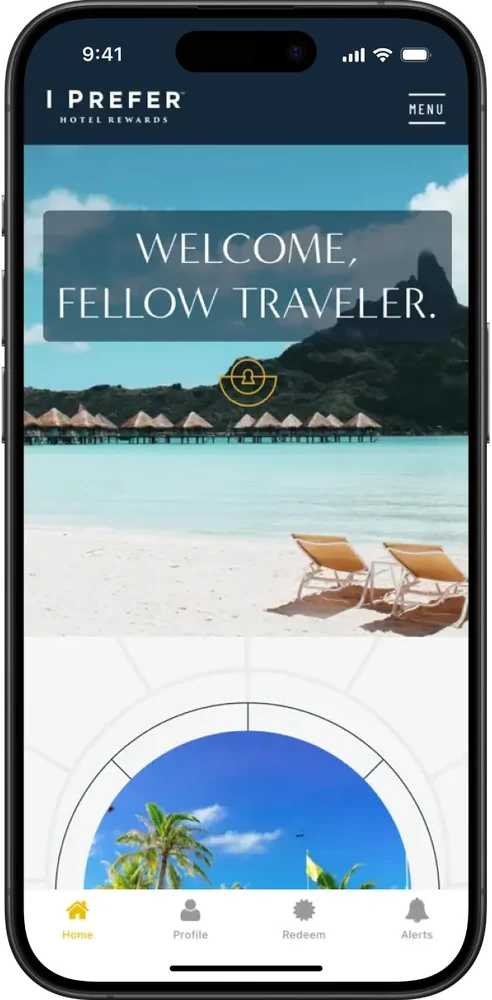
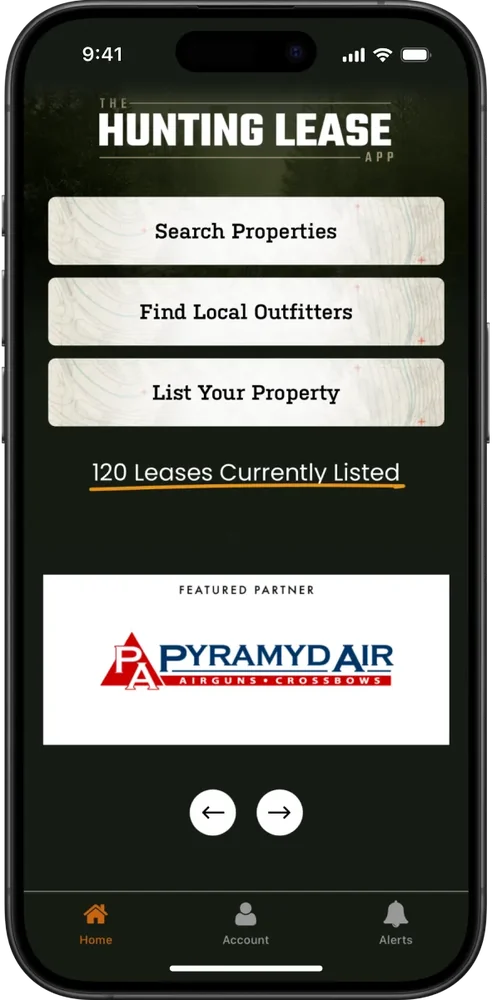
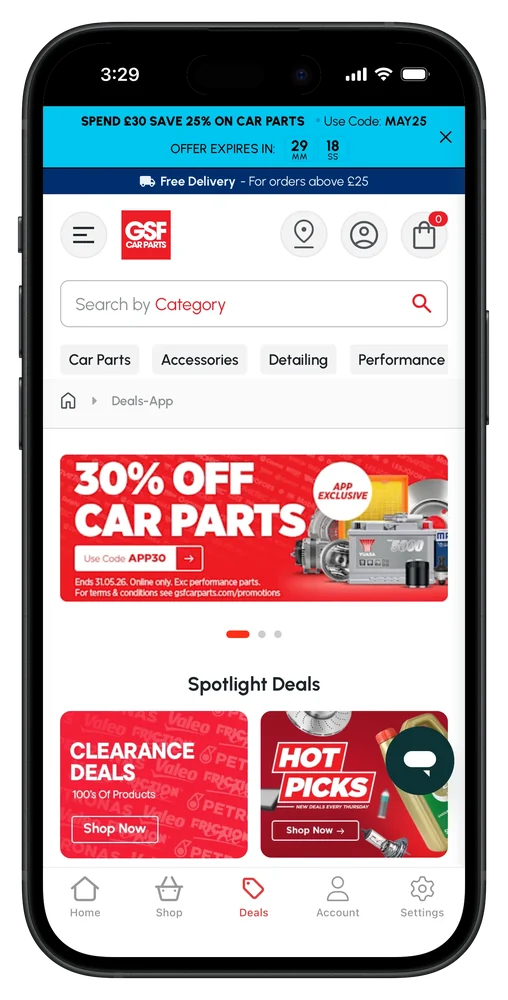
2,000+ apps published since 2013








Keep all your code
The app runs on your live Next.js site, server features and all, so there's nothing to export, port or rebuild. Every page and feature works on iOS and Android.
Server-rendered and static pages reach app users the way they reach web visitors.
Every URL you have today works in the app, with native navigation on top.
Forms, Server Actions and API routes answer the app just as they answer the web.
Protected pages stay protected, and people stay signed in between visits.
Caching and revalidation work as they do on the web, so the app is as fast as your site.
Your optimized images and fonts look the same in the app.
Deploy to Vercel, Netlify or your own servers as usual, and each release shows up in the app.
GA4, PostHog and your other scripts keep working, with app sessions marked as app sessions.
For your developers
Your Next.js app can tell when a page is opened in the mobile app, so you can change what app users see before anything renders. Here, the root layout leaves out the download banner and web footer for app users. Push notifications, login screens and haptics come from a JavaScript API the app adds to every page.
Read the user agent in a layout, page or route handler and change the response before it's sent, so app users never see web-only UI flash by.
Call onesignalSetExternalUserId from a client component after sign-in, then send transactional push from your route handlers through OneSignal.
Build app-only pages like onboarding or member offers as ordinary routes, and link to them only when the visitor is in the app.
Ask for push permission from your own UI, close the app's login screen after sign-in, and add haptic feedback to key actions.
import { headers } from 'next/headers';
import { AppBanner } from '@/components/app-banner';
import { SiteFooter } from '@/components/site-footer';

export default async function RootLayout({
  children,
}: {
  children: React.ReactNode;
}) {
  // The MobiLoud app adds "canvas" to its user agent
  const userAgent = (await headers()).get('user-agent') ?? '';
  const inApp = userAgent.toLowerCase().includes('canvas');

  return (
    <html lang="en">
      <body className={inApp ? 'in-app' : undefined}>
        {/* App users don't need a download banner */}
        {!inApp && <AppBanner />}
        {children}
        {/* The app has native navigation, so the web footer can go */}
        {!inApp && <SiteFooter />}
      </body>
    </html>
  );
}
Case studies
Each of these teams thought about building a separate native app first. They turned their existing site into iOS and Android apps instead, and still ship everything from one codebase.
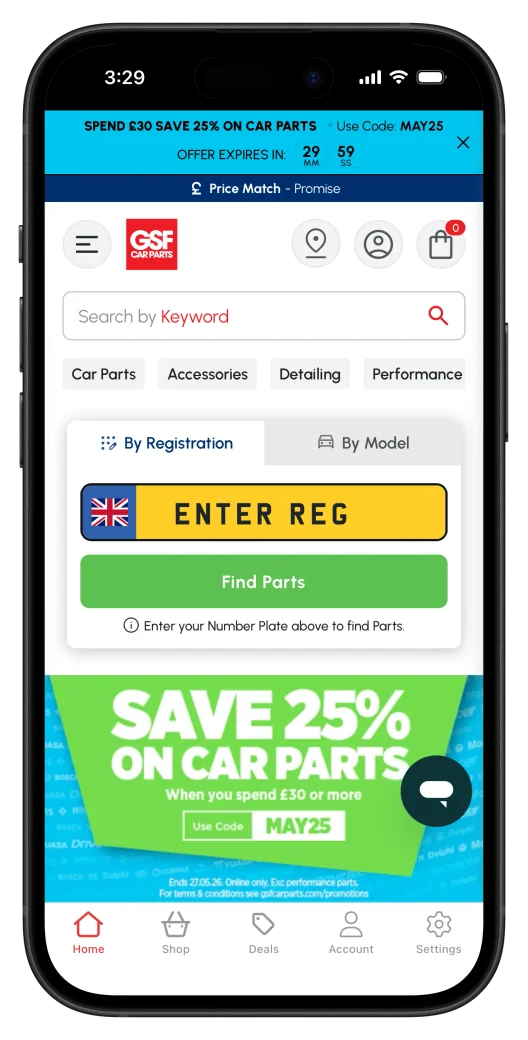
GSF Car Parts
Automotive parts Headless front end on Magento
19,000 Active App Users
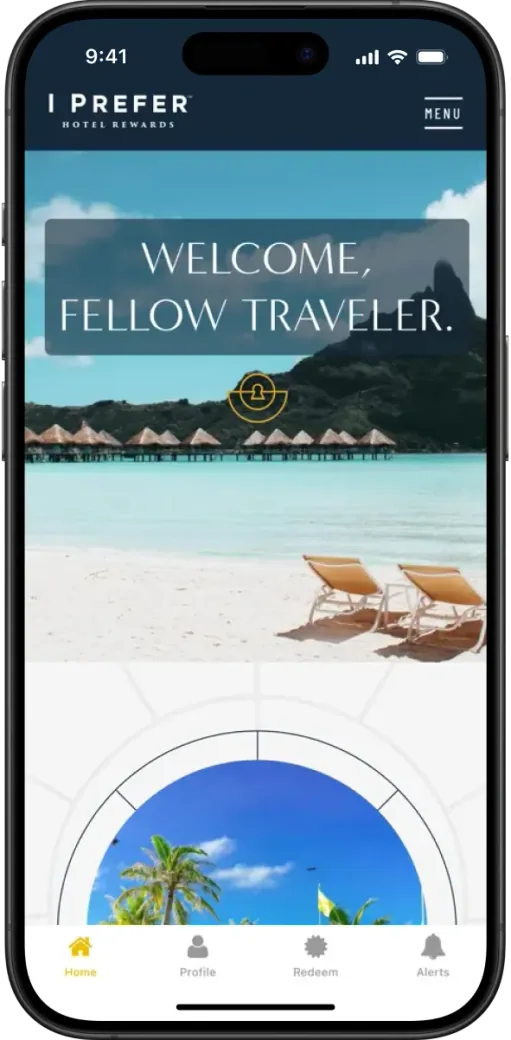
Preferred Travel Group
Hotel loyalty program
10,000+ Downloads
"When you get the app on your phone, you find yourself just not using your web browser anymore because it's just so instant and convenient. I have to keep stopping myself because I'm supposed to be testing the app and the website, but I keep just jumping straight into the app every time."
"We have different ways to detect that you're coming from an app and we show and hide certain things to make the website and app unique."
MobiLoud vs the alternatives
Capacitor only takes a static copy of your site, so the server features your app relies on are left behind. Expo means rebuilding every page in React Native. MobiLoud turns the Next.js app you run today into the mobile app, with nothing left out.
MobiLoud
Capacitor with a static export
An Expo rewrite
The operating model
Your team keeps building in Next.js, the way it does now. We build the iOS and Android apps, keep them up to date with every OS release, and handle each store submission.
Your team
Keeps shipping Next.js
Our team
Handles iOS and Android
Getting live
Your developers join the kickoff and sign off the build. The native work in between is ours, and nothing pauses on your side.
Week 1
We walk through your app with your developers: the routes that belong in the tab bar, your auth setup and any pages that should change in the app. Then you add us to your Apple and Google developer accounts.
Weeks 1 to 2
Your production URL is our starting point. We add the tab bar, push notifications and universal links for your dynamic routes, and send you a test build to install in week two.
Weeks 1-2
On real iPhones and Android devices, we check sign-in, forms and checkout, polish the splash screen and back button, and set up GA4 and Firebase for your sign-off.
Weeks 2 to 4
Both apps go to Apple and Google under your developer accounts, and we deal with review, which usually takes one to two weeks. Once they're live, the app updates whenever you deploy.
We can deliver everything your legal, security and finance teams will ask for:
Have any more questions we didn't answer? Book a 30-minute call or send us a message to clear it all up.
Book a callNo. A static export is how Capacitor packages a Next.js app, and it leaves out Server Actions, middleware (proxy in Next.js 16) and anything rendered on request. MobiLoud builds on your live deployment, so app users get the same server-rendered pages as your web visitors.
Yes. The App Router, the Pages Router, Server Components, streaming and Server Actions all work, on the Node.js or Edge runtime, because every screen comes from your production deployment. How you build pages doesn't change.
No. Expo is a framework for React Native, so an Expo app is a second codebase with its own components, router and releases. MobiLoud builds native iOS and Android apps on your Next.js app, so the web and both app stores share one codebase.
Yes. Your app gets native navigation with a tab bar, push notifications, persistent login, deep links, a splash screen and haptic feedback. Pages render from your Next.js app, so they look the way your team designed them, and we tune details like the back button for mobile.
Check the user agent for "canvas" in a Server Component, a route handler or client code. Most teams hide a few web-only elements, like the footer and app download prompts, and some add routes only the app links to.
Through your own OneSignal account, or Klaviyo on the Enterprise plan. One JavaScript call links each device to the signed-in user's ID, so a route handler or Server Action can send account alerts, reminders or segmented campaigns through OneSignal's REST API. Marketing teams can send from the OneSignal dashboard.
Yes, for anyone who has the app installed. We set up universal links on iOS and app links on Android, so a link to any route, dynamic segments and query strings included, opens straight to that screen. Your team adds two small files to your site, which we provide.
No. The app loads your production domain, so Vercel, Netlify, AWS or your own servers all work the same, and your deploy pipeline doesn't change.
Yes, and getting it there is on us. We've taken more than 2,000 apps through review since 2013. Apple looks for real app behavior, like native navigation, push notifications and persistent login, which your app has from its first build, and we answer anything a reviewer raises.
The Business plan is $1,499 a month, or $1,274 a month billed annually, plus a one-time fee to build and publish the apps, with up to 10,000 monthly active users. Enterprise, with native SDK integrations, a dedicated success manager and an SLA, is custom-priced. Neither plan takes a share of your revenue.
Most teams are live in 2 to 4 weeks: one to two weeks to build, test and approve the apps, then one to two weeks of app store review. Your team can keep deploying the whole time.
You do. The apps are published under your own Apple and Google developer accounts, and your Next.js codebase stays entirely yours. MobiLoud keeps the intellectual property in the platform that builds the native apps. If you ever leave, your listings and users stay with you.
We'll build a free, live preview of your Next.js app as a mobile app, so you can see how it looks and works before you decide anything.