Native is often held up as the gold standard for mobile apps. Apps written in Swift for iPhone and Kotlin for Android get treated as the real thing, while “webview app” tends to be used as a put-down.
But plenty of serious apps use both. 37signals keeps the busiest screens in its Basecamp app fully native and builds most of the rest from web pages, and Apple’s own documentation suggests a web view for content that changes often.
Neither label tells you whether an app is any good. The right choice depends on what your app has to do, what you’ve already built and what you’re prepared to maintain.
This guide explains how native and webview apps work, then compares them on speed, device features, App Store review and cost to show which one suits your business.
What Is a Native App?
A native app is built with the tools Apple and Google provide for their own platforms and downloaded from the App Store or Google Play. It draws its screens with each platform’s own interface components, so it looks and behaves the way people expect on their phone.
On iPhone, that traditionally means Swift with Apple’s SwiftUI or UIKit frameworks. On Android, it means Kotlin with Jetpack Compose, which Google calls “Android’s recommended modern toolkit for building native UI.”
Cross-platform frameworks let one codebase serve both platforms. At runtime, React Native creates the same Android and iOS views a native app uses, while Flutter compiles to machine code and draws its own interface with its Impeller engine.
Apps built with either are usually called native, because neither draws its screens as web pages. Whichever you use, a native screen’s layout and logic ship inside the app, so changing them means releasing a new version through App Store and Google Play review.
What Is a Webview App?
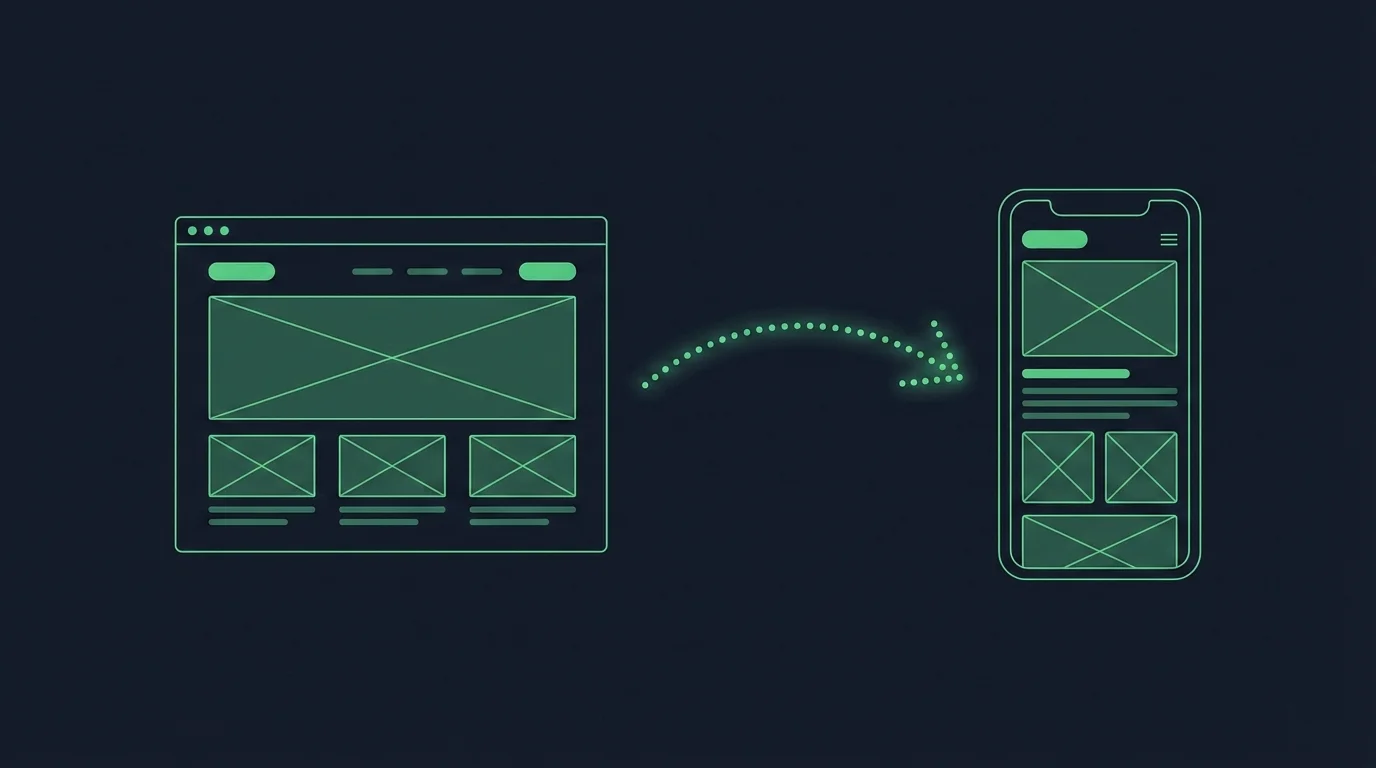
A webview app is a native app whose screens come mostly from web pages. Those pages appear in a web view, a browser engine built into the app without the address bar, tabs or buttons of a normal browser.
People also call them wrapper apps or web-based apps. They’re one kind of hybrid app, the broader term for native apps that use web technology for some or all of their screens.
On iPhone, the web view is WKWebView, which Apple describes as “a platform-native view that you use to incorporate web content seamlessly into your app’s UI.” It runs on WebKit, the engine behind Safari.
On Android, it’s the WebView class, which “doesn’t include the features of a fully developed web browser, such as navigation controls or an address bar.” It’s powered by Android System WebView, a Chrome-based system component that Google updates through Google Play.
A webview app isn’t the same as a progressive web app. A PWA is a website people install from their browser, while a webview app comes from the App Store or Google Play like any other app.
How Does a Webview App Work?
A webview app works by combining three parts: your web content, the web view that displays it and the native code around it.
- Your web content is the website or web app itself, with its pages, products, accounts, checkout and anything else that runs in a browser.
- The web view renders that content inside the app with a browser engine: WebKit on iPhone and a Chrome-based engine on Android.
- The native code handles what a browser can’t: the app icon, a tab bar and navigation, push notifications, links that open the app, permissions and a screen for when there’s no connection.
How much each part does varies a lot. The simplest webview app is one web view filling the screen, while a more complete one adds native navigation and a few native screens, and keeps web views for content.
That balance decides whether an app feels like an app or like a website in a frame.
How Do Web Pages Talk to Native Code?
Web pages in a webview app talk to native code through a bridge, a channel that passes messages between the page’s JavaScript and the app. It’s how a button on a web page can open the camera, start Face ID or ask for permission to send notifications.
On iPhone, Apple’s WKUserContentController “provides a bridge between your app and the JavaScript code running in the web view.” A page sends messages to the app, and the app can run JavaScript in the page to send results back.
On Android, the addJavascriptInterface method gives a page’s JavaScript access to native code. Google warns that this “lets JavaScript control your Android app,” and says to use it only if you wrote all the HTML and JavaScript the web view shows.
That’s why a well-built webview app only loads its own website in the web view, as Android’s security guidance recommends. Links to other sites open in an in-app browser instead, such as SFSafariViewController on iPhone or Custom Tabs on Android, which keeps the bridge away from content you don’t control.
Native vs Webview Apps: Side-by-Side Comparison
Native and webview apps both come from the app stores and run on the same phones. The difference is where their screens come from, and that shapes almost everything else.
| Native app | Webview app | |
|---|---|---|
| Where screens come from | Code shipped inside the app | Web pages from your website or web app |
| Built with | Swift, Kotlin or a cross-platform framework like React Native or Flutter | HTML, CSS and JavaScript, plus native code around the web view |
| Look and feel | The platform's own components, gestures and animations | Whatever the web pages are designed to look like |
| Speed | Fastest for animation, gestures, graphics and on-device processing | As fast as the web pages behind it and the connection |
| Device features | Direct access to everything Apple and Google offer | Through native code and a bridge to the web pages |
| Offline use | Can work fully offline if it's built to | Needs a connection for live pages, though content can be cached |
| Updates | A new app version through store review | Website changes appear instantly; native changes need a store update |
| What you maintain | A separate app, alongside your website | Mostly your website, plus the native code |
| Best for | App-first products, games, hardware and offline-heavy apps | Businesses whose website already works well on a phone |
Which Well-Known Apps Mix Native and Web Screens?
Plenty of well-known apps mix native and web screens, using native code where people feel it most and web pages where they save the most work.
| App | Native | Web |
|---|---|---|
| Basecamp | High-traffic screens like the Hey! menu, and the app's navigation | Most other screens, from the Basecamp web app |
| H&R Block MyBlock | Push notifications, the camera and an in-app browser | The app's screens, from one web codebase |
| Uber | The rider app's own screens | Food ordering, from a web view version of UberEats.com (2020) |
37signals says native “really is superior when it comes to gestures and animations,” so Basecamp’s most-used screens get native code. For most others, its team builds once on the web and ships to every platform at the same time, an approach it has since open-sourced as Hotwire Native.
H&R Block went further. Its MyBlock team replaced separate Android, iOS and web codebases with one web codebase, running in native apps through Ionic’s Capacitor, with native plugins for features like push notifications and the camera.
Learn more: 11 Examples of Successful Hybrid Mobile Apps
Are Webview Apps Slower Than Native Apps?
Webview apps fall behind native apps on heavy animation, complex gestures, graphics and on-device processing. For shopping, content and account screens, the speed people notice depends mostly on the web pages behind them.
A native screen’s layout ships inside the app, so it can appear instantly and fill in data as it arrives. A web screen has to load its page first, which means a slow mobile site makes a slow app.
A web view doesn’t fix a slow or awkward mobile website. It exposes it. Heavy pages, small buttons and layouts that jump around as they load all follow people into the app.
Google’s Core Web Vitals give you a useful bar for those pages. Google counts a page as loading well when its Largest Contentful Paint, the moment the main content appears, comes within 2.5 seconds for at least 75% of page loads.
Native code can close some of the gap. A native tab bar responds instantly, loading states can look like part of the app and content people open often can be cached on the phone.
Can Webview Apps Use Push Notifications and Device Features?
Webview apps can send push notifications and use device features, because the native code around the web view has the same access as any other app. Push messages go through Apple’s and Google’s push services to the app itself, not to a web page.
That’s a real difference from a PWA. On iPhone, a PWA can only send push notifications after someone adds it to their Home Screen, while an app from the App Store can ask for permission like any other app.
Other features work through the bridge. Native code handles the camera, location, Face ID, barcode scanning or the share sheet, then passes the result back to the page.
The catch is that every feature needs native code and a bridge, built and tested on both platforms. An app built around the phone’s hardware, like a companion app for a Bluetooth device or an augmented reality app, is better suited to native screens.
Pros and Cons of Webview and Native Apps
Native and webview apps each trade one kind of cost for another. Webview apps save on building and updating, while native apps spend more to get the most control over the experience.
What Webview Apps Do Well
- They reuse what you’ve built. Your products, checkout, accounts, loyalty program and third-party integrations come with the web pages, instead of being rebuilt in Swift and Kotlin.
- Updates ship instantly. Changes to your website appear in the app straight away, with no app store release.
- One team can run web and app. Web developers keep working in the systems they know, rather than handing every change to a mobile team.
- They’re quicker to launch. Most of the new work is the native code around the pages, not the pages themselves.
Where Webview Apps Fall Short
- They’re only as good as your mobile site. Slow pages and awkward layouts carry straight into the app.
- A basic one feels like a website. Without native navigation and screens designed for the phone, people notice, and so does Apple’s App Review.
- Web flows need app-specific work. Sign-in, pop-ups, downloads, payments and external links often need handling of their own inside an app.
- They need a connection. Live web pages don’t load offline, though the app can show a proper offline screen.
- The bridge needs care. Loading content you don’t control into a web view with a bridge is a security risk.
What Native Apps Do Well
- They give you full control. Every screen, gesture and animation can be designed for the phone.
- They’re fastest for demanding work. Games, video editing and graphics-heavy apps need native speed.
- They reach all the hardware. Bluetooth, NFC, sensors and background tasks are available without a bridge.
- They can work fully offline. Data can live on the device, so the app keeps working without a connection.
Where Native Apps Fall Short
- They’re a second product. Every screen, feature and integration your website already has gets built again, then kept in step.
- They need mobile specialists. Separate iOS and Android codebases double the work, and cross-platform frameworks still need developers who know them.
- Changes wait for review. Every update goes through App Store and Google Play review, then waits for customers to install it.
- The work never stops. New iOS and Android versions, SDK updates and keeping up with the website all need a team long after launch.
Will Apple Approve a Webview App?
Apple approves webview apps that look and work like apps, and rejects ones that are no more than a website in a frame. Apple’s Guideline 4.2 asks for features, content and UI that lift an app “beyond a repackaged website.”
A webview app that passes usually has native navigation, screens designed for the phone, features like push notifications and proper screens for errors and lost connections. App Review judges the experience, not the code behind it.
Google Play is more relaxed about apps built from websites, though it doesn’t allow apps whose main purpose is showing a website without the owner’s permission.
Native code isn’t a free pass either. Every app has to meet Apple’s and Google’s rules on functionality, privacy, payments and content, however it’s built.
How Much Do Native and Webview Apps Cost?
A native app usually costs far more than a webview app, because it means building and running a second product. A webview app reuses the website you already pay for, so most of the cost is the native code around it.
Most of a native app’s cost is people. The median software developer in the US earned $135,980 a year in May 2025, according to the Bureau of Labor Statistics, and a native app needs iOS and Android skills on top of your web team.
| Cost | Native app | Webview app |
|---|---|---|
| Screens | Every screen designed and built for the app | Mostly reused from your website |
| Features and integrations | Rebuilt against your platform's APIs, or left out | Carried over from the website, with native work where needed |
| Team after launch | iOS and Android skills, alongside your web team | Your web team, plus someone for the native code |
| Everyday changes | Made twice, on the site and in the app, then sent for review | Made once, on the website |
| New iOS and Android versions | Updates across the whole app | Updates to the native code |
The cost of native that’s easiest to miss is keeping up. Every promotion, redesign and new feature on your site has to be built again for the app, and the app falls behind whenever the mobile team can’t keep pace.
Compared with a native rebuild, a webview app’s running costs are low, but they aren’t zero. Its native code still needs updating for each new version of iOS and Android, and every new device feature means more native work.
Native or Webview: Which Is Best for Your App?
Choosing between a native and a webview app comes down to one question: does your app need to be a different product from your website? Native development is ideal for an app that’s the product itself, while a business whose app and website do the same job gets little from building it twice.
| Your situation | Best fit | Why |
|---|---|---|
| An app-first product with no website, like ride-hailing or a social app | Native or cross-platform | The app is the product, so every screen is worth building for the phone |
| Games, AR, video editing or heavy graphics | Native | They need the speed and graphics access of native code |
| A companion app for Bluetooth hardware, or field work without a signal | Native | Hardware access and offline data are native strengths |
| An online store, publisher or web app whose mobile site already works well | An app built from your website, with native navigation and features | Your catalog, content, accounts and integrations already exist |
| Content that changes every day, like help pages, menus or catalogs | Web screens inside a native app | Updates go live without an app release, as Apple suggests for content that changes often |
| A large app with a few high-traffic screens | A mix: native for those screens, web for the rest | You utilize the best parts of both, where they matter the most. |
Web screens are best suited to businesses that already have a website people use on their phones. Native development is a strong fit when the app has to do things your website never will, and you can fund a mobile team for years, not months.
How MobiLoud Transforms Your Website Into a Custom Native App
For an online brand, choosing between native and webview has usually meant accepting a compromise. A custom native app gives you a flagship experience, but it’s a second product to build, staff and keep in step with your site.
A basic webview app is quick to launch, but it can feel like your website in a frame, which is exactly what Apple turns away.
At MobiLoud, we found something that brings together the best parts of website-powered apps, with the best parts of custom native.
We build your app from your existing site, building a custom native experience around it for the phone. The app uses your site’s products, menus, content and features, like search, loyalty and subscriptions, and we design a fully custom, native UI for it.
Then we add what only an app can do: push notifications, app-only pages your team builds in the platform it already uses, native features and the SDKs and device integrations you need.
The app can look and feel very different from your website. Because it feeds from the same codebase, it launches with a head start and stays consistent with your site, with no second product to build or run.
Our team builds, launches and looks after your app, so there’s nothing for your team to maintain. We’ve helped brands like John Varvatos, Jack & Jones and Tadashi Shoji launch their apps this way, typically in 2 to 4 weeks.
"Because we're using an app, we have the ability to leverage native device features and capabilities that are not available to a web browser."
If you’re building an app-first product with no website behind it, like a game or a ride-hailing service, a custom native build is the better route.
Native vs Webview: Which Should You Choose? (Final Thoughts)
Native and webview apps aren’t grades of quality. A clumsy native app is still clumsy, and an app built on web pages can feel fast and polished when its pages and its native navigation are designed for the phone.
Choose native when the app is the product: when there’s no website behind it, or when it lives on graphics, hardware or offline data. That’s where the cost of a separate codebase pays for itself.
When your website already does the job, rebuilding it natively mostly buys you a second product to run. The better app starts from the code you already have and puts native work where people will feel it. That, more than the label, is what makes an app feel native.