Pinterest’s old mobile site took 23 seconds to become usable on an average Android phone over a slow 3G connection. The progressive web app that replaced it in 2017 was usable in 5.6 seconds, and core engagements rose 60%, according to the Chrome team’s case study.
Results like that made progressive web apps the big promise of the mobile web: a website that loads like an app, works offline, sits on the home screen and sends push notifications, with no app store in the way.
Most of that promise holds on Android and desktop. iPhone support came late and with conditions, and in 2024 Apple nearly removed it for users in the EU.
This guide explains what a PWA is, how it works, what it can do on each platform in 2026 and when a mobile app is the better choice.
What Is a Progressive Web App?
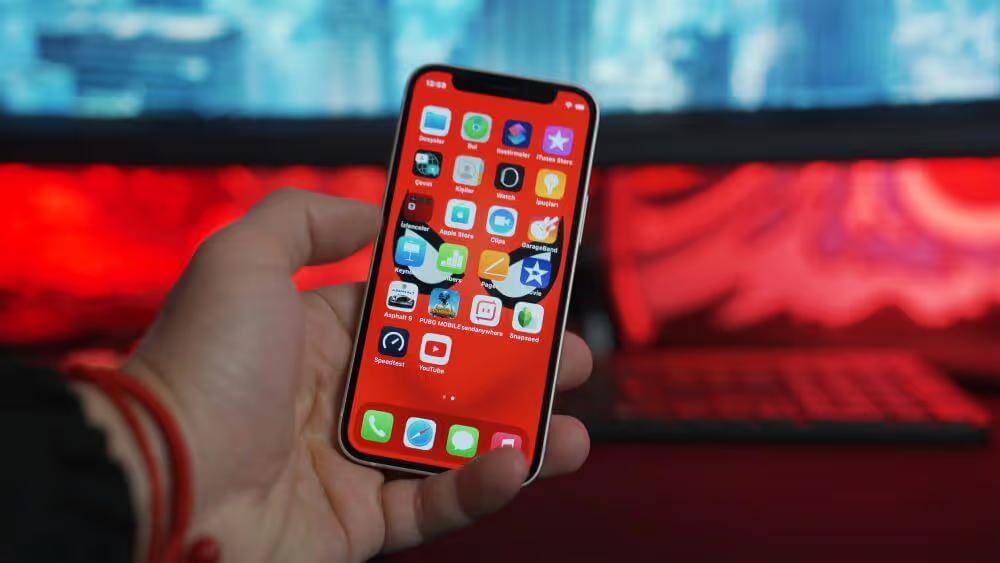
A progressive web app (PWA) is a website built to behave like an app. People can install it from the browser, open it from an icon on their home screen or desktop, use it in its own window without the address bar and get push notifications from it.
It’s still a website underneath. It lives at a URL, search engines index its pages and anyone can open it in a browser without installing anything.
That makes a PWA an upgrade to your site, not a separate product. Browsers switch on its app features where they support them, and everyone else gets the regular website.
Where the Name Comes From
The name “progressive web app” goes back to Alex Russell, then a Chrome engineer at Google, and Frances Berriman. In a June 2015 blog post, Russell described a new kind of website that was responsive, worked offline, could send notifications and could be installed to the home screen.
The pair called them “progressive apps”, and the name stuck as progressive web apps.
"These apps aren't packaged and deployed through stores, they're just websites that took all the right vitamins."
“Progressive” refers to progressive enhancement: build a version that works in every browser, then add features where the browser supports them. On an old browser, a PWA is just a website. On a modern one, it can be installed, work offline and send notifications.
Google’s own definition on web.dev sums it up in three pillars: a PWA should be capable, reliable and installable.
How Does a Progressive Web App Work?
A progressive web app works through three pieces of web technology: HTTPS, a web app manifest and a service worker. Web developer Jeremy Keith described these as the minimum for a PWA in 2017, and they’re still the core.
| Element | What it does | Needed to install? |
|---|---|---|
| HTTPS | Encrypts the connection. Service workers and push notifications only run on secure sites. | Yes |
| Web app manifest | A small JSON file with the app's name, icons, start page and display mode. | Yes, in Chrome and Edge |
| Service worker | A script that sits between the site and the network. It caches files, serves offline pages and receives push messages. | No longer in Chrome, but needed for offline pages and most push setups |
The manifest is what tells a browser your site can be installed. Chrome’s criteria ask for HTTPS, a name, 192px and 512px icons, a start URL and a display mode such as “standalone”, plus at least one click or 30 seconds on the page.
Safari is looser. On iPhone and Mac, people can add any site, with or without a manifest.
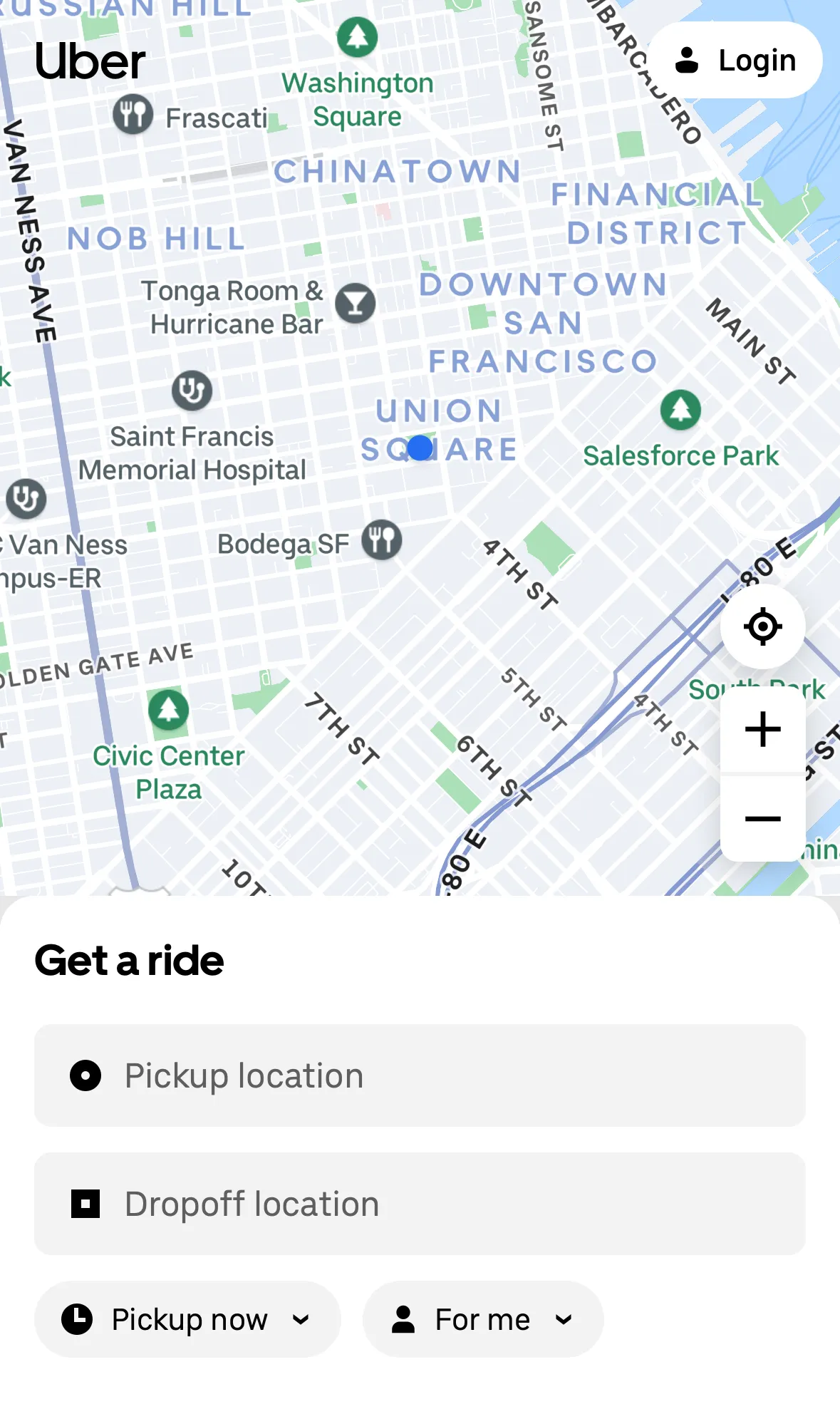
Here’s Uber’s manifest for m.uber.com, with the icon addresses shortened:
{
  "name": "Uber",
  "short_name": "Uber",
  "start_url": "/?utm_source=homescreen&utm_medium=shortcut",
  "display": "standalone",
  "orientation": "portrait",
  "theme_color": "#000000",
  "background_color": "#FFFFFF",
  "icons": [
    { "src": "…/b8c00410291161d0.png", "sizes": "192x192", "type": "image/png" },
    { "src": "…/2e878ee344ed3c86.png", "sizes": "512x512", "type": "image/png" }
  ]
}
The "display": "standalone" line makes the installed app open in its own window, without browser controls. The start URL carries UTM tags, so Uber can count the visits that come from the home screen icon.
The service worker is what makes a PWA fast. On the first visit, it saves the site’s shell (the layout, scripts and styles) on the device. Later visits load from that copy and only fetch what’s new, which is how native apps stay quick too.
What Can a PWA Do in 2026?
A PWA in 2026 can do most of what people expect from an app on Android and desktop, and noticeably less on iPhone. What it can do depends on the browser, not on your code.
| Android | iPhone and iPad | Desktop | |
|---|---|---|---|
| Install from the browser | Yes, from Chrome's prompt or menu | Yes, through Share, then Add to Home Screen | Yes in Chrome and Edge, Safari on Mac (Add to Dock) and Firefox on Windows |
| Install prompt the site can trigger | Yes, in Chrome, Edge and Samsung Internet | No | Chrome and Edge only |
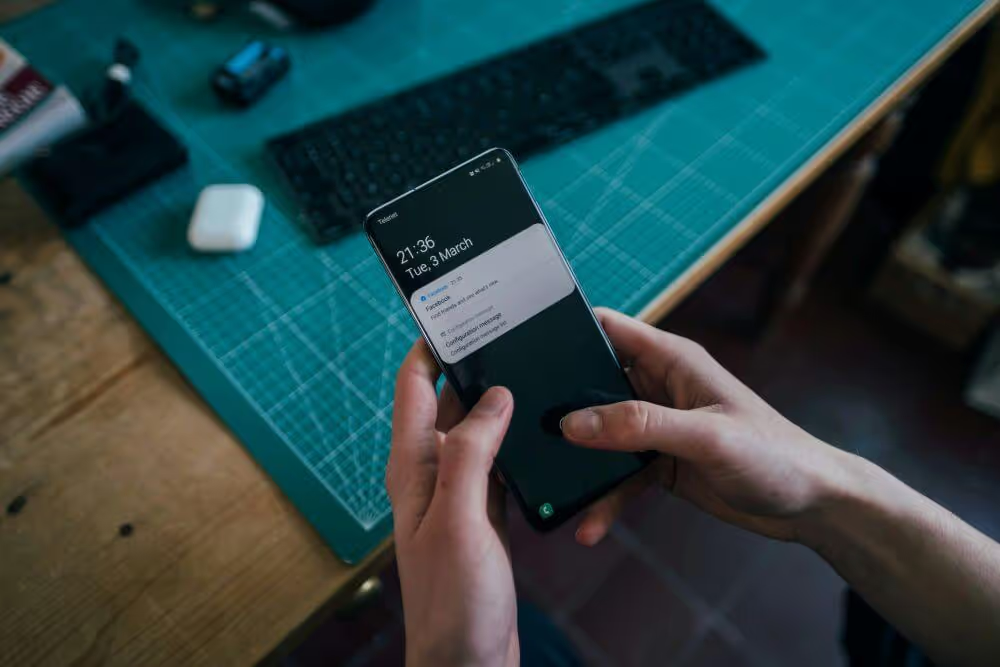
| Push notifications | Yes | Only once it's on the Home Screen (iOS 16.4 and later) | Yes, in all major browsers |
| Offline pages | Yes, with a service worker | Yes, with a service worker | Yes, with a service worker |
| Background sync | Chrome and other Chromium browsers | No | Chrome and Edge, not Safari or Firefox |
| Bluetooth and NFC | Yes, in Chrome | No | Bluetooth in Chrome and Edge, no NFC |
| Store listing | Google Play, as a Trusted Web Activity | Not in the App Store | Microsoft Store, packaged with PWABuilder |
Chromium browsers (Chrome, Edge and Samsung Internet) support the most. Safari and Firefox don’t support Web Bluetooth, Web NFC or Background Sync, according to MDN’s compatibility data in October 2026.
Firefox is the newcomer on desktop. Since Firefox 143 in September 2025, it can pin a site to the Windows taskbar as a web app, but Mozilla’s documentation says Mac support isn’t available yet.
Do PWAs Work on iPhone?
PWAs work on iPhone and iPad, but their app features, like push notifications, only switch on once someone adds the site to their Home Screen. Apple decides what they can do there. Every Home Screen web app runs on Apple’s WebKit engine, whichever browser added it.
Support has grown in steps:
- iOS 16.4 (March 2023) brought web push for web apps added to the Home Screen, along with app icon badges. It also let other browsers on iPhone offer Add to Home Screen, not just Safari.
- iOS 17.4 (March 2024) nearly went the other way. In February 2024, Apple said it would remove Home Screen web apps for users in the EU to comply with the Digital Markets Act. After a backlash from developers, it reversed the decision on March 1, 2024.
- iOS 18.4 (March 2025) added Declarative Web Push, which shows notifications without a service worker, and let Home Screen web apps keep the screen awake.
- iOS 26 (September 2025) made every site added to the Home Screen open as a web app by default, whether or not it has a manifest.
Some things haven’t changed. Safari never shows an install prompt, and sites can’t trigger one, so people have to find Share, then Add to Home Screen, on their own.
Push only reaches people who’ve done that and then allowed notifications after tapping a button. And a PWA still can’t be listed in the App Store.
Our guide to PWAs on iOS goes through every feature and gap. For setting up notifications, see how to add push notifications to a PWA on iPhone and Android.
Benefits of Progressive Web Apps
Progressive web apps make a website faster, more reliable and easier to come back to, without an app store or a second codebase. Here’s what they give you:
- They’re fast. A service worker serves repeat visits from the device, so pages appear almost instantly, even on a slow connection.
- They cope with bad connections. Cached pages and an offline screen replace the browser’s error page when the connection drops.
- They feel like an app. An installed PWA opens from an icon in its own window, with no address bar or tabs.
- They’re still websites. Search engines index them, every page has a link people can share and nobody has to download anything first.
- They’re light. Twitter Lite needed about 600KB over the network, against 23.5MB to install Twitter’s Android app, according to Google’s 2017 case study.
- They update instantly. You publish a change to your site and everyone gets it, with no app store review and no update for users to download.
- They can send push notifications. On Android and desktop, a PWA can ask for permission like an app can. iPhone has the conditions covered above.
What Results Have Companies Seen With PWAs?
Some of the best-known web performance case studies come from companies that rebuilt their mobile sites as progressive web apps.
| Company | Reported results | Source |
|---|---|---|
| Time spent up 40%, user-generated ad revenue up 44% and core engagements up 60% | Chrome team case study, November 2017 | |
| Twitter Lite | 65% more pages per session, 75% more Tweets sent and a 20% lower bounce rate | Google case study, May 2017 |
| Nikkei | 2.3 times the organic traffic, 58% more subscriptions and 49% more daily active users | Google case study, 2018 (PWA launched November 2017) |
| AliExpress | Conversion rate up 104% for new users, and iOS conversion rate up 82% | Google case study, 2016 |
| Uber | A core web app of 50kB that's usable in about three seconds on a 2G network | Uber Engineering, June 2017 |
These results date from 2016 to 2018, when Google was promoting PWAs heavily, and they measure a faster rebuild as much as the PWA features themselves. Treat them as evidence that speed pays, not as a forecast for your site.
For more examples of what’s possible with a PWA, see our roundup of progressive web app examples.
Disadvantages of Progressive Web Apps
Compared with a regular website, a PWA has few downsides beyond the time and money it takes to build. The drawbacks show up when you compare it with an app:
- Few people install them. Most people have never added a website to their home screen, and on iPhone nothing prompts them to.
- Push reaches fewer people on iPhone. Notifications only work for people who’ve added the PWA to their Home Screen and then said yes.
- There’s no App Store listing. Google Play and the Microsoft Store accept PWAs with some packaging, but Apple’s App Store doesn’t, so you’re missing from the place iPhone users look for apps.
- Device features are patchy. Bluetooth, NFC and background sync work in Chrome but not in Safari, which rules them out for anything that has to work on iPhone.
- Data can disappear. Browsers can clear a site’s cached data when a phone runs low on storage, while an app’s data stays until it’s deleted.
- The rules can change. Browser makers decide what PWAs can do, as the EU episode in 2024 showed.
None of this matters much if the PWA’s job is to make your website better. It matters a lot if you’re hoping it will replace a “real” app.
Do I Need a Progressive Web App?
If your website is important to your business, you’ll benefit from the core value of a PWA: a fast, cached, installable site. The work improves the site every visitor already uses, and mobile keeps growing as the most common way people use the web.
A PWA on its own is a strong fit when:
- Most of your mobile visitors are new or occasional, and arrive from search, ads or social media.
- People use your product on desktop as well as mobile, and you want one codebase for every screen.
- Most of your audience is on Android, where PWAs get the fullest support.
- You run a web tool that people would like to keep in their dock or taskbar.
An app is the better choice when:
- Your best customers come back every week or more, and you want to reach them with push on iPhone.
- People expect to find you in the App Store and Google Play.
- Your product needs device features Safari doesn’t support, like Bluetooth or NFC.
If you run an online store, our guide to ecommerce PWAs goes into more detail on the benefits and implementation steps of progressive web apps for businesses like yours.
How to Build a Progressive Web App
Building a progressive web app comes down to a few steps, and you can add them to the site you already have:
- Serve the whole site over HTTPS. Most hosts include a certificate.
- Add a web app manifest. Give it a name, 192px and 512px icons, a start URL and a display mode. Link it from every page.
- Register a service worker. Cache the app shell and your key pages, and add an offline page.
- Add push notifications, if you need them. Ask for permission after the user taps something, which Safari requires.
- Test on real devices. Check installation, offline behavior and push on an iPhone and an Android phone. Lighthouse dropped its PWA audit in May 2024, so use the Application panel in Chrome DevTools to check the manifest and service worker.
- Package it for stores, if you want listings. PWABuilder packages PWAs for the Microsoft Store and Google Play, and Google’s Bubblewrap builds the Trusted Web Activity that Google Play needs.
Plenty of tutorials promise a PWA in 10 minutes, and they’re right about the minimum. A manifest and a basic service worker are quick to add.
Doing it well is harder. Caching the right files, keeping content fresh and handling offline states take experienced front-end developers, and a designer who understands app navigation helps.
Cost and Timescale of Building a Progressive Web App
The cost of a progressive web app depends mostly on whether you’re upgrading your current site or building a new web app from scratch. Converting an existing site is usually cheaper and faster.
As a rough estimate, you’re looking at investing at least 3 months and $20,000 to $50,000 to get a great result. A bare-bones PWA can take a couple of weeks, while one with advanced features and integrations can take up to six months.
Compared with a native app, that’s still cheaper and faster, because you build and maintain one codebase instead of two.
Turn a WordPress Site into a PWA
WordPress sites can add PWA features with a plugin. SuperPWA, with more than 40,000 active installs, adds a manifest, offline caching and an Add to Home Screen notice. It was last updated in September 2026.
Check that a plugin is still maintained before you rely on it. The PWA plugin, whose contributors include Google, is flagged on WordPress.org as untested with the last three major WordPress releases.
Progressive Web Apps vs Native Apps
Progressive web apps and native apps aren’t rivals, even though they’re often pitched that way. They do different jobs, and they work best together.
A PWA gives every mobile visitor a fast, app-like website, with nothing to install. A native app is a home for your most loyal customers: it lives on their phone, reaches them with push and puts you in the App Store and Google Play.
| PWA | Native app | |
|---|---|---|
| What it is | Your website, with a manifest and a service worker | An app that runs on a customer's phone |
| How people get it | They visit it or install it from their browser settings | App Store and Google Play (with one tap) |
| Listed in the App Store | No (Google Play and Microsoft Store with packaging) | Yes |
| Push on iPhone | Only after it's added to the Home Screen | Yes |
| Device features | What the browser supports, which is limited on iPhone | Full access |
| Updates | Instant | Through app store review |
| Cost and time | Lowest, especially when it builds on your current site | Highest, up to six months or more of development |
| Best suited to | Reaching new and occasional visitors on every device | Bringing repeat visitors back easier, with push for instant message delivery |
Our article on PWAs vs native apps goes into this comparison in more depth.
A Native App, Without Building One From Scratch
The biggest downside of a native app is the cost of building it. A custom app for iPhone and Android can take six months or more of development, and then a team to keep it in step with your website.
MobiLoud slashes that cost by building on top of what you already have. We turn your existing website into native iOS and Android apps, published in the App Store and Google Play.
To your customers, it’s no different from a custom app built from scratch. They download it from the app stores, it sends push notifications, it has native navigation and links open straight in the app.
Because the app is built on your site, there’s nothing to rebuild and no second codebase to keep in sync. Every change to your website shows up in the app, and we build, publish and maintain your app for you.
Launch typically takes 2 to 4 weeks, with a one-time setup fee.
"Because we're using an app, we have the ability to leverage native device features and capabilities that are not available to a web browser."
If you already have a PWA, it can power the app too. Our page on turning a PWA into iOS and Android apps explains how.
Should You Build Native Apps or a PWA?
A PWA is the best version of your website, and for most businesses it’s worth having. It makes the site faster, keeps it working on a bad connection and lets your most engaged visitors keep it on their home screen.
It isn’t a replacement for an app, though. On iPhone, few people will install it, push only reaches the ones who do and you won’t appear in the App Store.
Native apps are still the best mobile experience. What held most businesses back was the cost of building them twice, once for iPhone and once for Android, then keeping both in step with the website.
MobiLoud removes most of that cost by building your app on top of your website. Build the PWA for your mobile web visitors and give your repeat customers a native app powered by the same site. That covers everyone, with one website to maintain.