For web-first brands like ecommerce stores, publishers and web apps, web is no longer the only channel to focus on.
Building a mobile app for your site has never been quicker or cheaper. There are affordable self-serve tools widely available on the web that let you repackage your website as a native app, as well as increasingly more sophisticated ways to transform the web code you already have into something that runs natively on your user’s phone.
With these tools, you can expand your reach, and increase retention and engagement from your best users, by getting an app in the hands of those users.
This guide compares the 10 best tools to convert your website into a mobile app in 2026: breaking down all you need to get your app up and running.
What Kinds of Website-to-App Tools Are There?
There’s a wide range of tools that can turn a website into an app, and they don’t all work the same way. Some repackage your site as an app in a few clicks, some give your developers a framework to build with, and some build a custom app for you.
Most of them fit into a few broad categories:
- Self-serve converters. AppMySite, Twinr, Median, AppPresser and Natively turn your site into iOS and Android apps, with native features you switch on in a dashboard.
- Cross-platform frameworks. Capacitor, Cordova, React Native and Flutter are free toolkits your developers use to build an app in code.
- PWA packagers. PWABuilder takes a progressive web app and packages it for the app stores.
- Managed app services. MobiLoud transforms your website’s code into a custom native app, then publishes it and looks after it.
The lines between them aren’t fixed. Some converters offer done-for-you plans, and among the frameworks, Capacitor reuses your web code while React Native and Flutter start from a fresh codebase.
The 10 Best Website-to-App Tools (at a Glance)
Here’s how the 10 best website-to-app tools break down in a few key areas.
| Tool | Approach | Best for | Starting price | Who publishes |
|---|---|---|---|---|
| MobiLoud | Custom native app, powered by your site's code | Established brands that want a custom app, without another storefront to maintain | $799 per month | MobiLoud's team, in your own developer accounts |
| AppMySite | Self-serve, AI-assisted app builder | Small WordPress and WooCommerce sites | Free for Android; $19 a month for iPhone and Android | You |
| Twinr | Self-serve website-to-app converter | Small online stores | $25 a month, plus a charge for app sessions | You |
| Median.co | Self-serve converter with a JavaScript Bridge | Web developers and internal company apps | Free with a watermark; $229 once, then $179 a year | You, or Median's team on its Business plan |
| AppPresser | WordPress app builder | WordPress courses, communities and memberships | $59 a month, billed yearly | AppPresser, in your own developer accounts |
| Natively | Self-serve website-to-app converter | Bubble, Lovable and other no-code web apps | $19 a month; $699 for a lifetime license | You, or Natively's team for $600 |
| Capacitor / Cordova | Open-source framework that reuses your web code | SaaS teams with web developers | Free | Your developers |
| React Native | Open-source framework for a rebuilt native app | App-first products with a mobile team | Free | Your developers |
| Flutter | Open-source framework for a rebuilt app | Highly designed apps on several platforms | Free | Your developers |
| PWABuilder | Open-source PWA packager | Putting an existing PWA on Google Play | Free | You |
Whichever tool you choose, you’ll also need your own developer accounts. Apple charges $99 a year for its developer program, and Google Play charges a one-time $25.
Also, make sure you take into account your (or your team’s) time as part of the cost. Some options may be cheap or free, but require a lot of your time to build and maintain the app (which is not free).
What Are the Best Tools to Turn a Website Into an App?
The best tools to turn a website into an app depend on what you’re looking for, and the scale of your business. MobiLoud, AppMySite, React Native, Flutter and PWABuilder are a few of the top options for a variety of use cases. Let’s take a deeper look now.
1. MobiLoud: Best for Brands That Want a Custom App Built for Them
MobiLoud transforms your website into a custom native app, powered by the same underlying code as your website. It’s built for mid-market and enterprise online brands, and unlike the self-serve tools below, it isn’t software you set up yourself.
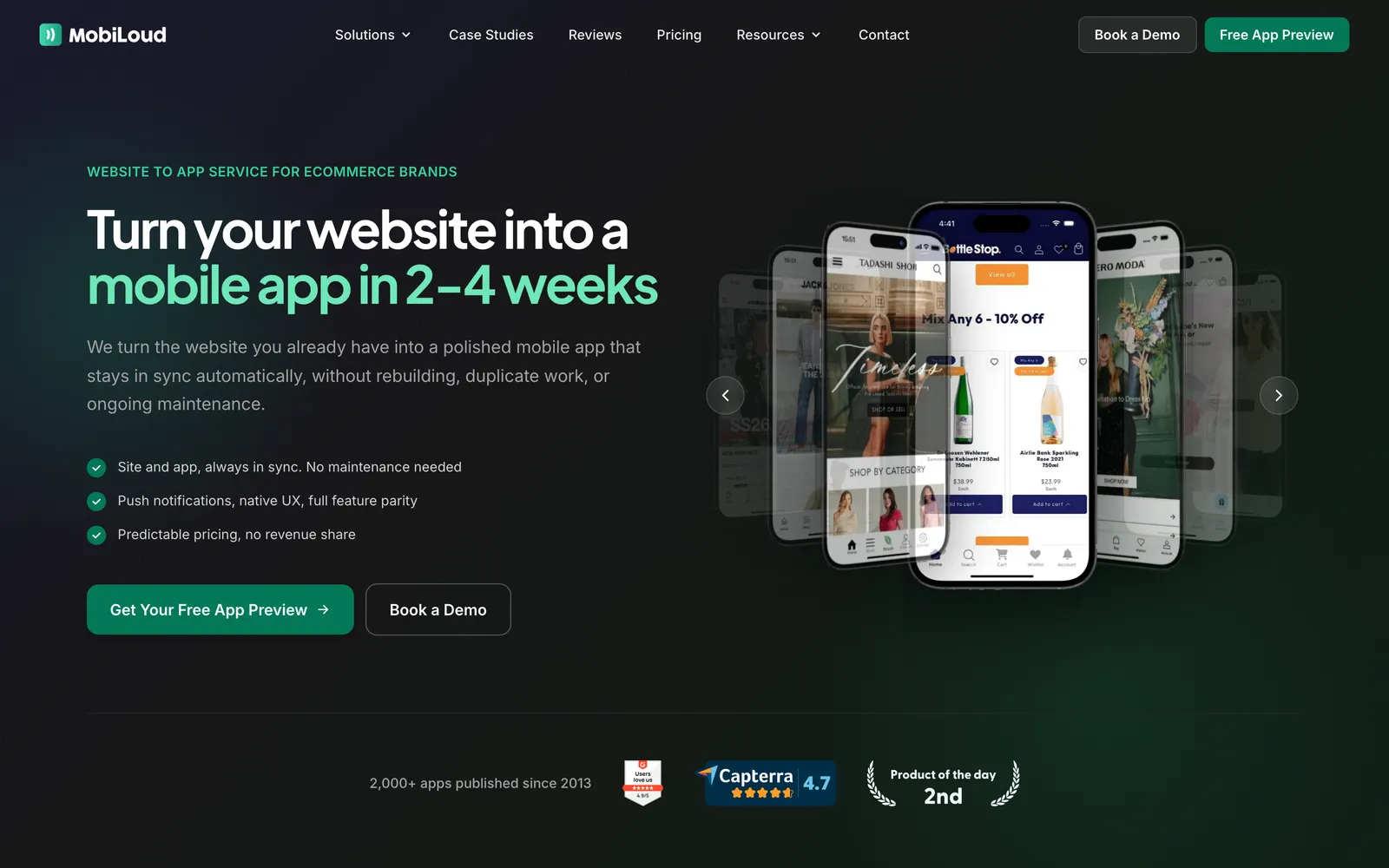
Our team builds the app from your site’s code, so instead of starting from a blank canvas, it starts with your existing products, menus, content and features like search, loyalty and subscriptions. Then we design a fully custom, native interface for the app, with home screens, product pages and navigation made for the app.
On top of that come the app-specific experiences: app-only pages your team builds in your own platform, push notifications, native features, SDKs and device integrations.
The app can look and feel very different from your website. But it feeds from the same codebase, so it’s always consistent with your site. Launch a collection or a promotion on the web, and it’s in the app too, with no second codebase to maintain.
MobiLoud launches your app in the App Store and Google Play under your own developer accounts, typically in 2 to 4 weeks, then looks after it through every iOS and Android update. With over 2,000 successful app launches, the team has helped brands like John Varvatos, Jack & Jones and Tadashi Shoji launch their apps this way.
"We have a small team, with no app development experience. We needed someone that would hold our hand through the process, and guide us on how to maintain the app post-launch."
MobiLoud is the best option for established brands that want a truly custom native app for their site, without the overhead of managing a whole new codebase. If you’d rather build and publish the app yourself, or need the lowest possible price, one of the self-serve tools below is a better fit.
2. AppMySite: Best for WordPress and WooCommerce Sites on a Tight Budget
AppMySite is a no-code tool that now calls itself an AI mobile app builder. You build with prompts, drag-and-drop tools and toggles, and preview each change as you make it.
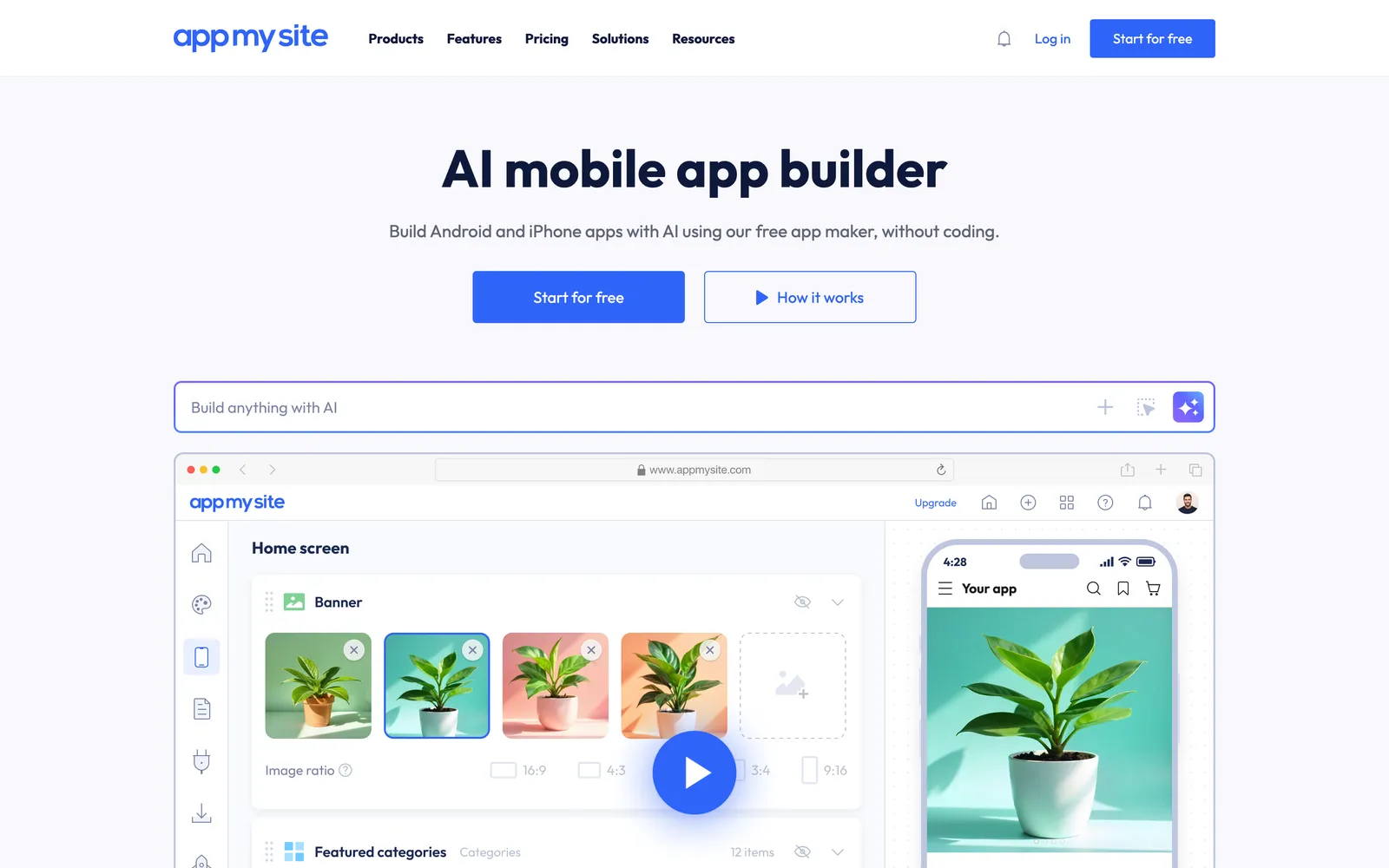
It works with WordPress, WooCommerce and Shopify, and can turn any other website into an app too. Its WordPress and WooCommerce apps stay in step with your site, so new posts and products show up in the app. Push notifications and monetization features come on every plan.
AppMySite is the cheapest way on this list to get an app into the stores. The free plan builds one Android app with AppMySite branding, and Pro, the first plan with an iPhone app, costs $19 a month ($15 a month billed yearly).
Premium, at $49 a month, adds advanced push notifications and app analytics. There are also one-time lifetime licenses from $199.
AppMySite is ideal for small WordPress sites, blogs and stores that want an app for the price of a plugin.
3. Twinr: Best for Small Online Stores That Want to Build Their Own App
Twinr is a no-code platform that converts a website into iOS and Android apps, with a dashboard for native screens, app-only campaign pages and push notifications. It supports most website platforms, including Shopify, WooCommerce, Magento, BigCommerce, Wix and Squarespace.
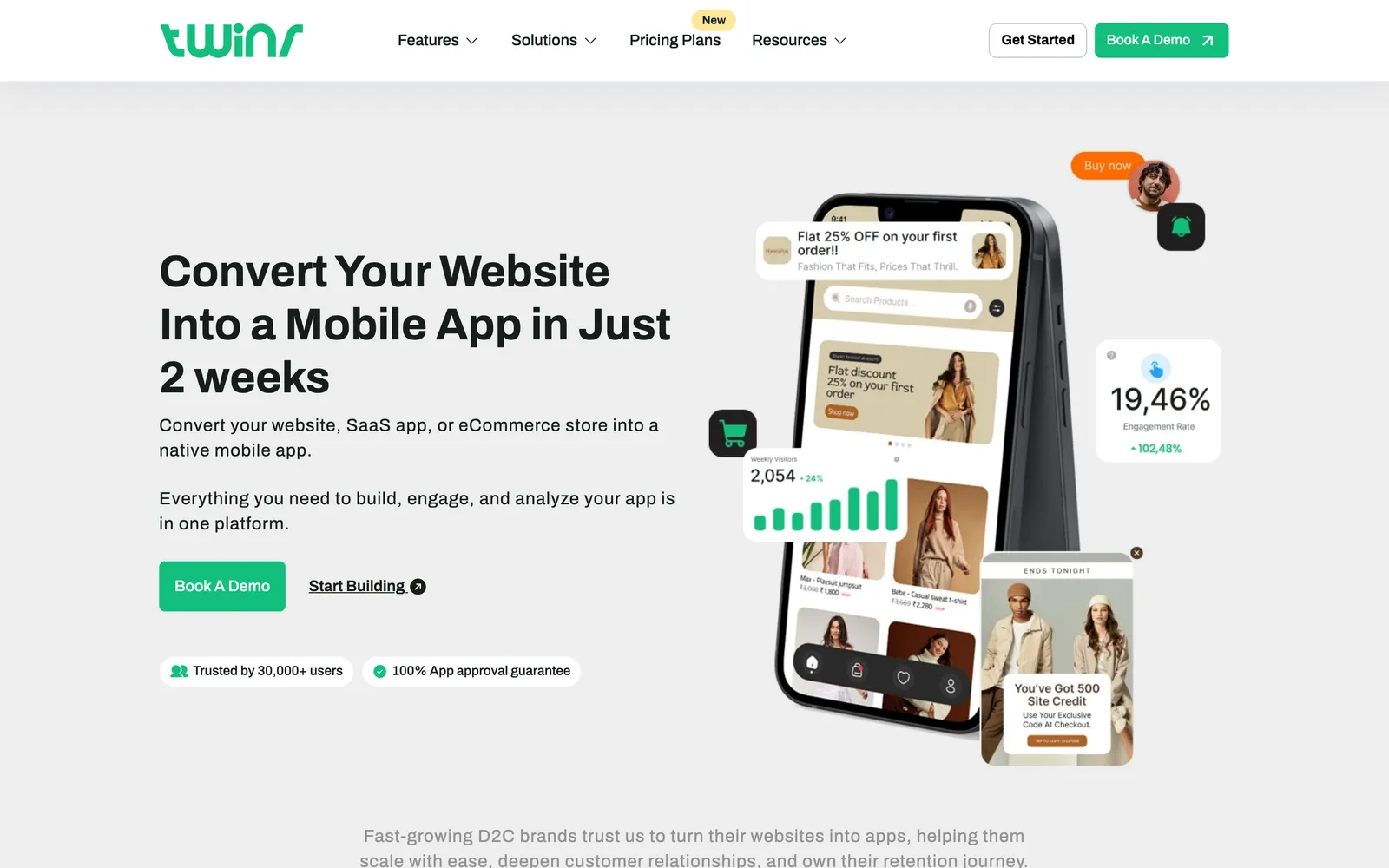
Its ecommerce tools are its strength. The Premium plan adds abandoned-cart, welcome and inactivity push sequences, app onboarding and Google AdMob ads, and Twinr’s AI can suggest push notifications based on how people use your app.
Prices start at $25 a month for Basic, plus a small charge based on app sessions, and Premium costs $125 a month. Every plan has a 14-day free trial with no credit card.
Twinr hands you the finished app files, and you publish them in your own Apple and Google developer accounts. Its Full Suite plan, from $599 a month, adds implementation by Twinr’s team.
Twinr is a strong fit for small stores that want push notifications and app-only promotions on a small budget.
4. Median.co: Best for Web Developers and Internal Company Apps
Median (formerly GoNative) turns a website or web app into iOS and Android apps that display your site’s content. Its JavaScript Bridge lets your web code call native features, and you build in its browser-based App Studio, without Xcode or Android Studio.
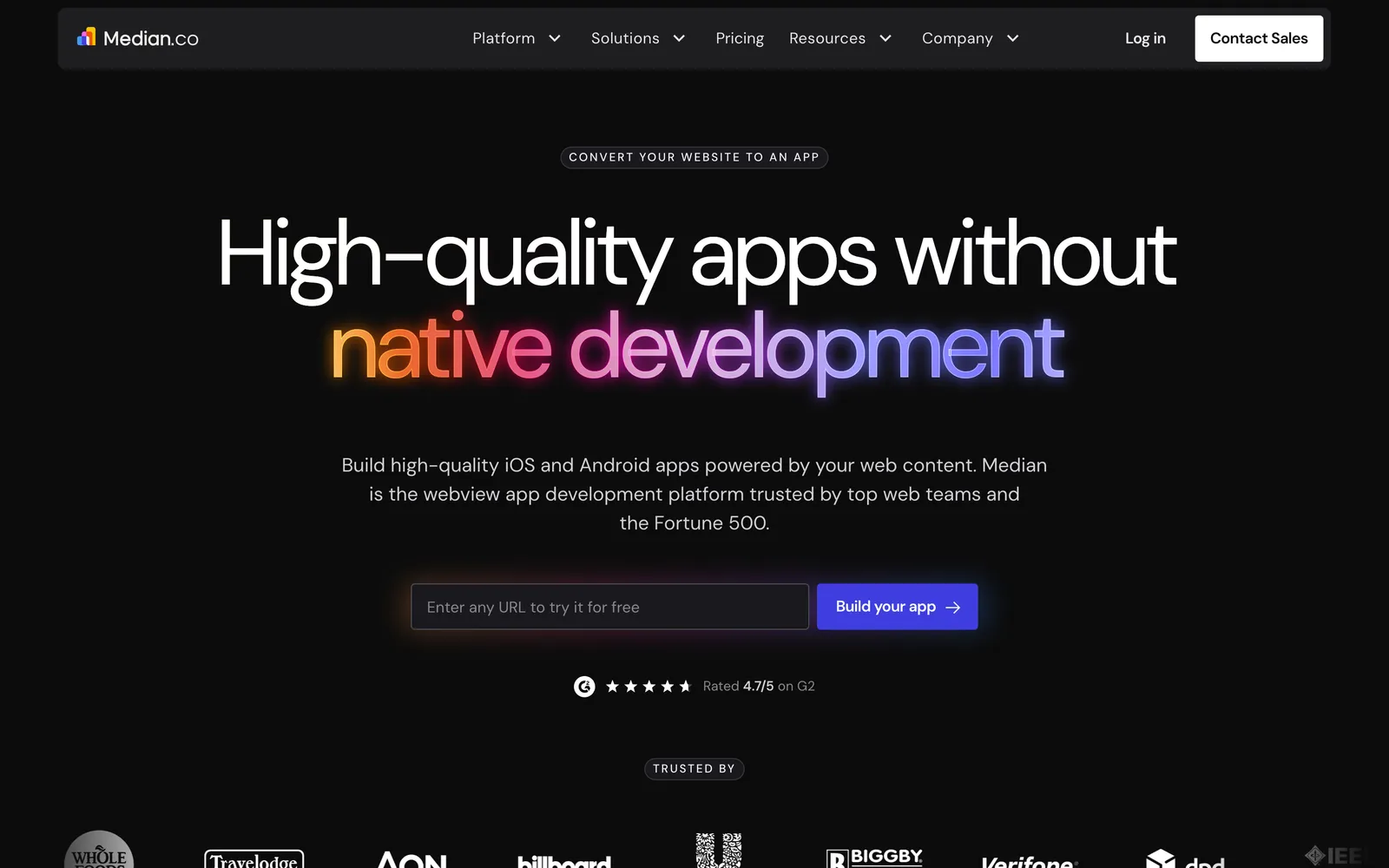
Its plugin library covers Face ID and Touch ID login, QR and barcode scanning, social login, in-app purchases and push notifications through OneSignal. That depth makes it popular with developers and with large companies building apps for their own staff. Median’s case studies include a SharePoint app for McKesson’s workforce and an employee app for Aon.
Median is free to build with, but free apps show a “Powered by Median.co” message and can’t use the JavaScript Bridge. A white-label Starter license costs $229 once, plus $179 a year from the second year. Its Business plan, from $7,200 a year, adds a team that builds, publishes and maintains the app.
Median makes sense for web developers who want to publish an app themselves for a small one-off fee. It’s also a strong fit for internal business apps that need enterprise security and private distribution to employees’ devices.
5. AppPresser: Best for WordPress Course, Community and Membership Sites
AppPresser is an app builder made only for WordPress. You build the app in AppPresser’s dashboard much as you’d build a WordPress site, adding pages, menus and design, while its plugins connect the app to your site.
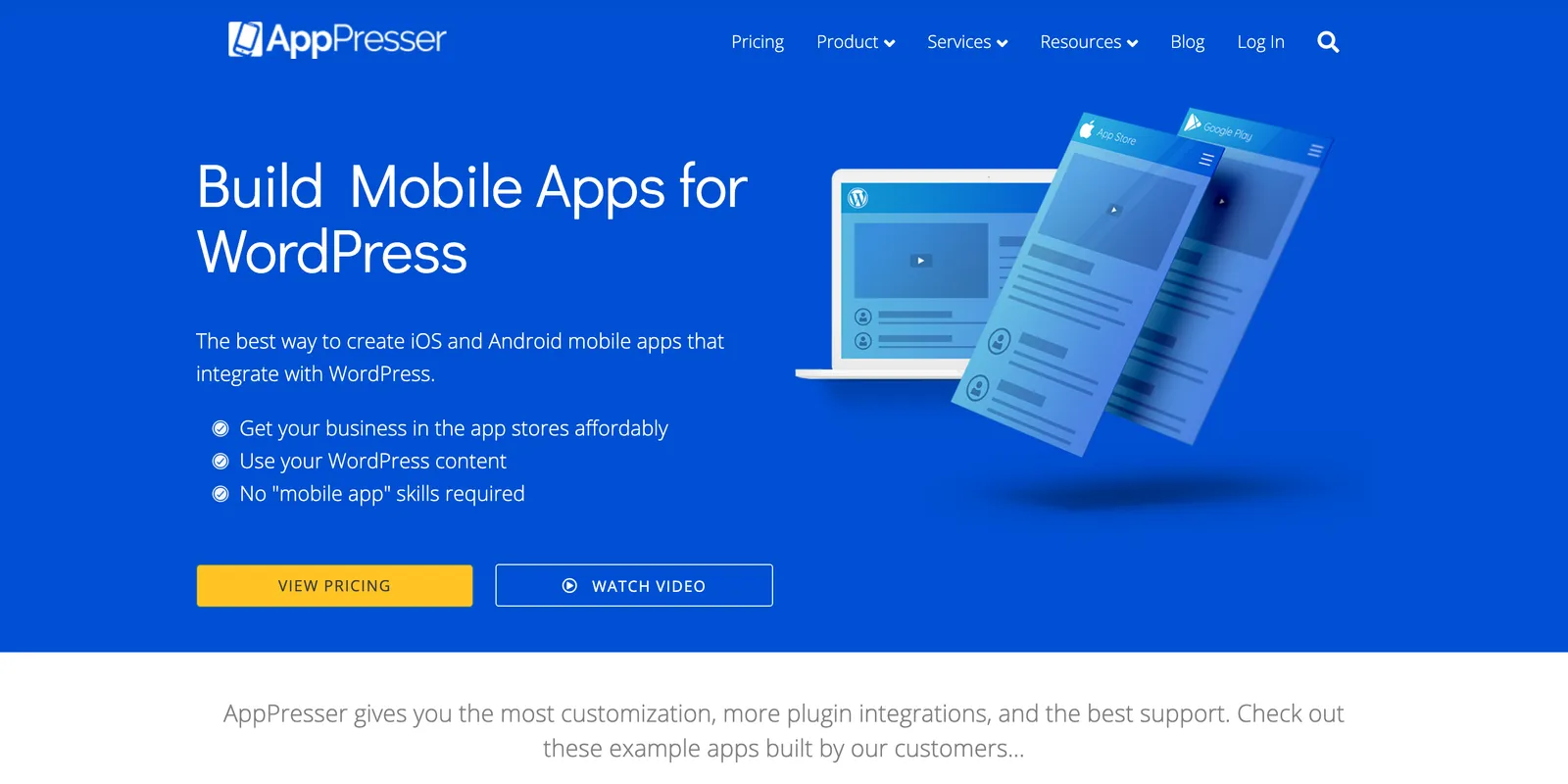
Its integrations are its edge. WooCommerce, BuddyPress, BuddyBoss, LearnDash and membership plugins are supported on every plan, which makes it a common pick for online courses, communities and member sites.
AppPresser also submits the app to the stores for you, in your own developer accounts. Plans cost $59, $79 or $129 a month billed yearly ($79, $99 or $149 billed monthly), with a 14-day free trial.
If you’d rather not build the app yourself, AppPresser sells development hours, with a 10-hour minimum at $150 an hour. It works best for WordPress teams that are comfortable building the app inside their own ecosystem.
6. Natively: Best for Bubble, Lovable and Other No-Code Web Apps
Natively converts a website into iOS and Android apps from just its URL, with no coding. It works with any website, and highlights support for apps built on no-code and AI platforms like Bubble, Lovable, Base44 and Replit. Natively says more than 9,500 apps have been made with it.
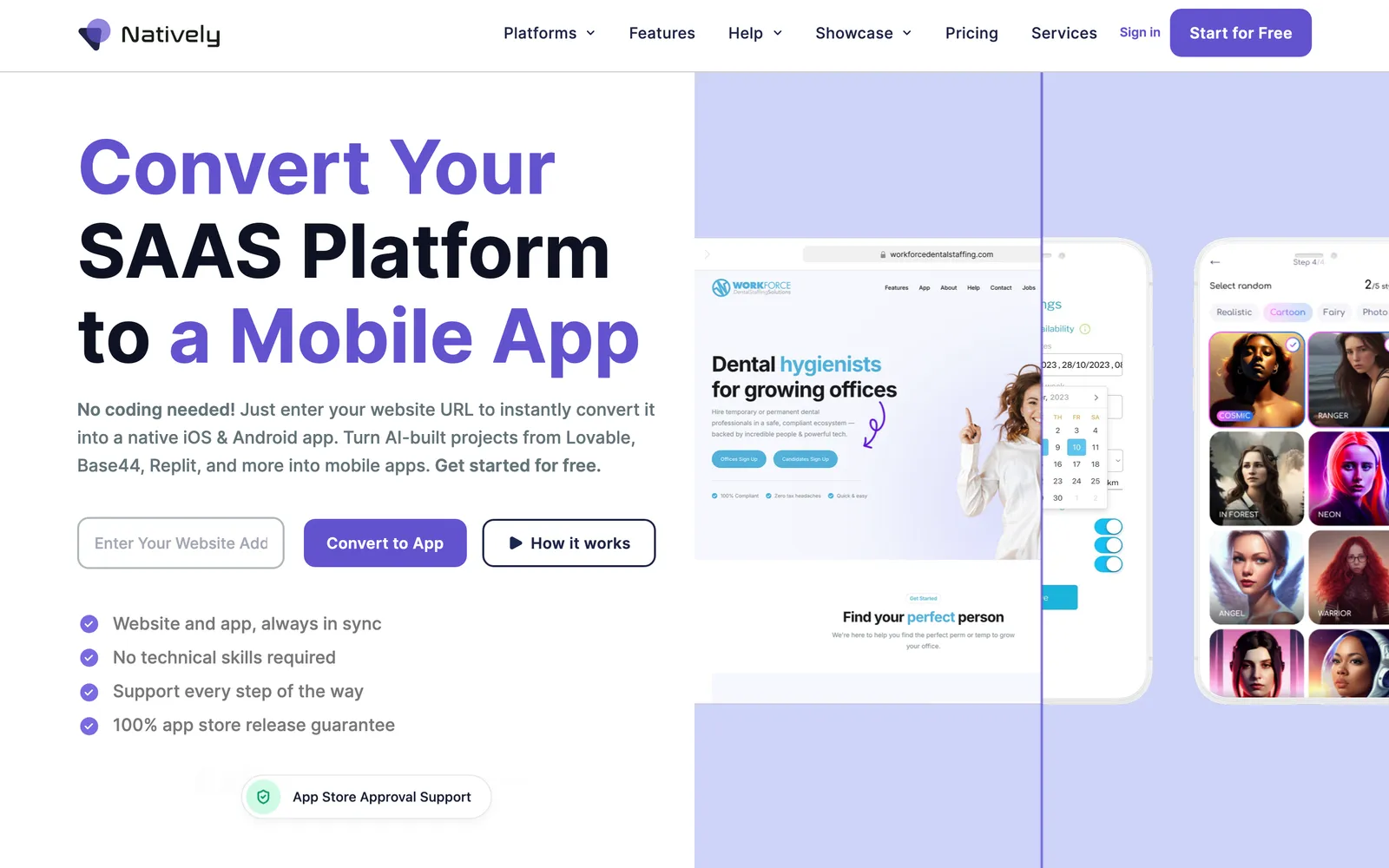
You add native features through its SDK and plugins: push notifications through OneSignal, in-app purchases through RevenueCat, location, universal links and social sign-in. Natively uploads your iOS app to Apple automatically, and you publish it in your own accounts.
It’s one of the cheapest options here. The Essential plan costs $19 a month ($12 billed yearly) but leaves out push and in-app purchases, which come with Unlimited at $49 a month ($32 billed yearly).
A lifetime license costs $699 once, and Natively’s team will publish the app for you for $600. It suits founders who built their product on a no-code platform and want it in the app stores for the lowest possible cost.
7. Capacitor and Cordova: Best for SaaS Teams With Web Developers
Capacitor, from the team behind Ionic, and Apache Cordova are free, open-source frameworks that run your web app’s code inside native iOS and Android projects. Plugins give that code access to the camera, location, push notifications and other device features.
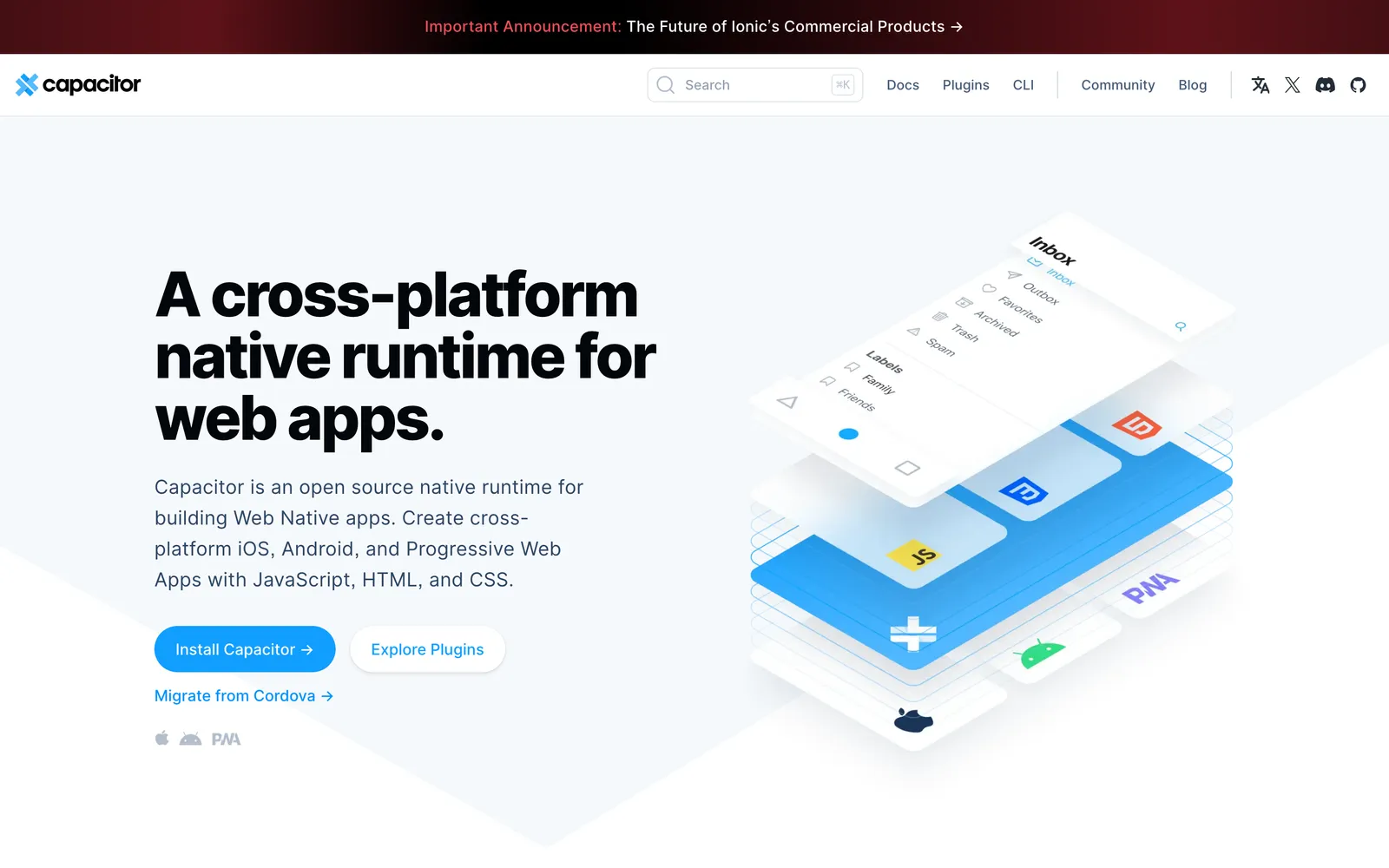
Capacitor is the newer of the two and can use most Cordova plugins. Cordova is still maintained, though, with new iOS and Android releases in July 2026.
The appeal is code reuse. Your developers keep one codebase for the browser and the app, in whatever web framework they already use, such as React, Angular or Vue.
The frameworks are free to use, but they require a lot of developer resources to build and maintain your app, from native features and App Store submission to updates for every new version of iOS and Android. They make most sense for SaaS companies whose product is already a web app, with developers who have time to spare.
8. React Native: Best for Building a Fully Native App From Scratch
React Native is Meta’s open-source framework for building iOS and Android apps in JavaScript and React. Its components map to each platform’s own interface elements, and the React Native team recommends starting new apps with a framework such as Expo.
It’s behind some of the biggest apps in the world. React Native’s showcase includes Facebook, Instagram, Microsoft Office and Amazon Shopping.
With React Native, you don’t so much convert your website as rebuild it. Your developers write new screens, connect them to your site’s data through APIs and then maintain the app alongside your website.
That makes React Native ideal for app-first products, or apps that need to do a lot your website can’t, like heavy offline use. The framework is free, but a custom app takes months of developer time to build and a team to keep it running.
9. Flutter: Best for Highly Designed Apps on Several Platforms
Flutter is Google’s open-source toolkit for building mobile, web, desktop and embedded apps from a single codebase, written in the Dart language. Instead of using each platform’s interface elements, it draws every pixel itself, so the app looks the same on iPhone and Android.
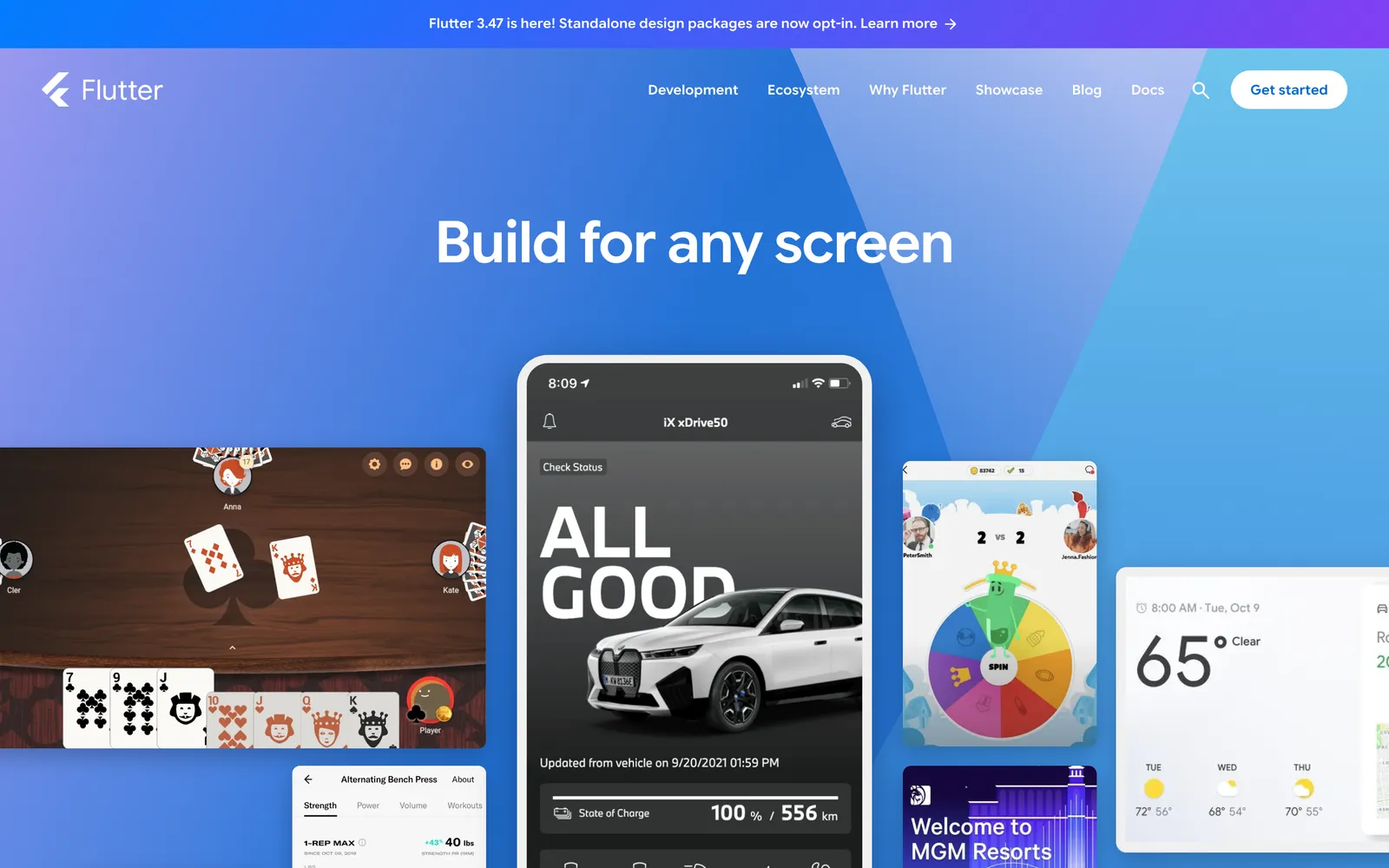
That gives designers complete control. Flutter’s showcase includes apps from Google Pay, BMW and Toyota.
Like React Native, Flutter means rebuilding your app from scratch, and Dart is a language your web developers probably don’t use yet. Compared with React Native, it’s the stronger fit for a distinctive, highly designed app that has to run on several kinds of device.
10. PWABuilder: Best for Putting a PWA on Google Play at Little Cost
PWABuilder is a free, open-source tool, founded by Microsoft, that packages a progressive web app for the Microsoft Store, Google Play and Apple’s App Store. On Android, your PWA is listed on Google Play as a Trusted Web Activity.
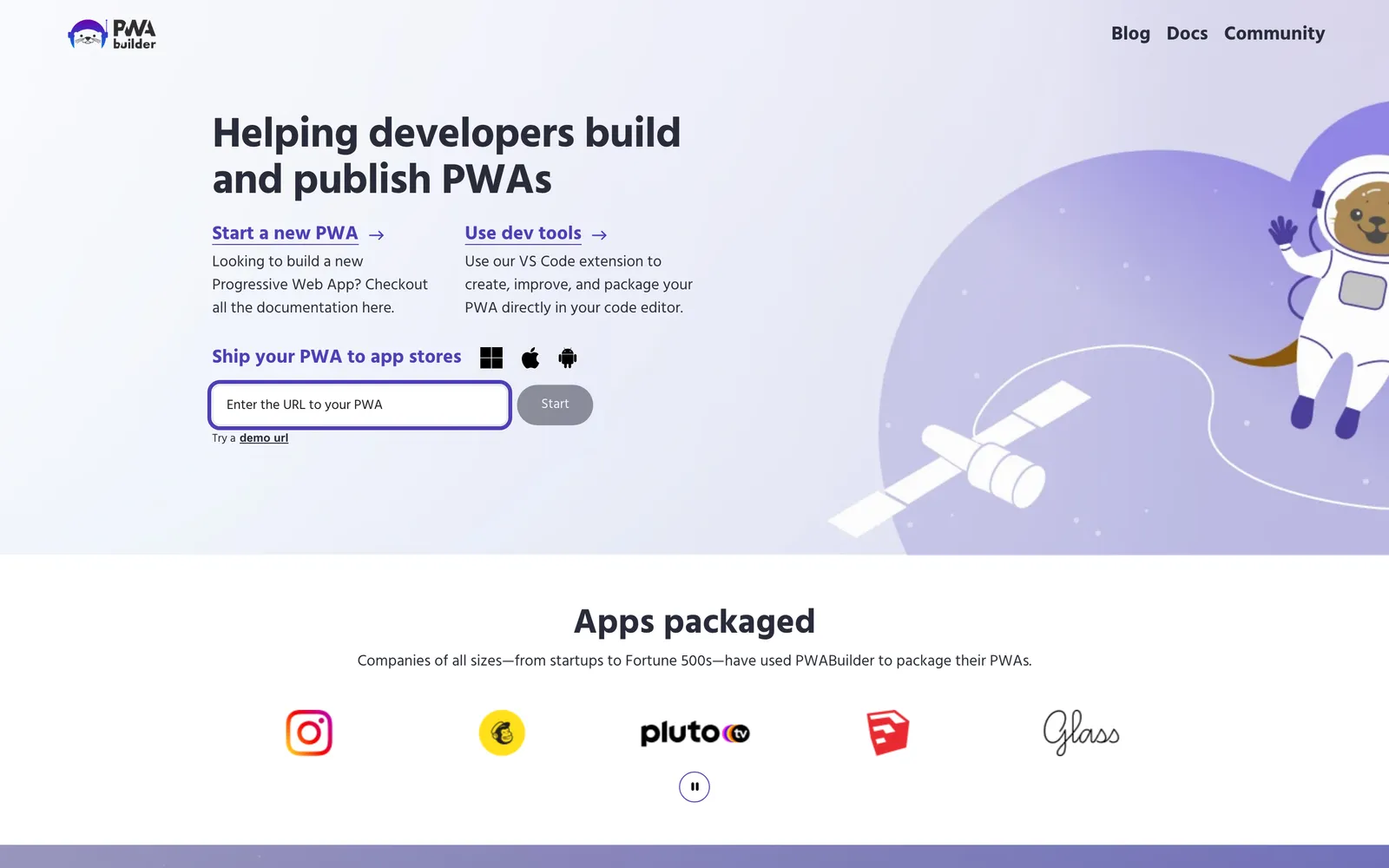
The iPhone route is harder. PWABuilder’s iOS packaging is still marked experimental: it creates a Swift app around your PWA that you build in Xcode on a Mac, and Apple will expect the app to offer more than your website does.
It’s the cheapest route if you already have a PWA and mainly want an Android listing. On iPhone, a PWA only gets push notifications on iOS 16.4 or later, after someone adds it to their Home Screen. Our guide to publishing a PWA in the app stores covers both stores step by step.
How Do You Choose the Right Tool for Your Website?
The right website-to-app tool depends mostly on who will build and look after the app, and what your website runs on. Use this table to find your starting point.
| If you… | Start with |
|---|---|
| Run an established brand and want a custom native app | MobiLoud |
| Have a small WordPress or WooCommerce site and a tight budget | AppMySite |
| Run a small store and want to build the app yourself | Twinr |
| Are a web developer, or need an app for your own staff | Median |
| Run courses, a community or memberships on WordPress | AppPresser |
| Built your product on Bubble, Lovable or a similar platform | Natively |
| Run a web app and have web developers to spare | Capacitor |
| Are building an app-first product with a mobile team | React Native or Flutter |
| Have a PWA and mainly want to be on Google Play | PWABuilder |
It also helps to ask each vendor (or your own team) a few questions before you commit:
- Who designs the app? Some tools package your mobile site as it is, while others let you design screens for the phone.
- Who publishes it, and who handles App Review? Someone has to answer the reviewer if Apple has questions.
- Who keeps it working? Apple and Google release new versions every year, and your app has to keep up.
- Can it go beyond your website? App-only pages, push campaigns and device features are what keep people coming back to an app.
How Much Does It Cost to Turn a Website Into an App?
The cost of turning a website into an app ranges from about $20 a month for a self-serve tool to months of developer time for an app built in code, plus the fees Apple and Google charge every developer.
Here’s what goes into the total:
- App store fees: $99 a year for the Apple Developer Program and a one-time $25 for Google Play.
- Self-serve tools: about $19 to $79 a month on monthly billing for an iPhone and Android app, or a one-time license such as Median’s $229 (plus $179 a year) or Natively’s $699.
- Publishing help: Natively charges $600 to publish the app for you, while AppPresser includes submission on most plans.
- Frameworks: free to use, but you pay for the developers who build and maintain the app.
- Your team’s time: designing, testing, publishing and updating the app every time iOS or Android changes.
That last cost is the easiest to miss. The cheapest way to get an app into the stores isn’t always the cheapest app to own, which is why it’s worth working out the total cost of ownership over a few years, not just the first month.
Will Apple Approve an App Made From Your Website?
Apple approves apps made from websites when they offer more than the website does. Guideline 4.2 of Apple’s App Review Guidelines says an app should include “features, content, and UI that elevate it beyond a repackaged website.”
In other words, Apple is looking for an app that feels like an app, not your mobile site with the browser bar taken away.
What gets an app approved is what makes it feel like an app. That means native navigation, screens designed for the phone and app screens instead of browser errors, plus push notifications and other features a browser can’t offer. Our guide to Apple’s rules for webview apps covers each one.
Who deals with App Review depends on the tool. With self-serve tools and frameworks, you or your developers answer the reviewer and fix any rejection, while MobiLoud’s team handles the submission and any questions for you.
Apple also wants the app published under your own name. Guideline 4.2.6 rejects apps from app generation services “unless they are submitted directly by the provider of the app’s content,” so publish in your own Apple Developer account, whichever tool you choose.
Is Your Website Ready to Become an App?
Most websites are ready to become an app, as long as they work well on a phone. A tool that packages your site can only be as good as your mobile site, so check three things first:
- Responsive design. Every page should fit a phone screen, including checkout, account pages and anything that comes from a third-party tool.
- Speed. Pages that load slowly in a mobile browser will load slowly in an app built from them. Aim for Core Web Vitals in the “good” range.
- Logins and checkout. Test sign-in, payments and account pages in Safari and Chrome on a real phone.
In any case, you should make sure your website is as good as it can be first, because that’s usually where the bulk of your traffic is going to come. However, some of the website to app tools in this post can elevate your website’s performance for mobile.
MobiLoud helps you build a faster, smoother experience in your app; and frameworks like React Native can rebuild your store from scratch to become a faster, mobile-native product.
Final Thoughts
An app is one of the best ways to expand your reach and keep your best customers coming back, and there’s never been a wider range of tools to build one from the website you already have.
If you want to test the idea on a small budget, a self-serve tool like AppMySite, Twinr or Natively is a sensible place to start. If your app is the product and you have a mobile team, React Native or Flutter give you full control.
For established brands that want a truly custom native app for their site, without the overhead of managing a whole new codebase, MobiLoud is the best option. Your app is designed for the phone, live in weeks and looked after by our team.