Push notifications are part of everyday life on a phone. A delivery update, a message from a friend, a reminder from your bank and a new drop from your favorite brand all arrive the same way.
For brands, they’re one of the most powerful channels there is: a direct line to the customer’s lock screen that costs nothing per message.
This guide explains what push notifications are, how they get from a server to a phone and the main types, with examples from real brands. It also covers the permission rules on iPhone and Android and what you need to start sending them.
What Are Push Notifications?
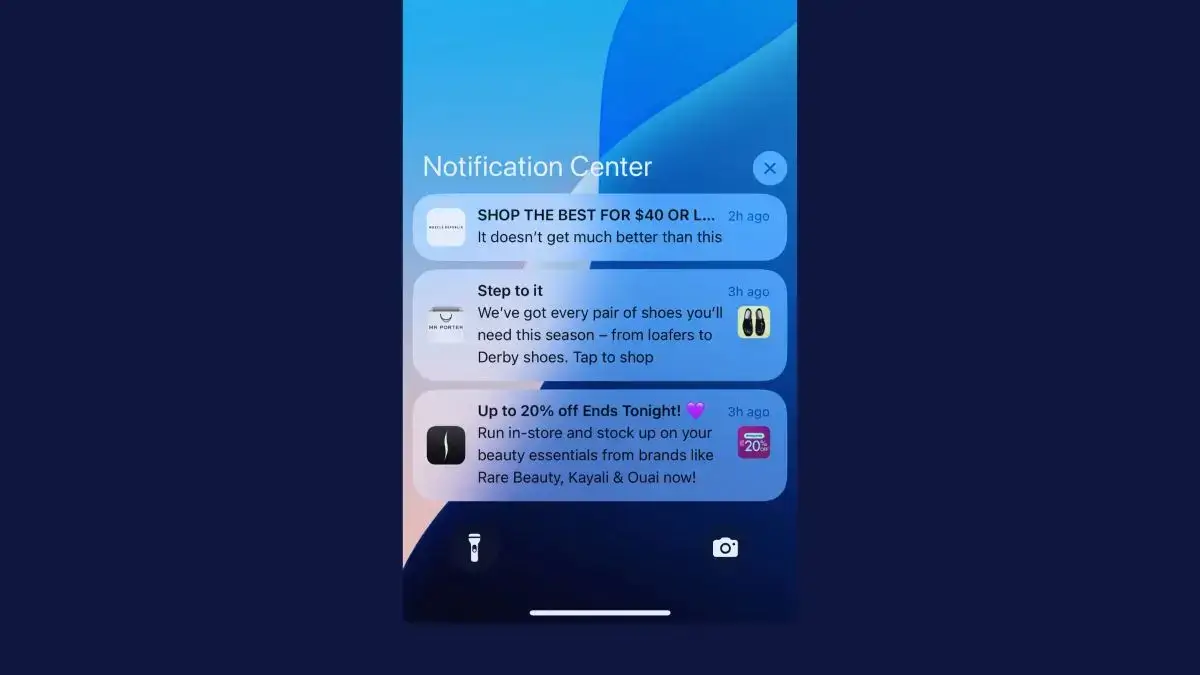
Push notifications are short messages that an app or website sends to someone’s phone, tablet or computer. They appear on the lock screen, as a banner and in the notification center, even when the app or website isn’t open.
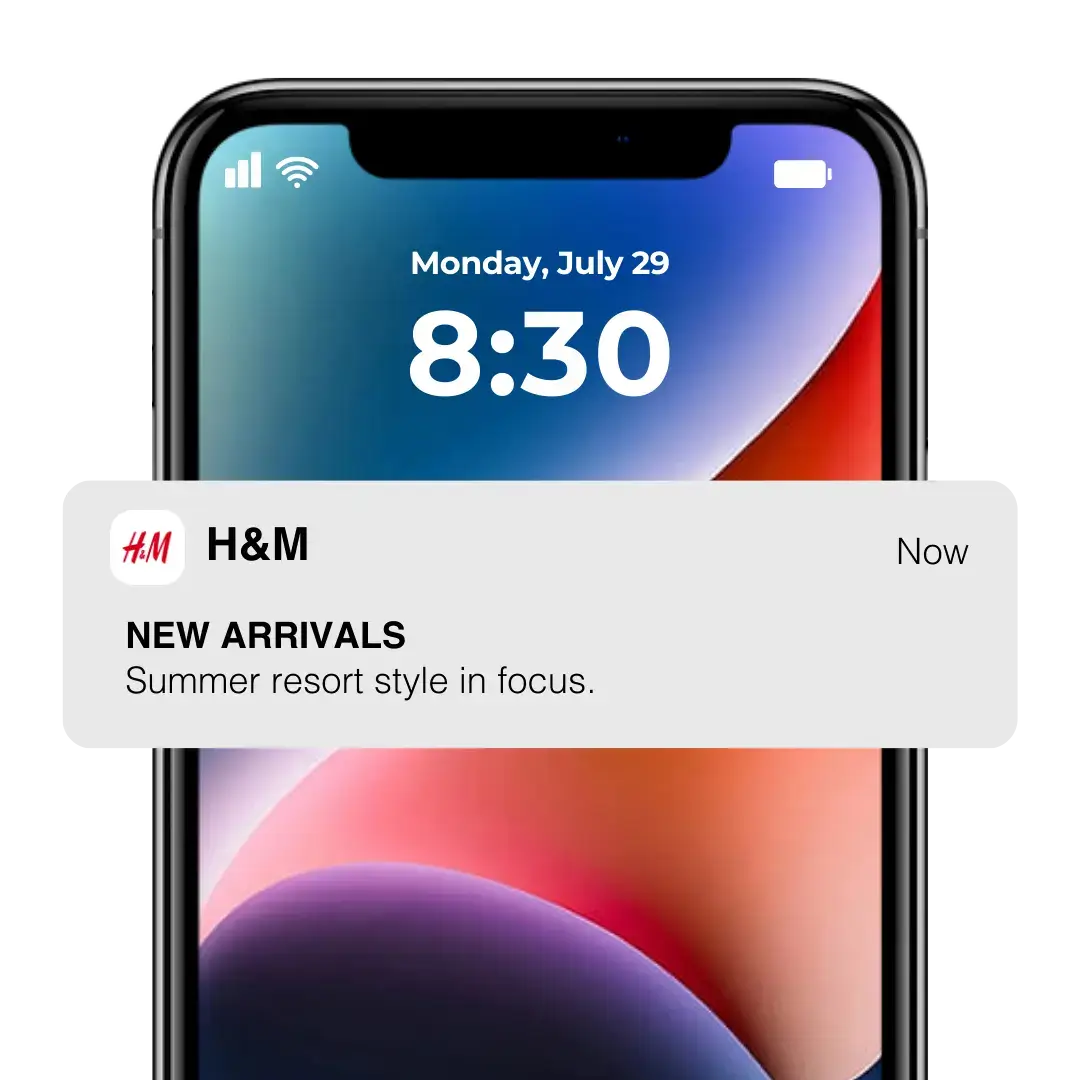
Tapping a notification opens the app, or the website for web push, on the page the message is about: a product, an article, an order or a conversation.
They’re called push notifications because the sender pushes the message to the device. Nobody has to open an app or check an inbox to get these alerts, which is what sets push apart from email or a social feed.
How Are Push Notifications Different from Texts, Emails and In-App Messages?
Push notifications differ from text messages, emails and in-app messages in where they appear and what you need before you can send one.
| Push notifications | SMS | In-app messages | ||
|---|---|---|---|---|
| Where it appears | Lock screen, banners and notification center | The phone's messages app | Inbox, often a promotions tab | Inside the app, while it's open |
| What you need | Your app (or website, for web push) and the person's permission | A phone number and consent | An email address | Your app, open on screen |
| Reaches people when the app is closed? | Yes | Yes | Yes | No |
| Cost per message | None | About a cent per text in the US, plus carrier fees | Low, rising with list size | None |
Our comparison of push notifications vs SMS vs email covers cost, reach and the rules for each channel in more depth.
How Do Push Notifications Work?
Push notifications reach a phone through a delivery service run by the platform: Apple Push Notification service (APNs) for iPhones and Firebase Cloud Messaging (FCM) for Android phones. The sender’s server never talks to the phone directly.
Push platforms handle all of this for you, but knowing the moving parts helps when you choose tools or work out why a message didn’t arrive.

- The app asks for permission. The person taps Allow on the phone’s notification prompt.
- The app gets a device token. Apple’s or Google’s push service gives it a unique address for that app on that phone.
- The app passes the token on. It goes to your server or your push platform, such as OneSignal or Klaviyo, which stores it with the customer’s details.
- You send a message. Your server sends the notification and the token to APNs or FCM.
- The phone shows it. The push service delivers the notification and the phone displays it, even if the app is closed.
- A tap opens the app. A link inside the notification, called a deep link, goes straight to the right page.
Registration and Device Tokens
A device token is the address of one app on one device. Apple’s documentation explains that the app receives it when it registers with APNs and forwards it to your server, which can’t send that phone anything without it.
Tokens change. Apple issues a new one when someone restores their phone from a backup, moves to a new device or reinstalls the operating system, so apps request a fresh token every time they launch.
Each app gets its own token, and someone with an iPhone and an iPad has two. That’s why push platforms store tokens against the customer’s account rather than a single device.
Web push uses a similar address called an endpoint, a unique URL that the browser’s push service creates when someone allows notifications from a site.
How Do APNs and FCM Deliver Notifications?
APNs and FCM are the delivery networks Apple and Google run for every app on their platforms. Your server or push platform connects to them securely and sends each notification with the token it’s addressed to.
- Apple Push Notification service (APNs) delivers to iPhones, iPads, Macs and Apple Watches.
- Firebase Cloud Messaging (FCM) delivers to Android phones with Google Play services. It can also send to iPhones and browsers, passing those messages on through APNs and the browsers’ push services.
On Android, all apps share a single FCM connection, which Google says saves a lot of battery compared with each app keeping its own.
Neither service promises delivery. If a phone is off, APNs keeps only the latest notification for each app, for up to 30 days, and delivers it when the phone reconnects. Both platforms can also delay or bundle lower-priority notifications to save battery.
How Do Web Push Notifications Work?
Web push notifications travel the same way, through the browser’s push service instead of the phone’s. Chrome’s runs on Firebase Cloud Messaging, Firefox uses Mozilla’s own and Safari uses Apple’s.
On the website, a background script called a service worker listens for messages and shows them, even when no tab has the site open, as long as the browser is running.
Web push works in desktop browsers and on Android. On iPhone and iPad, it only works for sites people have added to their Home Screen, on iOS 16.4 or later.
Push Notification Service Providers
Push notification service providers such as OneSignal, Airship and Klaviyo sit on top of APNs, FCM and the browsers’ push services. They manage the connections, store your device tokens and give you a dashboard to write, target, schedule and measure notifications.
If APNs and FCM are a country’s postal system, these platforms are the bulk mailing service. You hand over the letters and the address list, and they deal with the post office.
You can connect to APNs and FCM directly, but each has its own requirements, formats and ways of handling failed deliveries. Unless you need something unusual, a push platform is the better choice, with segmentation, automation and analytics included.
Anatomy of a Push Notification
A push notification is made up of a few parts, most of which the sender controls. The data behind it, called the payload, carries the text, any image and the link that opens when someone taps.
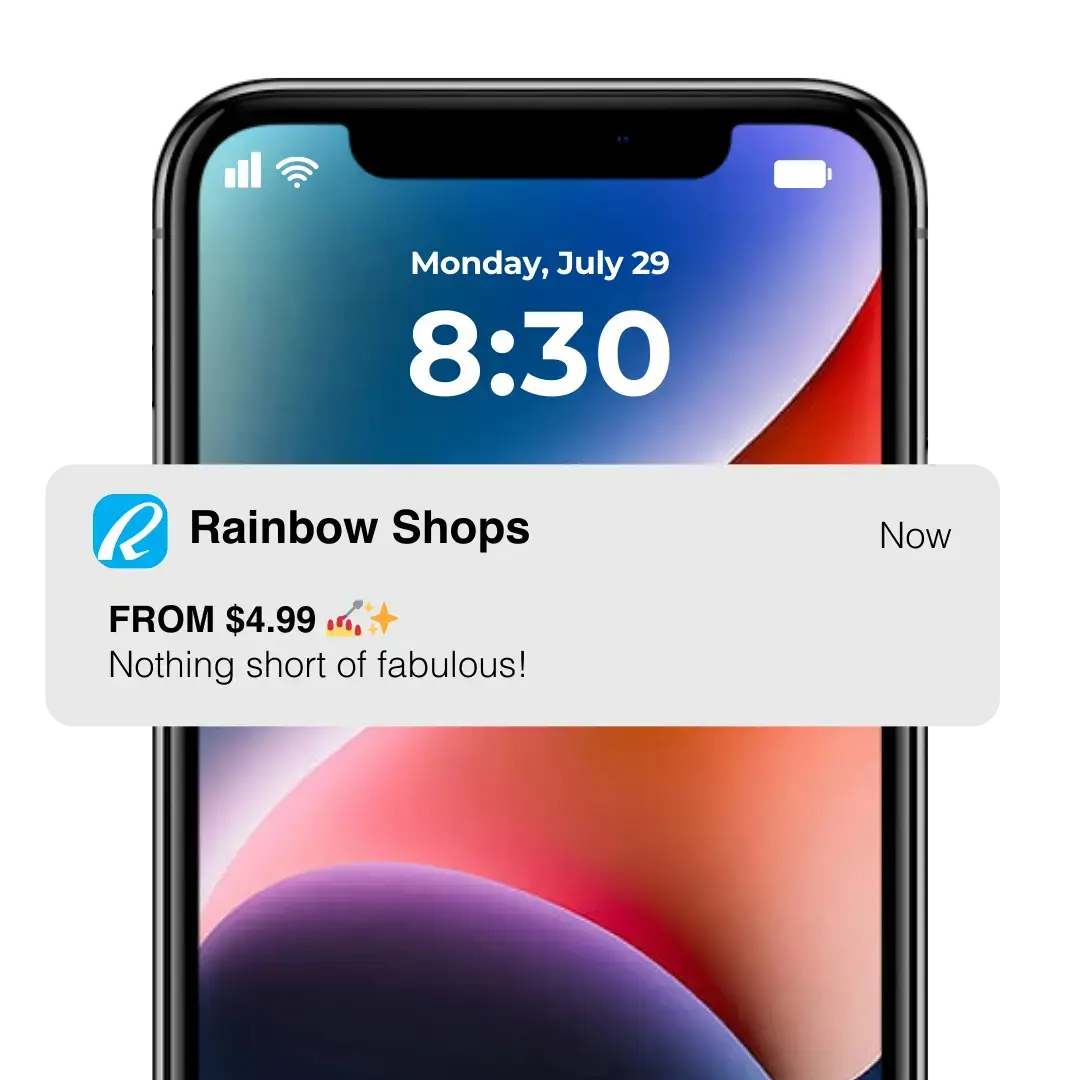
| Part | What it does |
|---|---|
| App icon and name | Shows who the message is from. The phone adds these automatically. |
| Title | One short line in bold, usually the news or the offer. |
| Body | A line or two of detail and a reason to tap. |
| Image | An optional picture, shown small and then full size when the notification is expanded. |
| Buttons | Quick actions, such as replying or snoozing a reminder. Up to four on iPhone and three on Android. |
| Deep link | Opens a specific page in the app instead of the home screen. |
| Sound and badge | An alert sound and the number on the app's icon. |
There’s no fixed length limit, because iPhones and Android phones cut text off at different points depending on the screen and the reader’s text size. A title of about 25 characters and a body of about 80 will usually show in full.
Different Types of Push Notifications
Push notifications can be grouped by where they come from, by what they’re for and by how they look.
App Push vs Web Push
App push notifications come from an app installed on a phone or tablet. Web push notifications come from a website, through the browser, so they don’t need an app.
| App push | Web push | |
|---|---|---|
| Sent by | Your iOS and Android app | Your website, through the browser |
| iPhone | Anyone who installs the app and allows notifications | Only people who add your site to their Home Screen (iOS 16.4 or later) |
| Android | Anyone who installs the app and allows notifications | Chrome and other Android browsers |
| Desktop | No | Chrome, Edge, Firefox and Safari |
| Typical opt-in rate | About half of a retail app's users (Airship, 2025) | Around 6% of website visitors (PushPushGo, 2025) |
| After a tap | Opens the app, with the customer signed in | Opens the website in the browser |
| Best suited to | Repeat customers who shop or read on their phones | Desktop and Android visitors who won't install an app |
Compared with web push, app push is the stronger channel for most businesses. It reaches iPhone users more reliably, and has wider reach overall, because people are more likely to download your app and enable push than opt in to a web push notification. Web push is cheap to add and a strong fit for reaching desktop visitors. Our guide to web push vs native app push notifications compares them in depth.
Transactional vs Promotional Push Notifications
Transactional notifications tell people about something they did or are waiting for, like an order confirmation, a delivery update or a booking reminder. People expect them, so they’re the least likely to make anyone switch notifications off.
Promotional notifications sell, with new arrivals, sales, launches and limited-time offers. They bring in the most revenue in the short term, but sending too many is the quickest way to lose subscribers.
Brand content, such as tips and stories, keeps you in mind without selling. Our guide to the three types of push notifications explains how to balance all three.
What Is a Rich Push Notification?
A rich push notification adds an image or other media, and sometimes buttons, to the text. The picture shows as a thumbnail, then expands to full size when someone presses or pulls down on the notification.
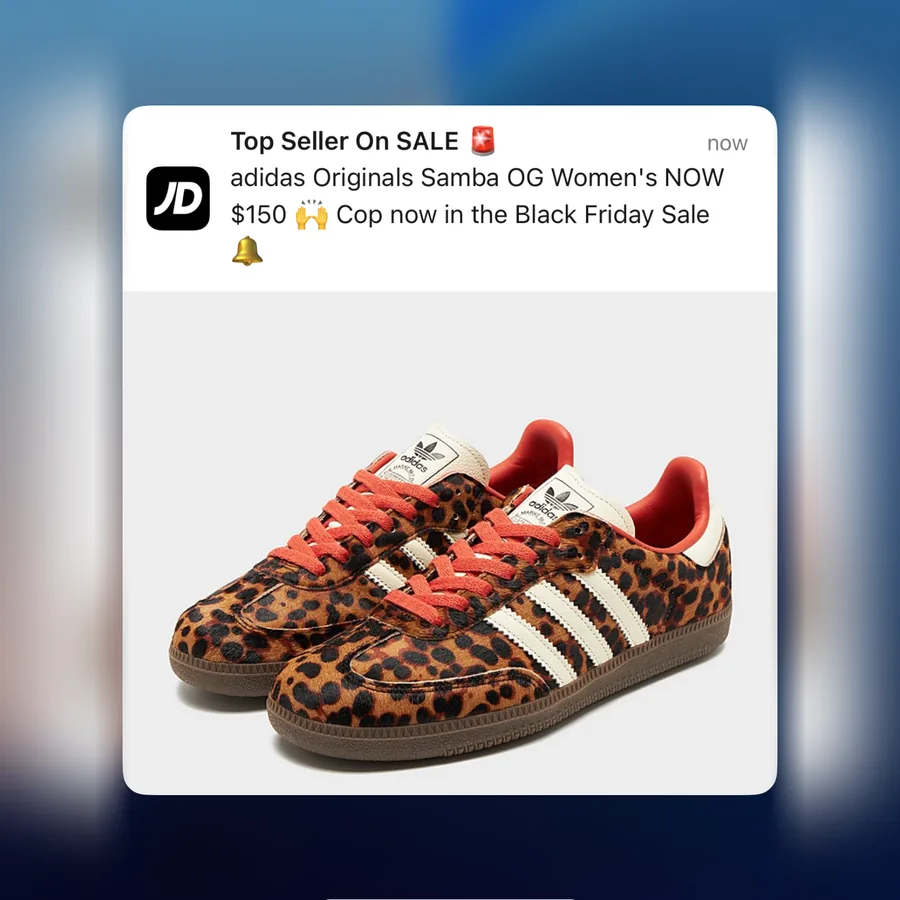
A product photo gives people a reason to tap. Airship’s research found that rich media lifts direct open rates by 22% on average.
Push Notification Examples from Real Brands
Brands send push messages at almost every stage of the customer relationship. Here are some real examples from the apps we studied for our Ecommerce Push Notification Report.
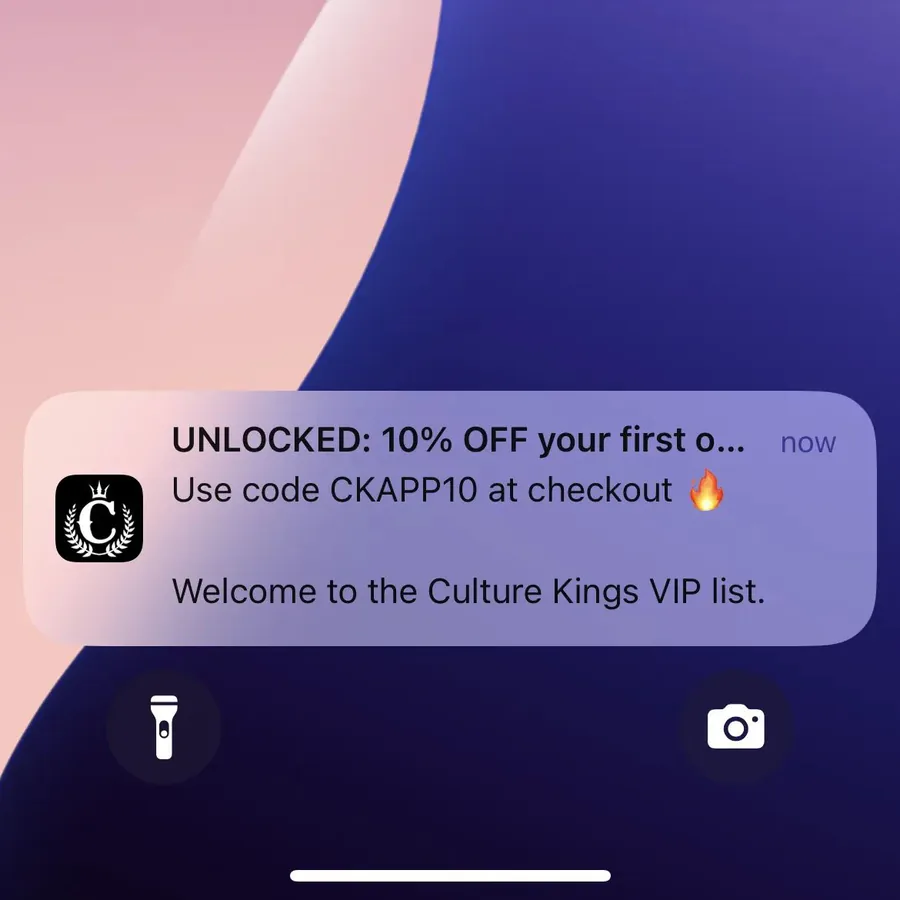
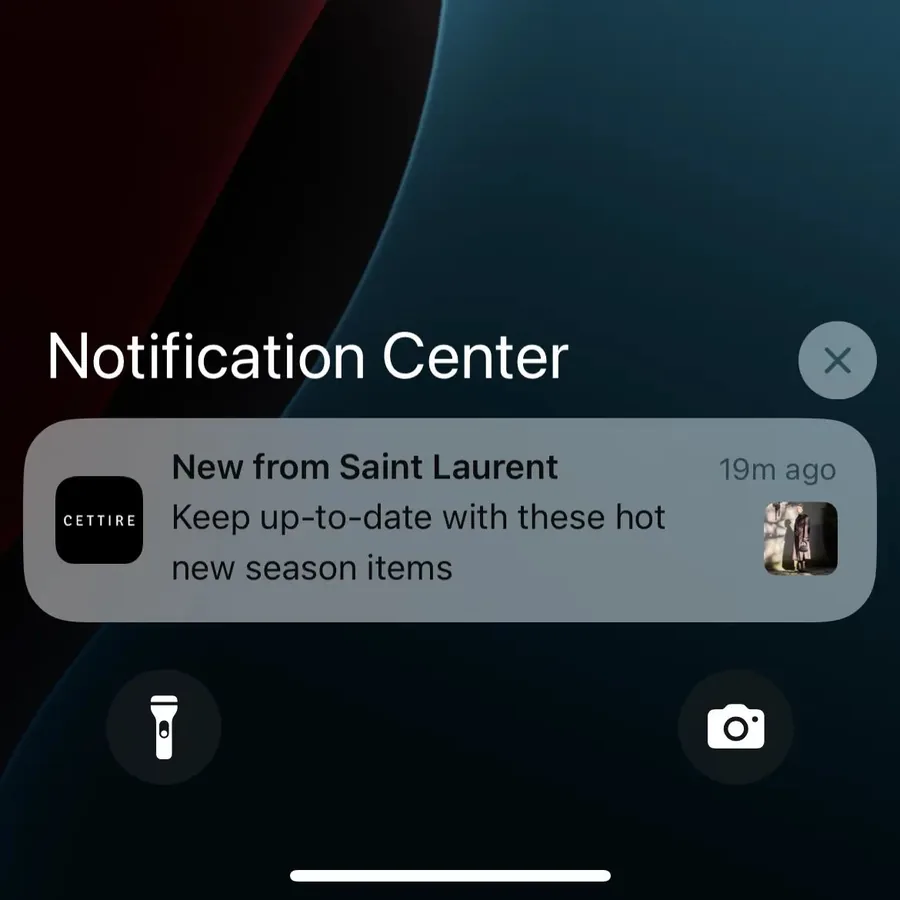
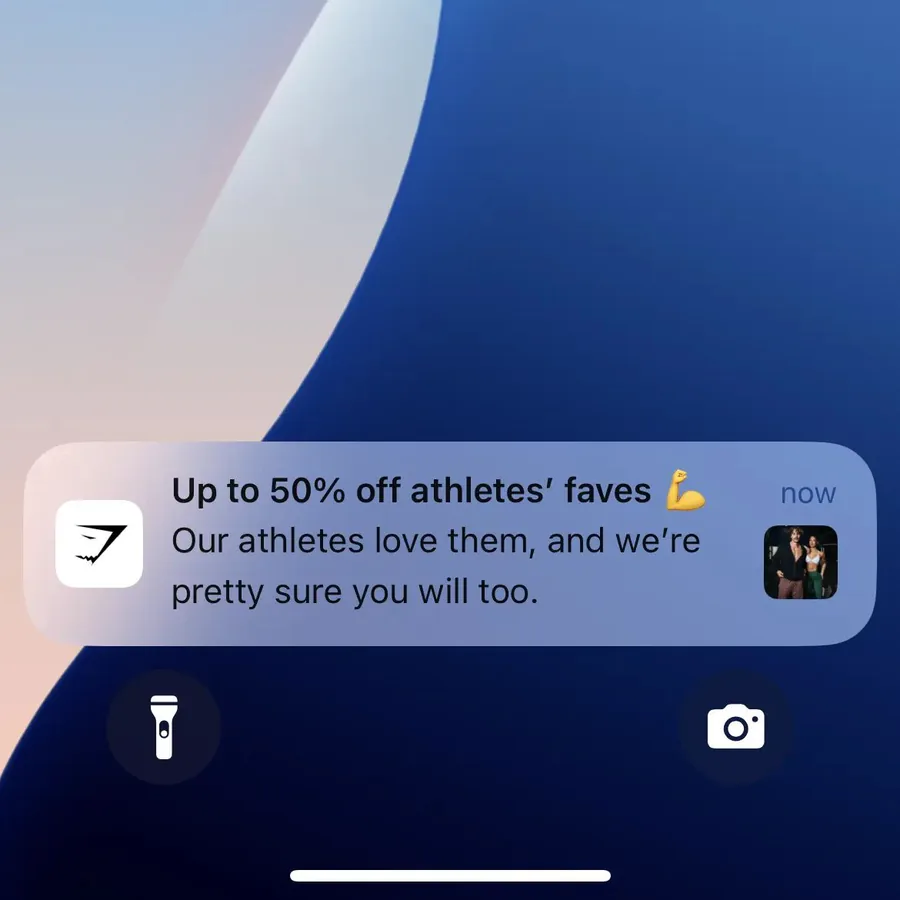
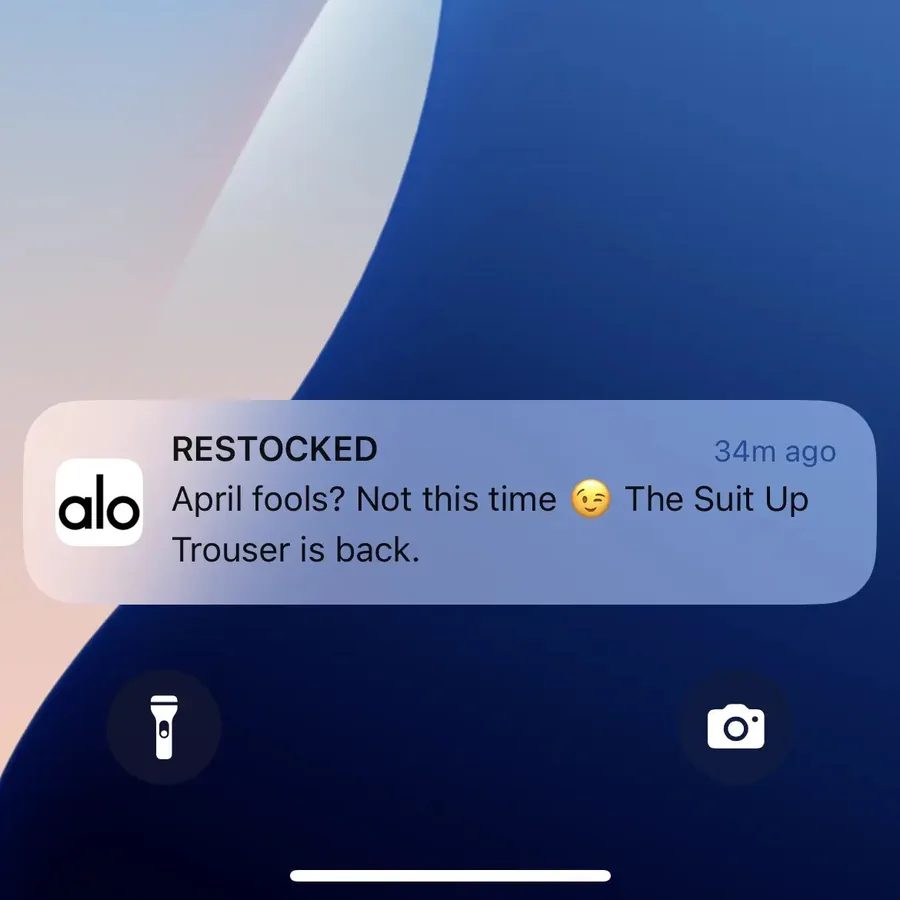
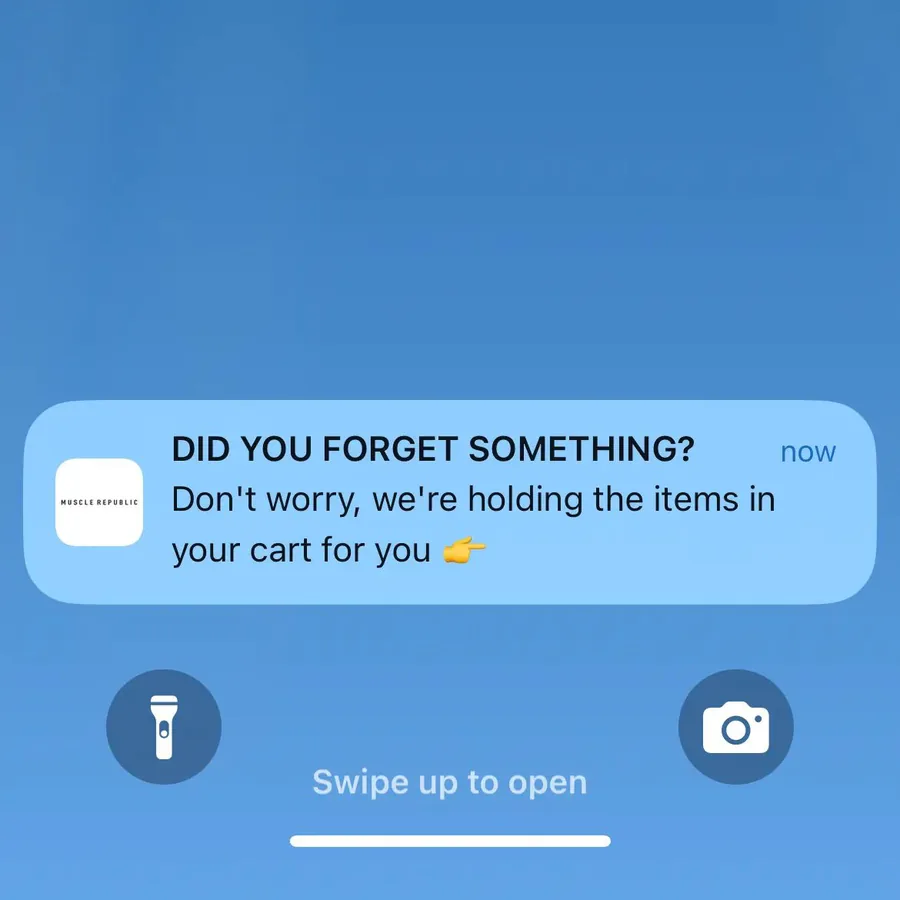
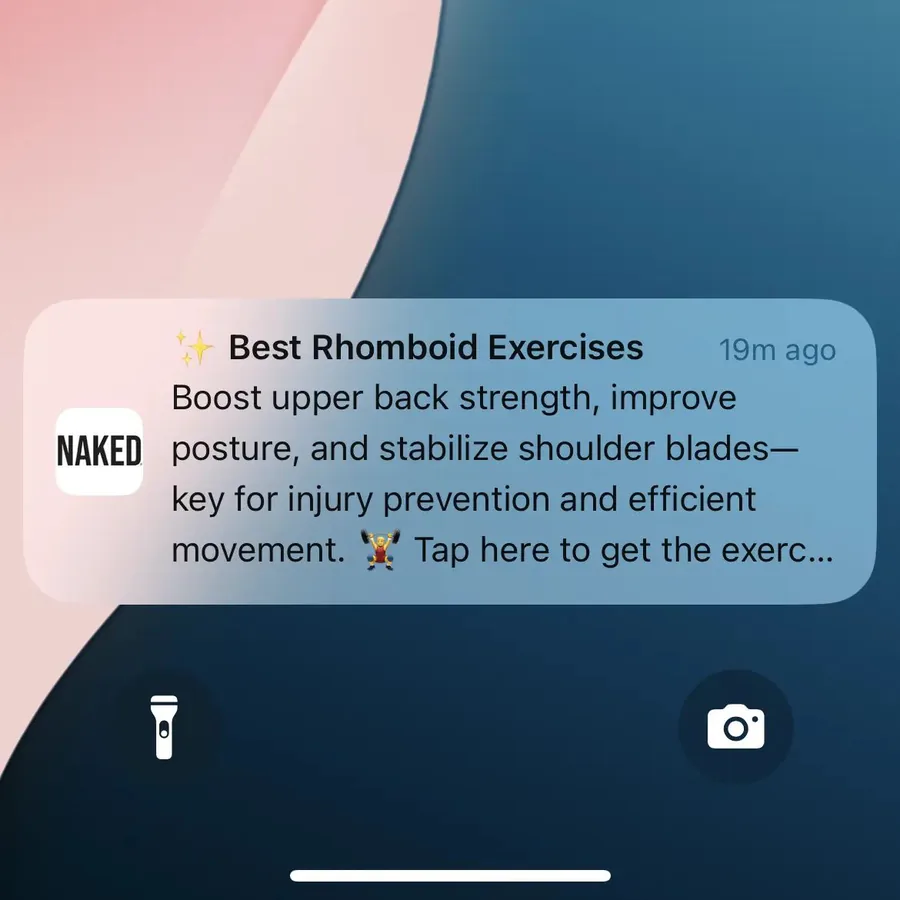
Each one has a clear job. Culture Kings turns a new install into a first order, while Cettire and Alo Yoga tell fans that something they want is available. The Naked Nutrition notification sells nothing, but keeps the brand in the customer’s mind between sales.
Push isn’t only for shopping apps. News apps send breaking stories, banks send payment alerts and delivery apps track your order.
For more examples of how ecommerce brands send push notifications, plus best practices and implementation tips, see our complete guide to push notifications for ecommerce.
How Can Push Notifications Help Your Business?
Push notifications help a business reach its most engaged customers directly, at no cost per message. That makes push one of the few channels you can use several times a week without the bill growing.
- They get seen. A mobile notification lands on the lock screen, where it can be read without opening anything. It doesn’t compete with a crowded inbox or a social media algorithm.
- They cost nothing per message. Once you have an app and a push platform, one more notification costs nothing, unlike a text.
- They reach your best customers. The people who install a brand’s app are usually its most loyal customers and the most likely to buy again.
- They’re quick to act on. A tap opens the app on the right page, with the customer already signed in.
- They’re timely. For news and content brands, push makes the app the first place readers hear a story.
Brands that use push well send often. The typical shopping app in our research sent 4.5 push notifications a week.
Push is ideal for any business whose customers come back regularly on their phones:
| Business type | What push notifications do best |
|---|---|
| Online stores | New arrivals, restocks, price drops, abandoned carts and order updates |
| News and media | Breaking news and the day's top stories |
| Communities and memberships | Replies, mentions, events and new content |
| Services and bookings | Reminders, confirmations and status updates |
How Do Push Notification Permissions Work?
Push notification permissions work the same basic way everywhere: an app or website has to ask, and the person has to say yes. They can turn notifications off again at any time in their phone’s or browser’s settings.
| iPhone | Android | Web push | |
|---|---|---|---|
| Permission method | A system prompt, which the app can show only once | A system prompt, on Android 13 and later | A browser prompt, usually after a click or tap on the site |
| Default state | No alerts, unless the app sends quiet trial notifications to Notification Center | Notifications are off for new installs | No notifications |
| How users can disable | App settings | App settings | Browser settings |
iPhones have always asked first. iOS shows its prompt only the first time an app requests it, so Apple suggests asking when people can see why the app wants to notify them. Many apps show their own screen first, explaining what people will get.
Apps can also skip the prompt with what Apple calls provisional authorization. Their first notifications then arrive quietly in Notification Center, with buttons to keep them or turn them off.
Android used to switch notifications on by default. Since Android 13, released in 2022, a newly installed app’s notifications are off until the person allows them.
That has brought the two platforms close together. Airship’s benchmarks put the typical retail app’s opt-in rate at 43.5% on iPhone and 49.95% on Android in 2025.
Marketing messages need clear consent. Apple’s App Store rules only allow promotional push notifications to people who have opted in, with a way to opt out inside the app.
Our guide to push notification opt-in rates covers more on push opt-ins, and how to maximize opt-in rate for your brand.
How to Send Push Notifications
To send push notifications, you need an app or website that can receive them, a push platform to send them and people’s permission. From there, most brands mix automated messages with scheduled campaigns:
- Get an app, or set up web push. App push needs an iOS and Android app. Web push needs a website served over HTTPS, with a service worker.
- Choose a push platform. OneSignal, Airship and Klaviyo connect to APNs and FCM for you and give you a dashboard to send from.
- Ask for permission at the right moment, once people have seen what your app offers.
- Set up automated messages. Welcome offers, cart reminders, back-in-stock alerts and order updates pay off with no extra work.
- Plan your campaigns. Mix new arrivals, sales and brand content across the week.
- Measure and adjust. Track clicks, orders and opt-outs, and send more of what works.
Our ecommerce push guide walks through these steps for an online store, including which messages to set up first.
What Triggers a Push Notification?
Most push notifications are triggered by an event rather than sent by hand. Triggers fall into two groups: things the person does and things that happen around them.
- User-driven triggers follow something the person did, like leaving items in their cart, saving a product that later goes on sale or getting a reply on a social app.
- System-driven triggers follow an event or condition, like breaking news, a new collection going live, the time of day or the person’s location.
Native apps can use more triggers than websites because they can draw on the phone’s features. A restaurant app can suggest places nearby, and a habit tracker can remind you it’s time to work out.
Get Native Push Notifications with MobiLoud
The hardest part of app push is the app. A custom native app for iPhone and Android can take months to build, and then a team to keep it in step with your website.
MobiLoud cuts that cost by building your native app on top of the website you already have. To your customers, it’s no different from an app built from scratch. They download it from the App Store and Google Play, it has native navigation, links open straight in the app and it sends native push notifications.
- Push built in. Your app comes with OneSignal or Klaviyo connected, so you can segment, schedule and automate notifications, with no limit on how many you send.
- Welcome screens ask for permission at the right moment, which helps your opt-in rate.
- There’s nothing to rebuild. Your products, accounts and checkout carry over, and changes to your site show up in the app, with no second codebase to maintain.
- We handle the app. We build, publish and maintain your app. Launch typically takes 2 to 4 weeks, with a one-time setup fee.
MobiLoud has published more than 2,000 apps since 2013, for online stores, publishers and communities.
"We wanted to give our loyal customers a convenient way to keep coming back and reach them directly with push notifications. Our app now drives 10% of our total revenue with minimal effort from our team."
Set Up Push Notifications Today
Push notifications put your message on your customers’ lock screens, delivered by Apple, Google or the browser. They need permission, but once someone says yes, every message costs nothing to send and lands where they’ll see it.
Our advice is to make push one of your main channels. Set it up through a push platform, on the web and in a native mobile app, with app push as the priority because it reaches iPhone users and the customers who chose your app.
Start with automated messages like welcome offers and cart reminders, then add campaigns as you learn what your customers respond to.