Most ecommerce brands already stay in touch with their customers by email, and many add SMS on top. Both are dependable ways to reach the people who’ve signed up to hear from you.
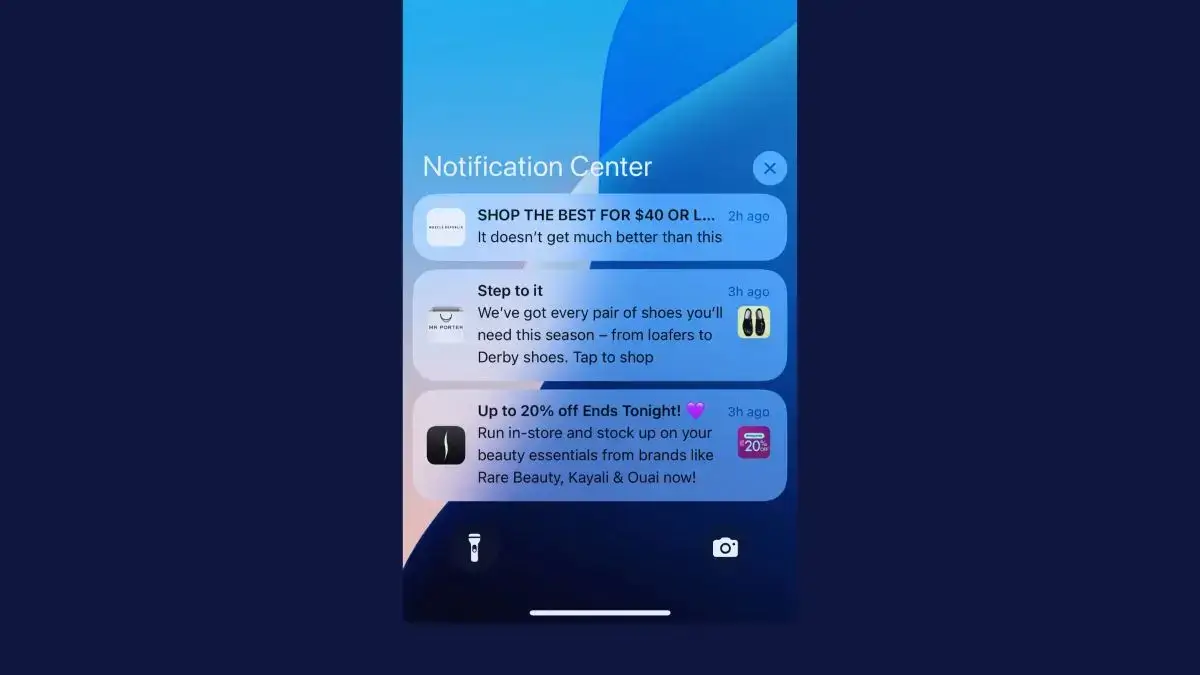
But there’s a third channel that lands on the lock screen, costs nothing to send and comes from an app your customer chose to install: push notifications.
This guide breaks down push notifications vs SMS vs email, including what each costs, the engagement you can expect, who each one reaches and the rules for each, as well as which messages suit each channel and how to use all three together.
Key Differences Between Push Notifications, SMS and Email
Push notifications, SMS and email are all owned channels. Once someone subscribes, you can message them again and again without paying a platform for their attention.
Each channel needs something different before you can send. Email needs an address and SMS needs a phone number, and you should have the person’s consent for both. Push needs the customer to install your app and allow notifications.
| Push notifications | SMS | ||
|---|---|---|---|
| Requirement | Your app, installed, with notifications allowed | A phone number and the customer's consent | An email address |
| Location | Lock screen and Notification Center | Text messages | Inbox, often a promotions tab |
| Cost per message | None | About a cent per text in the US, plus carrier fees | Low, rising with list size |
| Who you reach | App users (with notifications turned on) | Anyone who gives you their number and opts in | Anyone who subscribes |
| Length | A short title and one or two lines | 160 characters per segment | As long as you like |
| Images | Yes, with buttons | Only as a picture message, at several cents each | Yes, with full design |
| After the tap | Opens your app, signed in | Usually opens a web page | Opens a web page |
| Best for | Frequent, timely messages to your most engaged customers | Urgent messages to everyone, including people without your app | Newsletters, stories and detail |
Web push, sent from a website through the browser, is a different (and generally weaker) channel. This guide is about app push; our guide to web vs app push notifications explains the difference.
Push Notifications vs SMS vs Email: Cost
Push notifications, SMS and email each charge in a different way: push by the number of app users, email by the size of your list and SMS by the message. That makes how often you send the biggest factor in what each channel costs.
Prices vary a lot between tools and plans. The figures below are list prices in October 2026.
How Much Do Push Notifications Cost?
Push notifications cost nothing per message. You pay for a push platform, usually by the number of people who use your app, and send as many notifications as you like.
OneSignal, for example, is free for up to 1,000 monthly active app users. Its Growth plan costs $19 a month plus $0.012 per active user, which comes to $139 a month for 10,000 users, with unlimited sends. Klaviyo sends push from the same account as your email and SMS.
The bigger cost is the app itself, since you need one before you can send a single notification. Our guide to what push notifications cost covers both.
How Much Does SMS Cost?
SMS is the only one of the three channels that charges for every message. In the US, Postscript charges $0.007 to $0.009 per text depending on the plan, plus carrier fees that average about $0.0033. Twilio charges $0.0083 per message segment, plus carrier fees of $0.0035 to $0.005.
A segment is 160 characters, or 70 if the text includes an emoji, so a long message can cost two or three times as much. Picture messages (MMS) cost several cents each.
Texting from a regular 10-digit number also means registering your brand and each campaign with US carriers, a system called 10DLC. Through Twilio, that’s $46 once for a standard brand, $15 to vet each campaign and $10 a month per campaign.
How Much Does Email Cost?
Email platforms charge by the size of your list and cap how many emails you can send each month. Mailchimp’s Standard plan costs $135 a month for 5,001 to 10,000 contacts, with up to 120,000 emails a month.
Below that cap, each extra email costs you nothing more. The bill grows with your list, though, and sending past the cap means paying overages or moving up a plan.
Here’s what those prices mean for a brand with 10,000 subscribers on each channel. The higher frequency, 4.5 messages a week, is how often the typical shopping app sent push notifications in our research into 43 brands’ apps.
| Push (OneSignal Growth) | SMS (Postscript Growth) | Email (Mailchimp Standard) | |
|---|---|---|---|
| How you pay | Per monthly active app user | $100 a month, plus every text | Per contact, up to a monthly cap |
| One message a week | $139 a month | About $590 a month | $135 a month |
| 4.5 messages a week | $139 a month | About $2,300 a month | Over the 120,000-email cap |
Illustrative example: list prices in October 2026, with each text one segment at $0.008 plus $0.0033 in carrier fees. Push also needs an app, which isn’t included.
Which Channel Is the Most Affordable?
The most affordable channel depends on how often you message your customers. At one message a week, push and email cost about the same, and SMS costs about four times as much.
As you send more often, SMS gets much more expensive, because you pay per message rather than per subscriber. Email stays flat until you hit your plan’s cap, and push stays flat however many you send.
That makes push the cheapest of the three for brands that message customers several times a week, once the app is in place.
Cost per message is only half the picture, though. If two channels cost the same per message but one gets twice the clicks, it’s twice as cost-effective, which is why engagement matters just as much.
Which Channel Gets the Best Open and Click Rates?
SMS gets the most clicks per message of the three channels and email campaigns get the fewest, with push notifications in between. Each channel counts opens and clicks differently, though, so the numbers don’t line up exactly.
| Push notifications | SMS | ||
|---|---|---|---|
| Open rate | 1.7% on iPhone and 2.7% on Android, counting only taps (Airship, retail apps, 2025) | Not measured | 30.7% (Omnisend, 2025), inflated by Apple Mail Privacy Protection |
| Click rate | 3.05% on iPhone and 3.78% on Android (Pushwoosh, ecommerce apps, Q4 2024 to Q2 2025) | 12.39% for campaigns and 20.34% for automations (Omnisend, 2025) | 0.74% for campaigns and 4.66% for automations (Omnisend, 2025) |
| What counts as an open | A tap on the notification | Nothing, since texts can't report opens | An image in the email loading |
Email open rates have been unreliable since September 2021, when Apple added Mail Privacy Protection to iOS 15. For people who turn it on, Apple Mail loads the tracking image in advance, so platforms like Klaviyo record an open whether or not anyone read the email.
Omnisend’s 2026 ecommerce report shows the average email open rate rising for a fifth year in a row, from 26.6% in 2024 to 30.7% in 2025, while click rates fell.
SMS opens aren’t measured at all. You’ll see claims that 98% of texts get opened, but a standard text can’t report whether it was read, which is why Omnisend’s SMS benchmarks track clicks instead.
SMS clicks need care too. Omnisend says an operating system update in the last quarter of 2025 inflated SMS click counts, likely through bot activity, and its monthly SMS click rate climbed from 3.47% in January to 23.92% in December.
Push notifications get read without a tap. A notification sits on the lock screen, where customers can read it without opening anything, but push platforms only count an open when someone taps. That makes push look weaker on paper than it is.
A fairer test is what each message earns in clicks, orders and revenue. For lean marketing teams, push also takes much less work to produce than an email campaign.
"A newsletter or a digital campaign requires much more work: design, content generation, the whole send. A push notification is a copy, and it generates a lot more clicks. We've realized we have to prioritize it."
For more benchmarks, see our roundup of push notification statistics.
Push vs Email vs SMS: Opt-in Rate
The best retail apps get about two in three of their users to allow push notifications. Airship’s benchmarks put the top 10% of retail apps at 63.93% on iPhone and 69.85% on Android in 2025, and the typical retail app at 43.5% and 49.95%.
iPhone and Android both ask for permission before an app can send notifications. iPhones always have, and Android has since Android 13, so how and when your app asks makes a big difference. Our guide to push notification opt-in rates covers how to raise yours.
Email and SMS work the other way around. Every visitor to your website can be asked to sign up, so those lists can grow much bigger than your app audience, even though only some visitors say yes.
Compared with email and SMS, then, you can expect fewer people subscribed to push. The intent of those customers is much higher, though, because they chose to put your app on their phone.
Other Factors to Consider
Cost, engagement and opt-in rates are the biggest differences between push, SMS and email, but the three channels also differ on reach, trust, format and more. Here’s how they compare, and which has the edge on each.
| Push notifications | SMS | Edge | ||
|---|---|---|---|---|
| Reach | Only customers who install your app | Anyone with a phone number, though harder across countries | Anyone with an email address, anywhere | |
| Deliverability | Reliable, but easy to switch off | No spam folder, and works without mobile data | Spam filters and promotions tabs | SMS |
| Amount of information | A title and a line or two | 160 characters per segment | As much as you like | |
| Personalization | Can use the customer's account and activity in the app | Limited by space | Strong, but takes work to set up | Push |
| Trust | Comes from an app the customer chose to install | Hurt by scam texts | Hurt by spam | Push |
| Visuals | An image and buttons | Only as costly picture messages | Full design | |
| Replies | Buttons, but no replies | Two-way, though replies can cost money | Easy, with no message fees | |
| Ease of setup | More technical, though push platforms make it easier | Often built into your email tool | Mature, easy tools |
Email has the edge on the most factors, which is why it stays the base of most brands’ marketing. It reaches anyone with an address, in any country, and has room for as much detail and design as you like.
Push wins on personalization and trust. Notifications come from an app the customer chose to install, and they can draw on what the app knows about that customer. Our guide to personalized push notifications has examples.
SMS wins on getting through, with no spam folder and delivery over the cellular network. It’s also a favorite channel for scammers, though, which makes customers warier of texts than of messages from an app they trust.
What Are the Rules for Each Channel?
SMS has the strictest rules of the three channels in the US. Email has lighter legal requirements but strict rules from the biggest inbox providers, and push permission is handled by the phone itself.
This is a summary, not legal advice, and rules differ outside the US, so check each market you send to.
Marketing texts generally need the customer’s prior express written consent under the Telephone Consumer Protection Act (TCPA). Since April 11, 2025, customers can withdraw it by replying STOP or in any other reasonable way, and you have up to 10 business days to honor it.
Each unlawful text can cost $500 in damages, or up to three times that if the violation was willful. Our guide to TCPA and SMS compliance covers the details.
Email marketing in the US doesn’t need consent before you send, under the CAN-SPAM Act. It does need honest sender details and subject lines, your postal address and a working unsubscribe link, and you have 10 business days to honor an opt-out. Penalties reach $53,088 per email.
Gmail and Yahoo add their own rules. Since February 2024, bulk senders must authenticate their email with SPF, DKIM and DMARC, offer one-click unsubscribe and keep spam complaints below 0.3%. Gmail’s rules apply from 5,000 messages a day, and Yahoo also asks you to honor unsubscribes within two days.
Push permission comes from the phone. Customers allow or block notifications when your app asks, and can switch them off in their settings at any time.
Apple’s App Store rules add that marketing pushes need the customer’s explicit opt-in and a way to opt out inside the app.
Push notifications aren’t calls or texts to a phone number, so the TCPA doesn’t cover them, though privacy laws still apply to the data you use to target them.
Which Channel Is Best for Each Job?
Email is best suited to messages that need detail or your whole list. SMS suits urgent messages and conversations, and push suits frequent, timely messages for customers who have your app.
| Message | Best channel | Why |
|---|---|---|
| Newsletters, launches and brand stories | Room for images, products and detail | |
| Order confirmations and receipts | A record the customer can find later | |
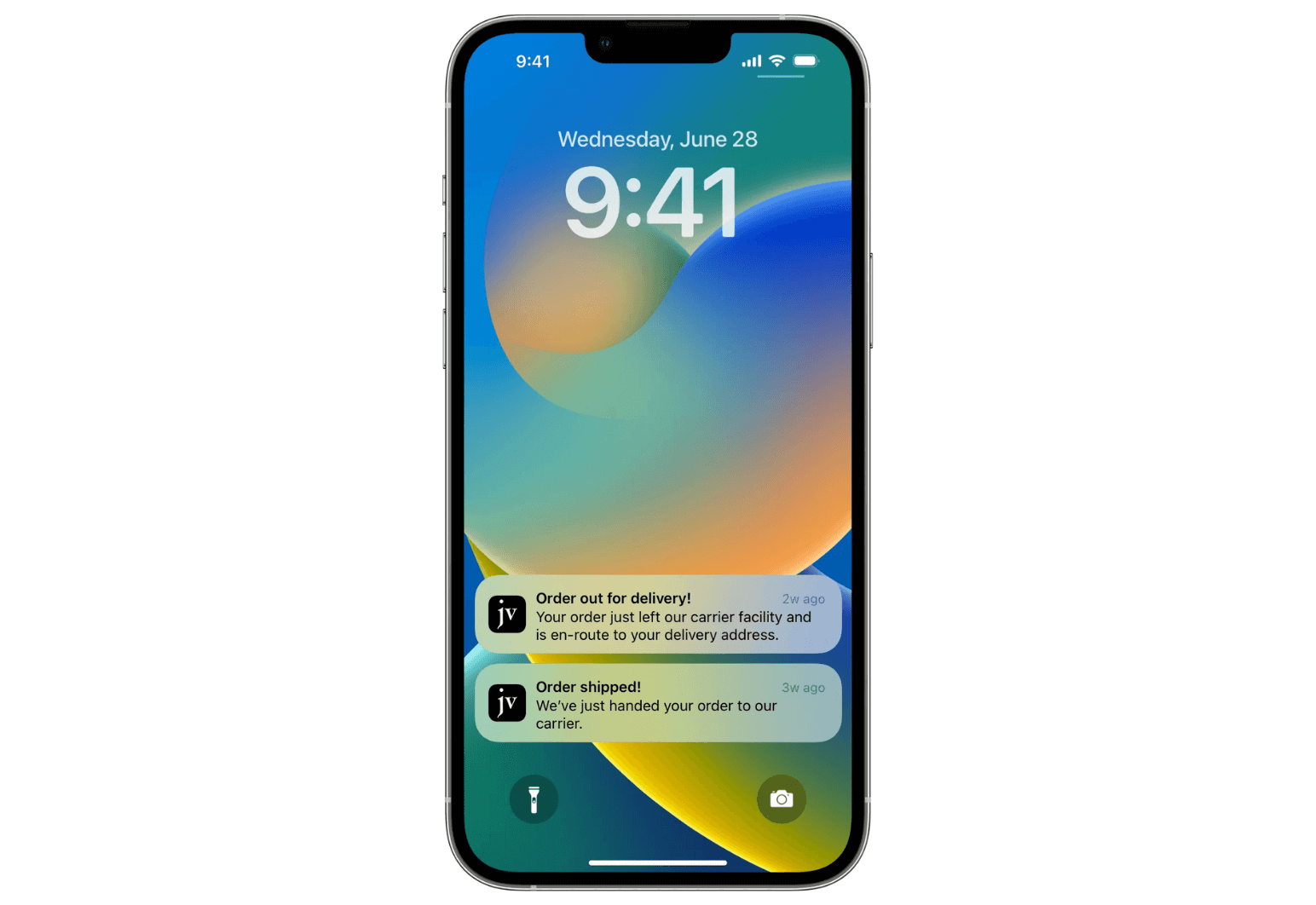
| Shipping and delivery updates | Push, or SMS for customers without your app | Timely news customers want on their lock screen |
| Abandoned carts | Push, then email, then SMS for high-value carts | Push costs nothing, and a text is only worth paying for when the cart is |
| Back-in-stock and price-drop alerts | Push | Reaches interested customers right away, with a link to the product |
| Flash sales and last chances | Push for app users, SMS for everyone else | Urgent, and needs to be seen fast |
| Loyalty points and rewards | Push | Frequent small updates that would cost too much by text |
| Questions and customer service | SMS | Customers can reply |
| Win-backs for lapsed customers | Space to explain what's new, and it reaches people who deleted your app |
Push is ideal for brands whose customers buy again and again on their phones, because those are the customers who install apps, and push costs nothing to use often.
SMS is a strong fit when a message can’t wait or needs a reply. Email suits every brand, as the one channel that reaches your whole list.
Within push itself, our guide to the three types of push notifications covers how to balance what you send.
How to Use Push, SMS and Email Together
Push, SMS and email work best as one system, where each customer gets each message once, on the channel that suits it. We recommend an approach like this:
- Lead with push for customers who have your app. It costs nothing to send and lands on the lock screen.
- Use email for detail. Collections, stories and receipts belong in the inbox.
- Save SMS for urgent or high-value moments, and for customers without your app.
- Don’t send the same message on all three channels at once. Use one channel, and add another only if the first gets no response.
- Stop the sequence when the customer acts. If someone buys after a push, don’t follow up with a text.
- Run all three from one platform where you can. Klaviyo and OneSignal both send email, SMS and push, so each flow knows which channels a customer has.
An abandoned cart sequence shows how this works. A push goes out shortly after the customer leaves, and an email follows with the products and more detail. A text goes only to high-value carts that are still open. Our guide to abandoned cart push notifications has examples.
Push can carry more of your messages than you might expect. The typical shopping app in our research sent 4.5 push notifications a week, and about a quarter sent one a day or more.
Unlock Mobile Push Notifications with MobiLoud
Mobile push notifications need an app, which is why many brands still rely on email and SMS alone. Web push from your website works on desktop and Android, but on iPhone it only reaches people who’ve added your site to their Home Screen.
When sent on desktop, push notifications don’t have quite the same impact as a message on a customer’s phone lock screen.
If you have a mobile-optimized website, you’re 90% of the way to having an app already. MobiLoud builds website-powered apps: your web code combined with a native layer, to create custom iOS and Android apps powered by your site.
- Push is built in. Your app comes with OneSignal or Klaviyo set up, so you can segment, schedule and automate push alongside your email and SMS.
- Welcome screens ask for permission at the right moment, which helps your opt-in rate.
- Your site carries over. Products, accounts and checkout work in the app, and changes to your site show up there too.
- We handle the app. We build, publish and maintain your app, and launch typically takes 2 to 4 weeks.
An app does more than unlock push, too. It gives customers a better mobile experience, and helps you boost retention, conversion rate and average order value. Our guide to push notifications for ecommerce shows what to send once you have one.
Summing Up: What’s the Best Way to Connect With Your Customers?
There’s no one-size-fits-all answer, but push notifications have become one of the most cost-effective ways for brands to reach their customers. They cost nothing per message, land on the lock screen and come from an app the customer chose to install.
Email remains the cheapest way to reach your whole list, and the best place for long messages. SMS reaches anyone with a phone number and gets the most clicks, but every text costs money and carries the strictest rules.
That’s why we recommend using all three: email as your base, push for frequent messages to customers who have your app and SMS, from time to time, for messages that can’t wait.