Push notifications are one of the most effective channels an ecommerce brand has. But there are two very different ways to send them: web push from your website, through the shopper’s browser, and app push from your own iOS and Android app.
The two get lumped together all the time, and it’s the biggest misconception I see in ecommerce marketing. They reach different people, ask for permission in different ways and get very different results.
This guide breaks down web push vs app push, including how each works, who it reaches, opt-in rates, features, cost and results, so you can decide whether your store needs one, the other or both.
What’s the Difference Between Web Push and Native App Push Notifications?
Web push notifications are sent from your website through the shopper’s browser, while native app push notifications are sent from your iOS or Android app through the phone’s operating system.
On an Android phone they can look almost the same. Underneath, they’re two separate channels, with different reach, opt-in rates and costs. Choosing the wrong one means leaving most of the channel’s value on the table.
How Web Push Notifications Work
Web push notifications reach people who allow notifications from your website in their browser. When a shopper lands on your site, a permission prompt asks if they’d like to receive notifications, and one tap on Allow subscribes them.
Once they’ve opted in, you can send messages that appear on their device even when they’re not on your site. Whether a message arrives depends on the device:
- Android: the phone wakes the browser when a message arrives, so notifications show up even when the browser is closed.
- Desktop: Chrome and Firefox only receive notifications while they’re running, at least in the background. Safari on a Mac receives them even when it’s closed, on macOS Ventura or later.
- iPhone and iPad: web push only works on iOS 16.4 or later, for sites the shopper has added to their Home Screen. The permission request also has to follow a tap, according to WebKit.
Popular web push tools for ecommerce brands include Brevo PushOwl, Firepush, PushEngage, Pushwoosh and OneSignal. They’re easy to set up: install the app, configure a prompt and start sending.
The catch: if you’re expecting these tools to put your brand on your iPhone shoppers’ lock screens, you may be disappointed. For most iPhone shoppers, that’s not what this channel does.
How Native App Push Notifications Work
Native app push notifications are sent through a mobile app installed from the App Store or Google Play. They use the operating system’s own notification services: Apple Push Notification service (APNs) on iOS and Firebase Cloud Messaging (FCM) on Android.
Your app asks for permission before it can send anything. iPhones have always asked, and Android has since Android 13. Our guide to push notifications on iOS vs Android covers how each platform handles them.
Because the operating system delivers them, app push notifications don’t depend on a browser session and can reach customers at any time. They can carry images and buttons, and a tap opens the exact screen the message is about, with the customer already signed in.
Web Push vs Native App Push: Side-by-Side Comparison
Web push and app push differ on almost every point that matters to a store, from who can subscribe to what happens after the tap.
| Web push | App push | |
|---|---|---|
| What sends it | Your website, through the browser | Your iOS and Android app, through the operating system |
| iPhone | Only after the shopper adds your site to their Home Screen (iOS 16.4 or later) | Anyone who installs your app and allows notifications |
| Android | Chrome and other Android browsers, even when the browser is closed | Anyone who installs your app and allows notifications |
| Desktop | Chrome, Edge, Firefox and Safari | No |
| How people subscribe | One tap on Allow (six steps on iPhone) | Download your app, open it and tap Allow |
| Typical opt-in rate | Around 6% of website visitors | About half of app users |
| Images and buttons | In Chrome and Edge, but not in Safari, so not on iPhone | Yes, on iPhone and Android |
| After the tap | Opens a page on your website in the browser | Opens the right screen in your app, signed in, with the cart and saved details |
| Who you're messaging | Usually an anonymous browser, unless you link it to a customer | Usually a signed-in customer, with their orders and app activity |
| Cost to send | Free plans, then about $13 to $19 a month for 10,000 notifications | No cost per message, but you need an app |
| Setup | Install an app or script on your site | Build or launch a native mobile app |
Which Devices Can Receive Web Push and App Push?
Web push reaches desktop computers and Android phones easily, but it barely reaches iPhones. App push reaches iPhones and Android phones alike, but only for customers who install your app.
Is Web Push a Mobile Channel?
Web push works as a mobile channel on Android, but hardly at all on iPhone. That’s the thing most people get wrong: we think of push notifications as a mobile channel, we compare them to SMS and we think of them as a way to reach customers on the go.
Native app push, yes. Web push? On iPhone, no.
Most web push subscribers do sign up on phones. At PushPushGo, 75% of subscribers signed up from a phone browser in 2025. On Android, web push works well.
On iOS, web push barely works. Apple only lets shoppers subscribe after they’ve added your site to their Home Screen and opened it from there, and most won’t.
Since iOS 26, any site added to the Home Screen opens as a web app by default, but your site still can’t show an install button, so shoppers have to find Add to Home Screen themselves.
For US ecommerce brands, iOS matters most. iPhones made up about 60% of US mobile web traffic in 2026 so far, according to StatCounter, so that’s more than half your mobile audience you can barely reach with web push.
Web push also misses shoppers who come from social media. A link tapped in Instagram, Facebook or TikTok opens your store in that app’s built-in browser, which can’t show the permission prompt. Your social traffic is a blind spot.
There’s a place for web push notifications. But for a US brand, it can’t be your main mobile engagement channel.
Visibility: Native Push Gets Seen
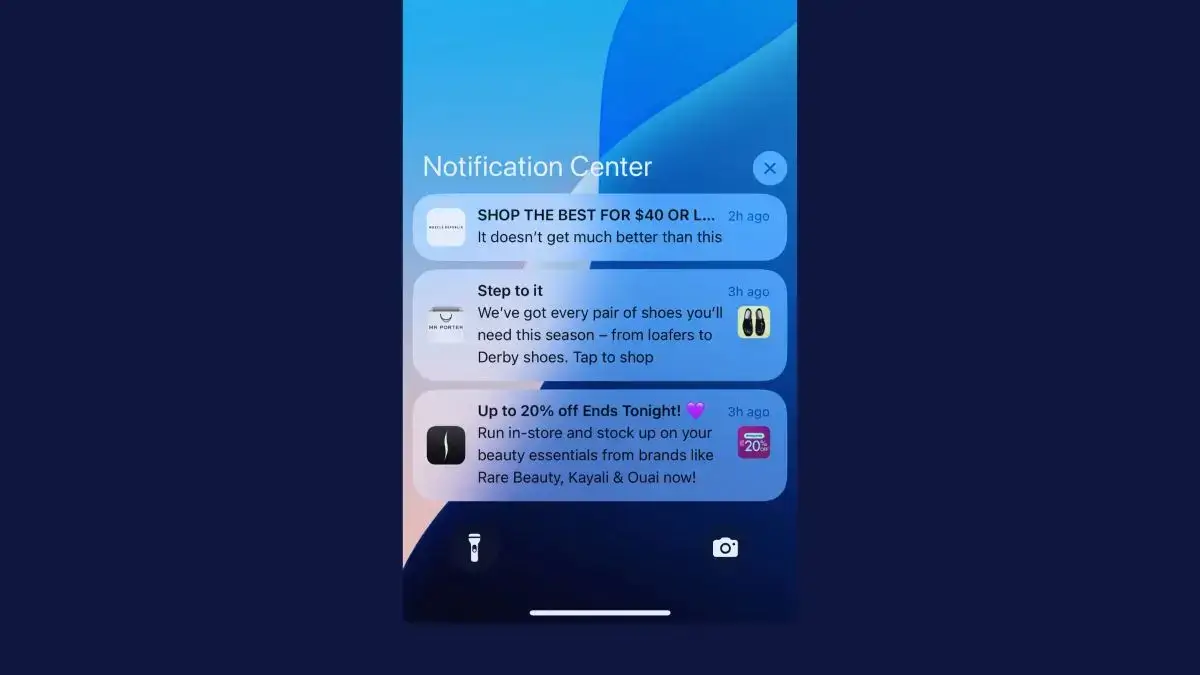
Native app push notifications appear on your customer’s lock screen, in Notification Center and as banners. The operating system delivers them, so they show up whether the customer is using their phone or not.
Web push is less dependable. PushPushGo’s 2025 benchmark data puts average web push deliverability at 33%, which means two out of three notifications sent never reach the subscriber. PushPushGo puts the gap down to notifications that expire before the device is back online.
Web push subscribers also drift away over time. A subscription belongs to one browser on one device, so it’s gone when a shopper clears their browser data or moves to a new phone or computer. And since October 2025, Chrome removes notification permission from sites that send a lot and get little engagement.
Reach: Web Push Has Lower Friction (But Lower Results)
Web push has one clear advantage: it’s easier to opt in to. On desktop and Android, shoppers can subscribe with one tap, with no app download and no account.
To get native push notifications, a customer has to go to the App Store, install your app, open it and then allow notifications. That’s objectively a longer path, though on iPhone it’s still shorter than the web push route.

So in theory, web push can reach a much broader audience. In practice, few people opt in.
Think about your own habits: how often do you click Allow when a random website asks to send you notifications?
For most people, the answer is almost never. PushPushGo measured an average opt-in rate of 6% of unique visitors in 2025, and Gravitec saw about 5% for online stores in their first three months.
App push works the other way around. About half of a retail app’s users allow notifications: 43.5% on iPhone and 49.95% on Android in 2025, according to Airship’s benchmarks. Those rates count different groups, website visitors for web push and app users for app push, but the gap is still wide.
App push subscribers are, by the nature of the longer path to opt in, much stronger. They’re higher intent and more engaged. They’re your best customers, so they’re also more likely to respond to your pushes.
Realistically, one native app push subscriber could be worth 10 subscribers to web push. Our guide to push notification opt-in rates covers how to raise yours.
What Can Web Push and App Push Do?
Web push and app push can both send campaigns, automated flows and segmented messages. App push does more with each message, because it comes from an app that knows who the customer is.
- Images and buttons: Chrome shows large images and buttons in web push, but Safari shows neither, so web push on iPhone and Mac is text and your icon. App push supports images and buttons on both iPhone and Android.
- Links: A web push opens a page on your site in the browser, where the shopper may not be signed in. An app push opens the right screen in your app, with the customer signed in and their cart and saved details ready.
- Segmentation: Web push tools can segment by what a subscriber browses, where they are and which device they use, but most subscribers are anonymous browsers. In an app, most customers are signed in, so you can also segment by purchase history and in-app activity.
- Automated flows: Web push tools like Brevo PushOwl run abandoned cart, back-in-stock and price-drop flows on the browser where the shopper left. App push runs the same flows through platforms like Klaviyo and OneSignal, tied to the customer’s account.
App push also works as a frequent channel. The typical shopping app in our research into 43 brands’ apps sent 4.5 push notifications a week, and about a quarter sent one a day or more.
How Much Do Web Push and App Push Cost?
Web push and app push are both cheap to send. The real difference is what you need before you can send at all: web push needs a tool on your site, while app push needs an app. Here’s what the main tools charged in October 2026:
| Web push | App push | |
|---|---|---|
| Free plans | Brevo PushOwl and Firepush: 500 notifications a month. OneSignal: up to 10,000 subscribers per send | OneSignal: up to 1,000 monthly active app users. Klaviyo: push on every plan, including Free |
| Paid plans | Firepush from $13 a month and Brevo PushOwl from $19 a month, each for 10,000 notifications. OneSignal: $19 a month plus $0.004 per subscriber | OneSignal: $19 a month plus $0.012 per monthly active app user |
| What else you need | Nothing beyond your website | An iOS and Android app |
Compared with SMS, both channels are cheap to send: neither charges for every message, though web push tools cap how many notifications each plan sends. Our guide to what push notifications cost goes into more detail.
Barrier to Entry: Web Push Is Easier to Start
Setting up web push notifications for your site is straightforward. Like, very straightforward.
Install a Shopify push notification app, configure a prompt and you’re live. You can be building your subscriber list and sending notifications within an hour:
- Install a push notification app from the Shopify App Store, or add your provider’s script to your site.
- Configure your opt-in prompt. Most tools let you customize when it appears and how it looks.
- Set up your campaigns. Start with the basics: abandoned cart recovery, back-in-stock alerts and promotional broadcasts.
- Build your subscriber list over time as visitors opt in.
Many of these tools work if you’re not on Shopify, too. Our guide to sending push notifications from your website walks through the setup in detail.
These tools are genuinely useful. Brevo PushOwl, for example, supports abandoned cart recovery, back-in-stock alerts and price-drop alerts. There’s little to no technical work to set them up, and the cost is minimal.
Native push requires a mobile app. That’s a bigger investment, but the revenue potential is proportionally bigger too.
However, if you want to know which channel is easiest to just dip your toes in and try out, that’s web push, without a doubt.
What Results Do Web Push and App Push Get?
App push gets more clicks per message than web push campaigns, though automated messages do well on both channels. These benchmarks come from different vendors, who count clicks in different ways, so treat them as a rough guide.
Pushwoosh measured average click rates of 3.05% on iPhone and 3.78% on Android for ecommerce apps between late 2024 and mid-2025. PushPushGo’s web push campaigns averaged 0.84% in 2025.
Automated web push does much better than web push campaigns. PushPushGo’s automated messages averaged an 8.21% click rate in 2025.
Omnisend, whose push notifications are web push, says 22.9% of clicks on automated pushes turned into orders in 2025. Automated pushes also converted at nearly 10 times the rate of campaigns, according to its 2026 ecommerce marketing report.
Web push can pay off for the right brand. Lancôme’s progressive web app sent push notifications with an 18% open rate, and 8% of shoppers who tapped one made a purchase, according to Google’s 2017 case study.
Browsers are also starting to filter web push. In October 2025, Google began removing notification permission in Chrome from sites that send a lot and get little engagement back, noting that less than 1% of all notifications get any interaction.
Click rates only measure the people you can reach, though. Add opt-in rates and iPhone reach, and app push puts each message in front of far more of your best customers.
Should You Use Web Push, App Push or Both?
Most established ecommerce brands should use both: web push for desktop and Android visitors who won’t download an app, and app push for the customers who buy from you again and again.
| If your store… | Best fit | Why |
|---|---|---|
| Sells mostly on desktop, as many B2B and wholesale stores do | Web push | It reaches desktop browsers, which app push can't |
| Wants to test push for the first time | Web push | It's cheap and can be live within an hour |
| Has mostly Android shoppers | Web push to start, app push as you grow | Android shoppers can subscribe straight from the browser |
| Has mostly iPhone shoppers, as most US stores do | App push | Web push barely reaches iPhones |
| Earns a big share of revenue from repeat mobile customers | App push | Those are the customers who install apps |
| Runs drops, launches and flash sales | App push, plus web push for everyone else | Reaching people fast decides the sale |
Web push is ideal for brands that want an easy extra touchpoint with website visitors, especially on desktop. It works best for timely alerts tied to browsing, like restocks and price drops on products a visitor looked at.
App push is best suited to brands whose customers buy again and again on their phones. It’s a strong fit when you want to message your best customers several times a week, at no cost per message.
Running both is a strong fit for most established stores. Push also works best alongside your email and SMS, with each channel doing the job it’s best at.
How to Set Up and Send Native Push Notifications
To send native push notifications, you need a native mobile app in the App Store and Google Play. There’s no way around this: native push uses the operating system’s notification services (APNs on iOS, FCM on Android), which only work through installed apps.
You can’t install a Shopify app and start sending native push notifications from your site. You can’t turn your site into a PWA and send native push either, because PWAs send web push notifications.
So does that mean you need an investment of $100K+, and a 6-12 month dev project, to start sending native push notifications?
No, it does not.
The Easiest Way to Unlock Native Push: Turn Your Existing Site into a Native App
The biggest downside of a native app has always been the cost and time to build it, then the team it takes to keep it in step with your website. MobiLoud cuts that by building your native iOS and Android apps on top of the website you already have.
To your customers, it’s a real native app, no different from one built from scratch. It’s in the App Store and Google Play, with native push notifications, native navigation and links that open the right screen in the app.
Everything that works on your site (every page, every integration, every checkout flow) works in the app, with no rebuilding required.
- Push is built in. Your app comes with OneSignal or Klaviyo set up, so you can segment, schedule and automate push, with no limit on how many notifications you send.
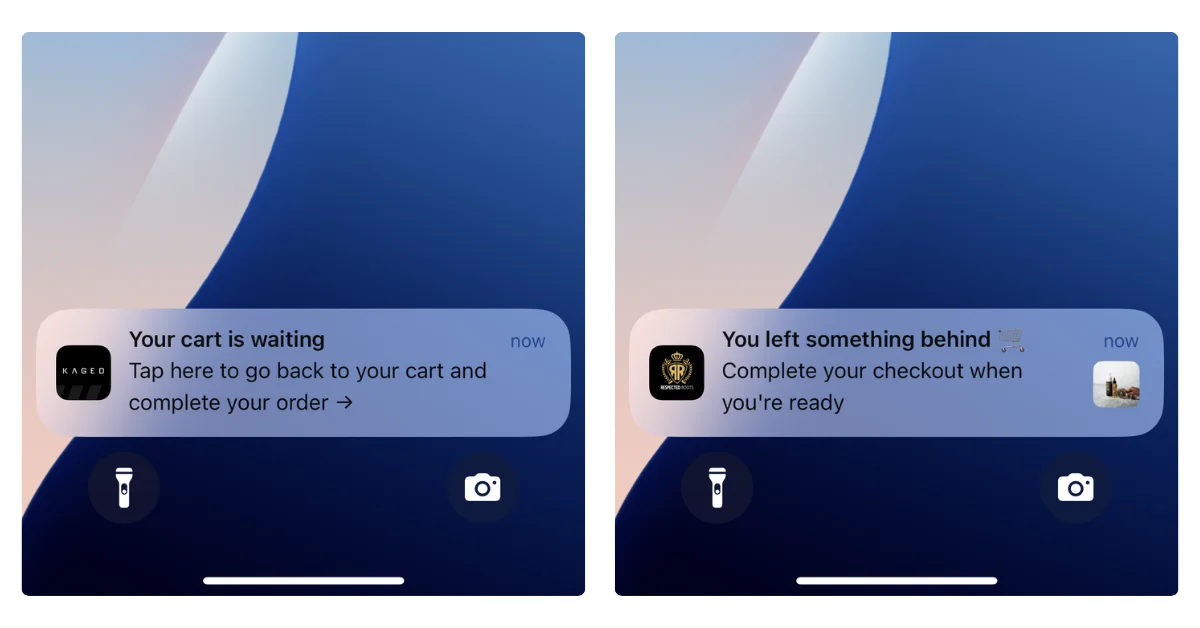
- Abandoned cart recovery is ready to go. When a customer leaves with items in their cart, the app triggers a recovery sequence automatically.
- Welcome screens ask for permission at the right moment, which helps your opt-in rate.
- We handle the app. We build, publish and maintain your app, and our team can handle configuration, CRO and ongoing management for you.
MobiLoud’s approach is the closest you can come to sending mobile push notifications from your website. You don’t need a new codebase to manage, a mobile app development team or a separate storefront. Launch typically takes 2 to 4 weeks, with a one-time setup fee to get started.
MobiLoud customers have reported $200-300K per month in push notification revenue. We have brands getting $200K+ per month from abandoned cart push notifications alone.
"The power of push notifications is so strong. In a world where people open email less and less each day, everyone is jumping into SMS which is crazy expensive, and people are starting to tune these out too, being able to do push notifications is the reason you do an app."
The Bottom Line
Web push is easier to set up, has lower opt-in friction and can, in theory, reach a lot more people. On performance, native push is fundamentally better: it reaches iPhones, more of the people you ask say yes and more brands report strong revenue through it.
But the main takeaway shouldn’t be that native app push is “better”. It should be that they’re two completely different channels. They’re not taking away from, or really competing with, each other.
It’s an apples to oranges (or mangoes, let’s say mangoes) comparison.
Use web push for the visitors who will never download an app, and app push for the customers who keep coming back. Our guide to ecommerce push notifications shows what to send once you have an app.