Mobile apps powered by Vue and Nuxt
Get native iOS and Android apps built on your Vue or Nuxt app, with every screen you've built working as it does today. Ship a change to the web and it's in the app too.
2,000+ apps published since 2013








Keep your code as it is
The app runs on the Vue app your users already know, so every screen and feature works on iOS and Android. There's no repackaging, no rewrite and nothing to port.
Your screens, styles and component library look the same in the app as in the browser.
Every route you have today works in the app, with native navigation on top.
Pinia, Vuex and saved state keep working, so users pick up where they left off.
Server rendering and everything else Nuxt does on your site work in the app too.
Your login flow behaves as it does on the web, and app users stay signed in.
The app talks to the same backend with the same auth, so nothing new is needed on the server.
Vuetify, PrimeVue, Element Plus or Tailwind: whatever styles your web app styles the mobile app too.
Deploy to your usual host, and the app shows the new version the next time it loads.
For your developers
Inside the app, your Vue code can use native features like push notifications through a JavaScript API. This component shows a push button only to app users who haven't turned notifications on yet, and hides it once they do.
Read mobiloudAppInfo.pushSubscribed into a ref, then keep it current from the app's mlPushStatusChanged callback.
Call triggerPushPrompt from your own button or flow. The app shows the OS dialog, or a shortcut to settings if the user said no before.
Pass your user ID to onesignalSetExternalUserId after login, so your backend can send transactional push to the right person.
Put a v-if on the user agent check to hide download banners on the app, or show screens that exist only there.
<script setup>
import { ref, onMounted, onBeforeUnmount } from 'vue';

const inApp = ref(false);
const subscribed = ref(false);
let timer;

onMounted(() => {
  inApp.value = navigator.userAgent.toLowerCase().includes('canvas');
  if (!inApp.value) return;

  // The app adds its API to the page shortly after it loads
  let attempts = 0;
  timer = setInterval(() => {
    attempts += 1;
    if (window.nativeFunctions && window.mobiloudAppInfo) {
      clearInterval(timer);
      subscribed.value = !!window.mobiloudAppInfo.pushSubscribed;
      // The app calls this whenever push is turned on or off
      window.mlPushStatusChanged = (isSubscribed) => {
        subscribed.value = isSubscribed;
      };
    } else if (attempts >= 50) {
      clearInterval(timer);
    }
  }, 100);
});

onBeforeUnmount(() => clearInterval(timer));

// Shows the OS dialog, or points to settings if push was declined
const enablePush = () => window.nativeFunctions.triggerPushPrompt();
</script>

<template>
  <button v-if="inApp && !subscribed" @click="enablePush">
    Turn on notifications
  </button>
</template>
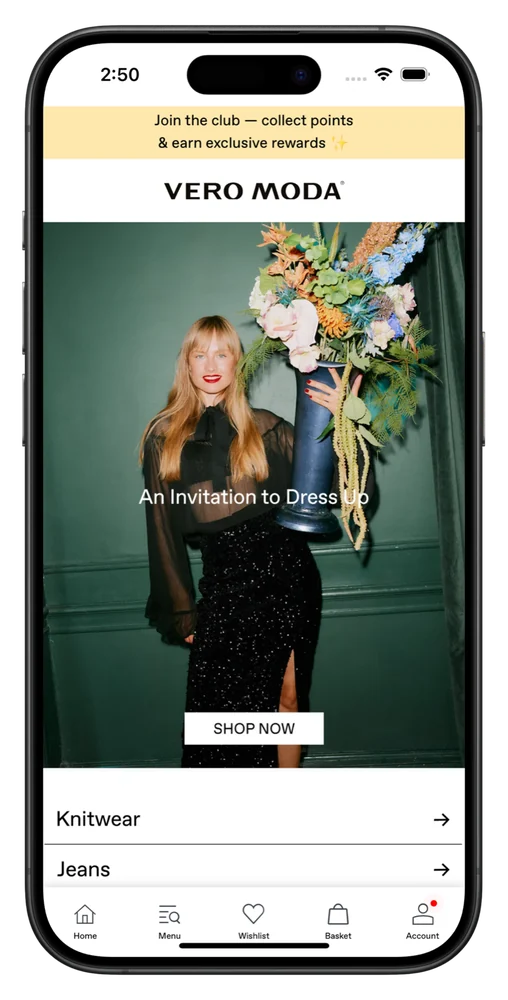
Case studies
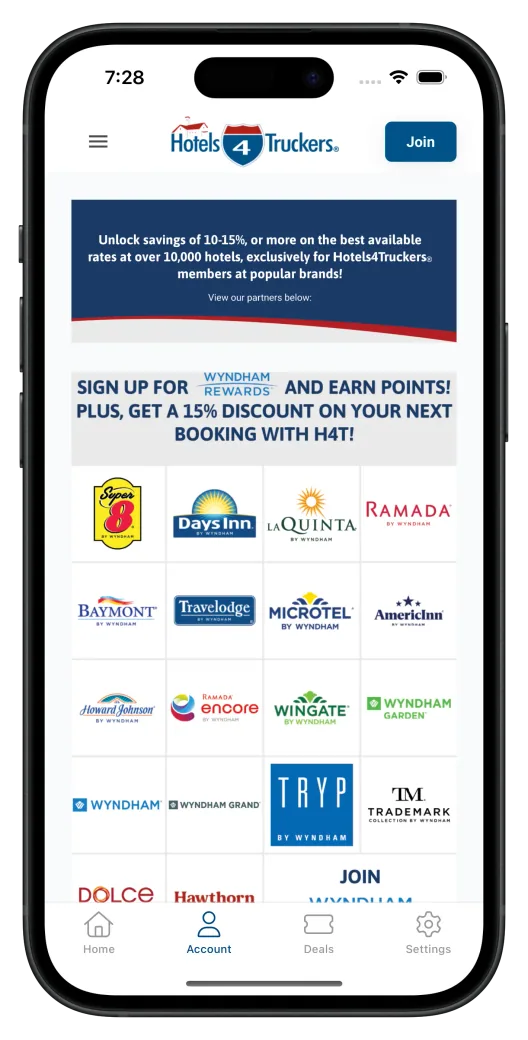
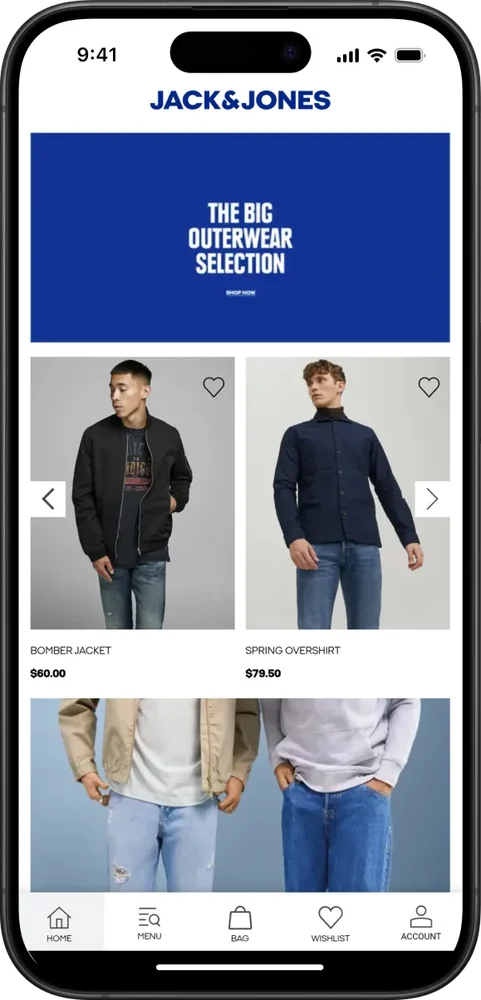
These apps started as web products. Their customers now open them from an icon on their phone, and every one is still built from a single web codebase.
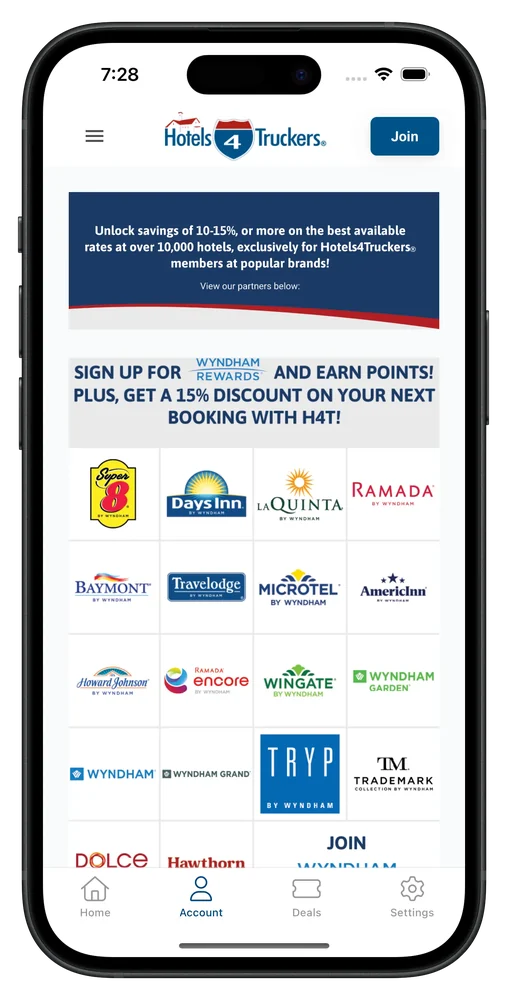
Hotels4Truckers
Booking platform for truckers
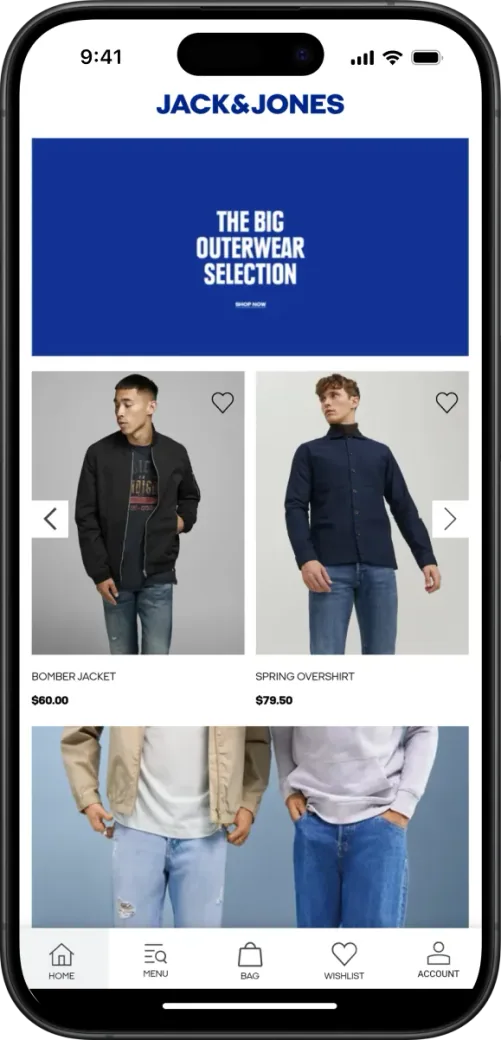
Jack & Jones
International fashion brand
1M+ App Downloads
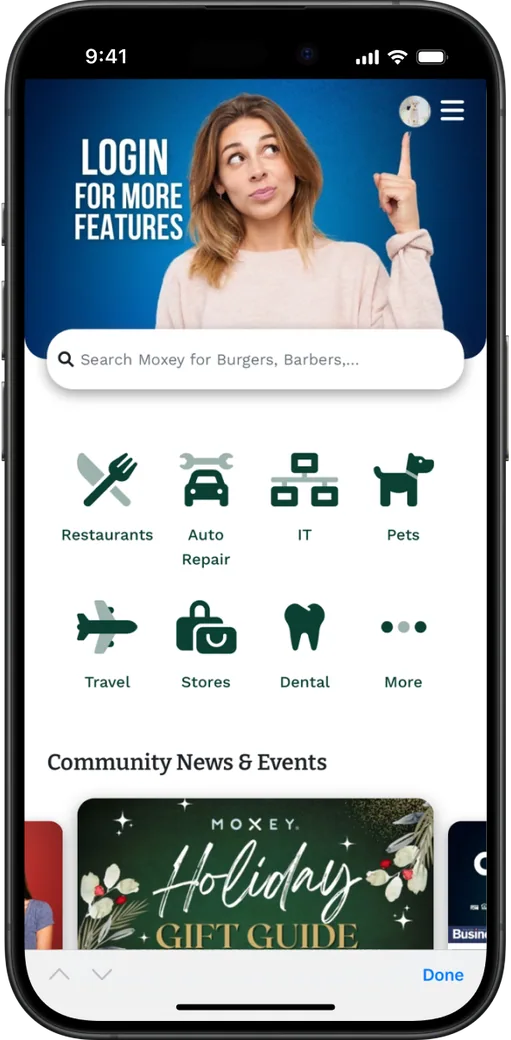
Moxey
B2B trade network
"It was almost mind-blowing how fast and easy it was. From everyone I've talked to who built custom native apps, you mostly hear about how lengthy and time-consuming it is. But this was a total no-brainer - we got exactly what we needed without the typical headaches and delays."
"MobiLoud allowed us to take our mobile-first web app and very easily turn it into a usable app, while also being able to quickly try out new features and maintain a single code base."
MobiLoud vs the alternatives
Ionic and Quasar repackage your app into native projects your team has to maintain, and Nuxt loses its server rendering along the way. NativeScript means rewriting every screen. MobiLoud turns the Vue app you ship today into the mobile app, as it is.
MobiLoud
Ionic or Quasar on Capacitor
NativeScript-Vue
The operating model
Nothing changes in your repo or your release process. We handle the native builds, the store listings and every update Apple and Google roll out.
Your team
Writes Vue, same as today
Our team
Looks after the native apps
Getting live
Plan on a kickoff call, a test build in week two and a sign-off. Everything native in between is on us.
Week 1
We map your app with your team: which views go in the tab bar, how sign-in works and what should change for app users. You then invite us to your Apple and Google developer accounts.
Weeks 1 to 2
Our team builds both apps on your live Vue app, with a native tab bar, push notifications and deep links into your routes. A test build reaches your phone in week two.
Weeks 1-2
We test on real devices, tune the splash screen, back button and tab bar, and hook up GA4 and Firebase. Then it's over to you for sign-off.
Weeks 2 to 4
We send both apps for review under your developer accounts. Review usually takes one to two weeks, and after launch, your web releases update the app.
We can deliver everything your legal, security and finance teams will ask for:
Have any more questions we didn't answer? Book a 30-minute call or send us a message to clear it all up.
Book a callNo. Those routes repackage or rewrite your app: Ionic and Quasar add mobile components and native projects on Capacitor, and NativeScript replaces your templates with native UI elements. MobiLoud builds native apps on the Vue app you ship today.
Yes, including server-side rendering. A Capacitor build of a Nuxt app has to work entirely client-side, so SSR gets switched off. MobiLoud loads your live site instead, so server-side rendering, static generation, server routes and route middleware all work in the app.
They work too. MobiLoud builds on whatever your site serves, so Vue 2 and Vue 3, the Options API and the Composition API are all the same to the app. You don't need to migrate first.
Yes. Your app gets a native tab bar and navigation, push notifications, persistent login, deep links, a splash screen and haptic feedback. Views render from your Vue code, so they keep the design your team built, and we tune mobile details like the back button.
Not to launch. Your app works as it is. Over time, most teams add small touches, like a v-if that hides the download banner in the app or a view only app users see, and use our JavaScript API for native features.
You send push through your own OneSignal account, or through Klaviyo on the Enterprise plan. After sign-in, one JavaScript call ties the device to your user ID, so your backend can send transactional push through OneSignal's API while marketing sends campaigns from its dashboard.
Yes, once someone has the app installed. We set up universal links on iOS and app links on Android, so a link to any of your routes, route params included, opens the matching view in the app. Your team adds two small files to your site, which we provide.
Yes. We've handled app store review for more than 2,000 apps since 2013, and we handle yours. Native navigation, push notifications and persistent login give Apple the app experience it looks for, and we answer any questions from the review team.
The Business plan is $1,499 a month, or $1,274 a month billed annually, plus a one-time fee to build and publish the apps, with up to 10,000 monthly active users. Enterprise, with native SDK integrations, a dedicated success manager and an SLA, is custom-priced. Neither plan takes a share of your revenue.
Most teams are live in 2 to 4 weeks: one to two weeks to build, test and approve the apps, then one to two weeks of app store review. Your team can keep deploying the whole time.
You do. The apps are listed under your own Apple and Google developer accounts, and your Vue code never leaves your hands. The intellectual property in the platform that builds the native apps stays with MobiLoud. Leave at any time, and your listings and users stay with you.
We'll set up a free, interactive preview of your app, so your team can see how it looks and works as a mobile app before deciding anything.