Mobile apps powered by Django
Get native iOS and Android apps built on your Django app, with all your existing code working as it does today. Every update you deploy reaches the apps too.
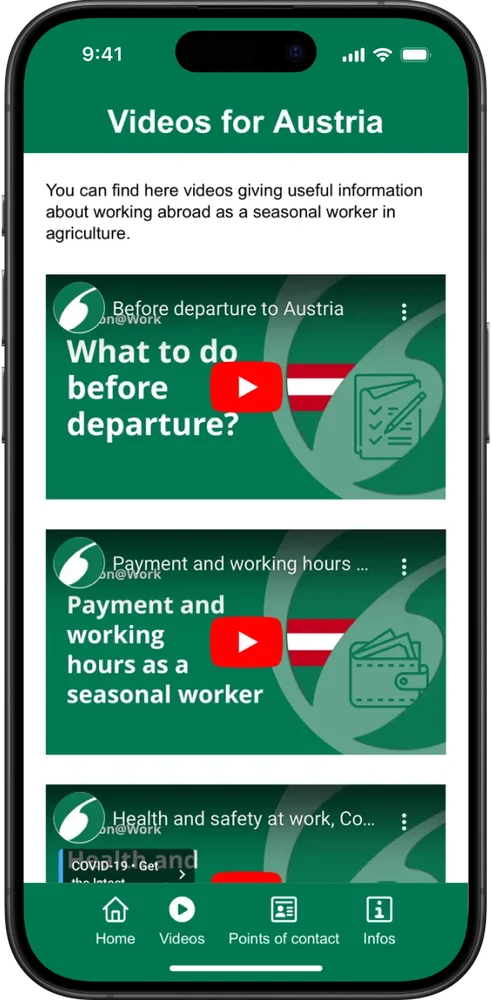
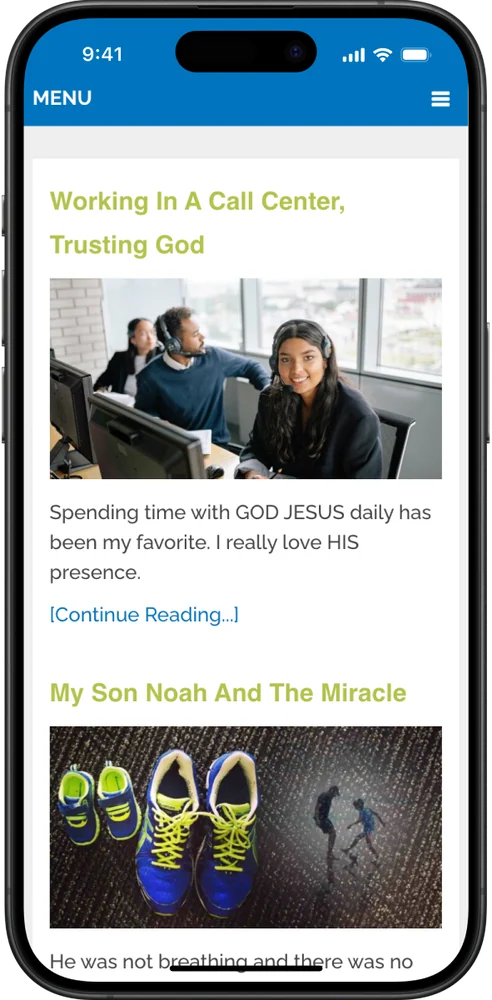
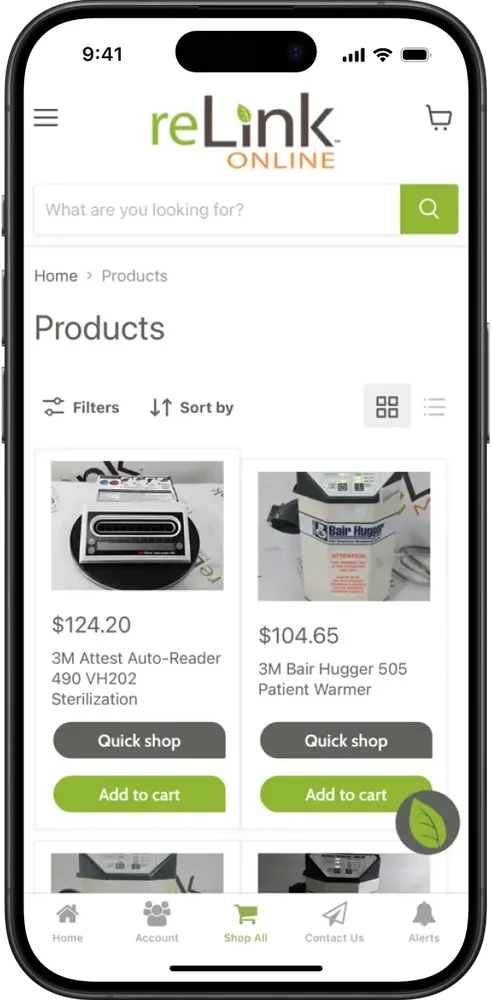
2,000+ apps published since 2013







No rebuild, no API
The app runs on the pages Django already serves, so every feature works on iOS and Android, and your team keeps writing Python the way it does now. There are no API endpoints to add and no second app to build.
Your templates, views and HTMX partials render in the app exactly as they do in the browser.
Every URL works as it does now, with native navigation on top.
Django auth, django-allauth and your permission checks keep working, and users stay signed in.
The app reads and writes through your models and database, so there's no second copy of the data.
Forms, validation and CSRF protection behave exactly as they do on the web.
Celery tasks and schedules keep running, and they can send push to app users through OneSignal.
Channels and WebSocket connections work in the app, so updates arrive in real time.
Your usual host serves the app as well, so each deploy reaches it straight away.
For your developers
Your Django app can tell when a request comes from the mobile app, so any view or template can change what app users see. This middleware flags those requests once, and templates check request.in_app.
Use {% if request.in_app %} to drop the web footer, hide download prompts or show content only app users get.
Link each device to the user's ID after login, then send transactional push from a Celery task through OneSignal's API.
Give app users their own pages, such as a welcome flow or app-only rewards, with ordinary Django views and decorators.
Call login() after Django signs someone in and logout() when their session ends, so the app's login screen matches your auth.
class MobileAppMiddleware:
    """Flags requests that come from the MobiLoud app."""

    def __init__(self, get_response):
        self.get_response = get_response

    def __call__(self, request):
        # The MobiLoud app adds "canvas" to its user agent
        agent = request.META.get("HTTP_USER_AGENT", "").lower()
        request.in_app = "canvas" in agent
        return self.get_response(request)


# In a template:
# {% if not request.in_app %}{% include "footer.html" %}{% endif %}
MobiLoud vs the alternatives
The usual route to the app stores means building an API for every screen, then a React Native or Flutter app on top of it. MobiLoud turns the Django app you already run into the mobile app, so you skip both.
MobiLoud
DRF or Ninja, then React Native or Flutter
Swift and Kotlin
The operating model
Your team keeps writing Python the way it does today. We build the iOS and Android apps, keep them working through each new OS release, and handle the app stores.
Your team
Keeps writing Python
Our team
Takes care of the stores
Getting live
Your developers explain the app at kickoff and approve the test build. We take care of everything native in between.
Week 1
Your team takes us through the product: what goes in the tab bar, how people log in and which templates need an app version. Then you add us to your Apple and Google developer accounts.
Weeks 1 to 2
We build the iOS and Android apps around your production site, match deep links to your URL patterns and set up push, then send a test build for your phone in week two.
Weeks 1-2
Testing on real phones covers login, forms and HTMX interactions. We polish the splash screen and back button and connect GA4 and Firebase, then it's your turn to sign off.
Weeks 2 to 4
Apple and Google get both apps from your developer accounts, and we stay with them through review, usually one to two weeks. After that, updating the app takes nothing more than a production deploy.
We can deliver everything your legal, security and finance teams will ask for:
Have any more questions we didn't answer? Book a 30-minute call or send us a message to clear it all up.
Book a callNo. DRF or Django Ninja is what a separate native app would talk to. MobiLoud builds on the pages Django renders, so your views and templates are enough, and any endpoints you already have keep working.
Toolkits like BeeWare and Kivy build new apps in Python, with their own interfaces, so your Django views wouldn't come along. MobiLoud gives you native iOS and Android apps built on the Django app you have.
Yes. The app uses the same session cookies as the browser, so Django's auth, django-allauth and your permission checks work unchanged. A separate native app would usually need token or JWT auth instead.
Yes. HTMX, Alpine, Stimulus and any JavaScript front end on top of Django all work, because the app renders your pages the way a browser does.
You send push from your own OneSignal account, or from Klaviyo on the Enterprise plan. Once someone logs in, a single JavaScript call ties their device to your user ID, so Celery tasks and signal handlers can reach them through OneSignal's REST API.
Yes. It installs from the App Store and Google Play and opens with a native tab bar, push notifications, persistent login, deep links, a splash screen and haptic feedback. Pages keep the design your templates give them, and we tune mobile details like the back button.
Yes. We've seen more than 2,000 apps through app store review since 2013, and yours goes through the same process. Native navigation, push notifications and persistent login give reviewers the app experience they expect, and we handle their questions.
The Business plan is $1,499 a month, or $1,274 a month billed annually, plus a one-time fee to build and publish the apps, with up to 10,000 monthly active users. Enterprise, with native SDK integrations, a dedicated success manager and an SLA, is custom-priced. Neither plan takes a share of your revenue.
Most teams are live in 2 to 4 weeks: one to two weeks to build, test and approve the apps, then one to two weeks of app store review. Your team can keep deploying the whole time.
You do. Both listings belong to your own Apple and Google developer accounts, and your Django project stays in your hands. MobiLoud retains the intellectual property in the platform that builds the native apps. If you leave, your listings and users leave with you.
Ask for a free, live preview, built by our team on your live site, and see how your app looks and works on iOS and Android.

