Mobile apps powered by your PWA
MobiLoud turns your progressive web app into native iOS and Android apps, published in the App Store and Google Play, without rebuilding it in a new codebase.
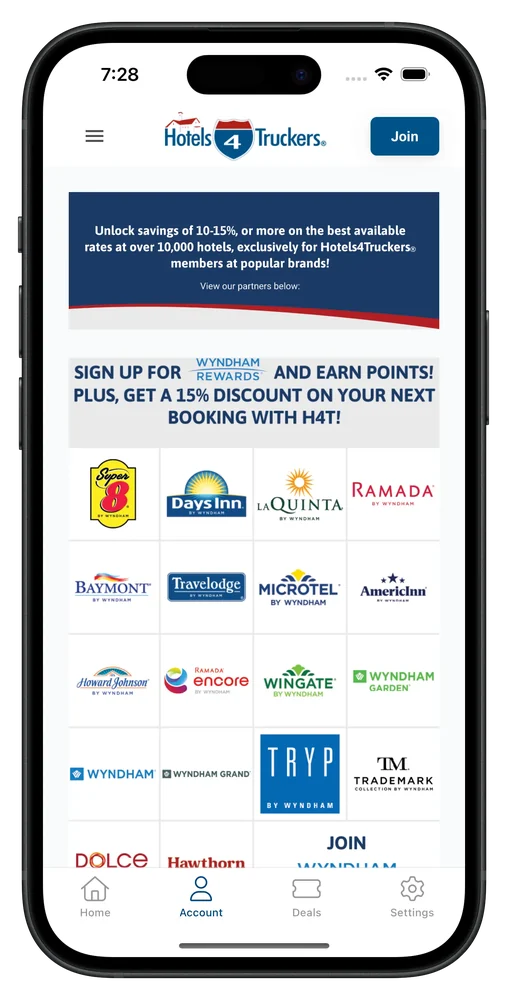
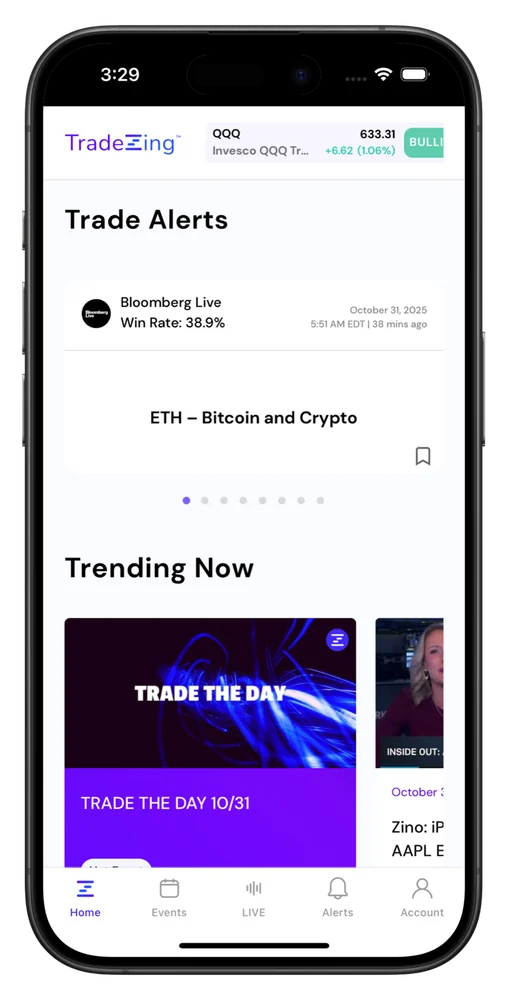
2,000+ apps published since 2013








Convert your PWA into an app
Your website is great. The PWA already looks and feels like an app. MobiLoud takes that, and adds what you need to make it a true native app experience.
React, Vue, Angular, Svelte, or a commerce PWA like PWA Studio or PWA Kit: the app renders what the browser renders.
Client-side routes and server-rendered URLs both work, and any link can open the matching screen in the app.
Your auth, cookies and tokens behave as they do on the web, and people stay signed in between visits.
REST, GraphQL and WebSocket connections reach the same endpoints, with the same auth, from inside the app.
Local storage, IndexedDB and your state library keep working, so users pick up where they left off.
Stripe, Adyen, PayPal and the checkout you built keep working in the app.
Your components and styles render exactly as they do in the browser, so the app looks like the product your users know.
GA4, Mixpanel, Amplitude or your own events keep tracking, with app sessions marked as app sessions.
What changes
Your PWA already works like an app in the browser. As a store app, it can be found, installed and heard on every phone, iPhones included.
People look for apps in the App Store and Google Play. Your app is there, with ratings and reviews, under your own developer accounts.
On iPhone, a PWA can only send push once someone adds it to their home screen. Your app asks for permission when it first opens, like any app.
No share menu or Add to Home Screen instructions. Smart banners and store links take people straight to the install button.
A native tab bar, transitions and back gestures that behave the way iOS and Android users expect.
Universal links and app links open the right screen from emails, messages and QR codes.
Persistent login and sign in with Apple, Google or Facebook, so returning users skip the password.
Want to see your PWA as an app? We’ll build you a free, interactive preview.
Get a free app previewFor your developers
Inside the app, your PWA can call native features through a JavaScript API. This module detects the app, swaps web push for the app's native prompt, links push to your user IDs and hides web-only elements like your install banner.
A single check tells your PWA whether it runs in a browser or in your app, so you only branch where it matters.
Point your existing notifications button at the app's native prompt, and keep web push for browser visitors.
Call onesignalSetExternalUserId after sign-in, so your backend can send transactional push by user ID.
The in-app class lets your CSS hide your Add to Home Screen prompt and anything else that only makes sense on the web.
// pwa-app.js: the same PWA, in the browser and in your app
export const inApp = navigator.userAgent
  .toLowerCase()
  .includes('canvas');

// Hide your install banner and other web-only bits with .in-app
if (inApp) document.documentElement.classList.add('in-app');

// Resolves with the app's API once it's on the page, or null
export function whenAppReady() {
  return new Promise((resolve) => {
    if (!inApp) return resolve(null);
    let attempts = 0;
    const timer = setInterval(() => {
      attempts += 1;
      if (window.nativeFunctions || attempts >= 50) {
        clearInterval(timer);
        resolve(window.nativeFunctions ?? null);
      }
    }, 100);
  });
}

// Your "turn on notifications" button: native push in the app,
// your existing web push everywhere else
export async function enableNotifications() {
  const native = await whenAppReady();
  if (native) return native.triggerPushPrompt();
  return Notification.requestPermission();
}

// After sign-in: tie native push to your own user ID
export async function linkUser(userId) {
  const native = await whenAppReady();
  native?.onesignalSetExternalUserId(String(userId));
}
Case studies
Each of these teams kept a single web codebase and shipped native iOS and Android apps on top of it.
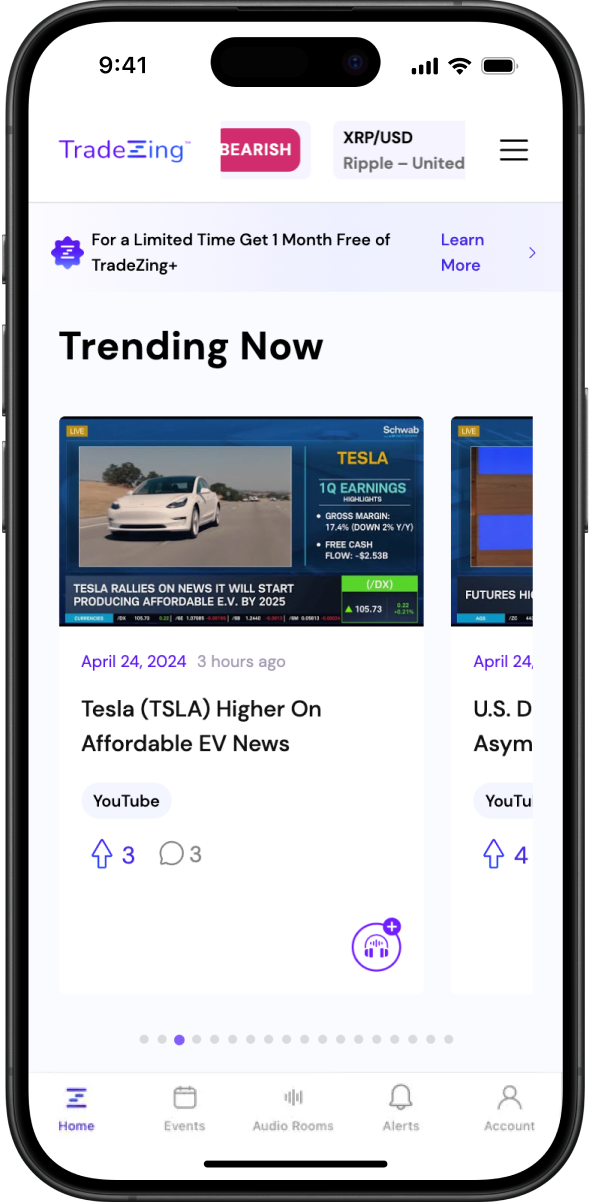
TradeZing
Investing platform and community Progressive web app
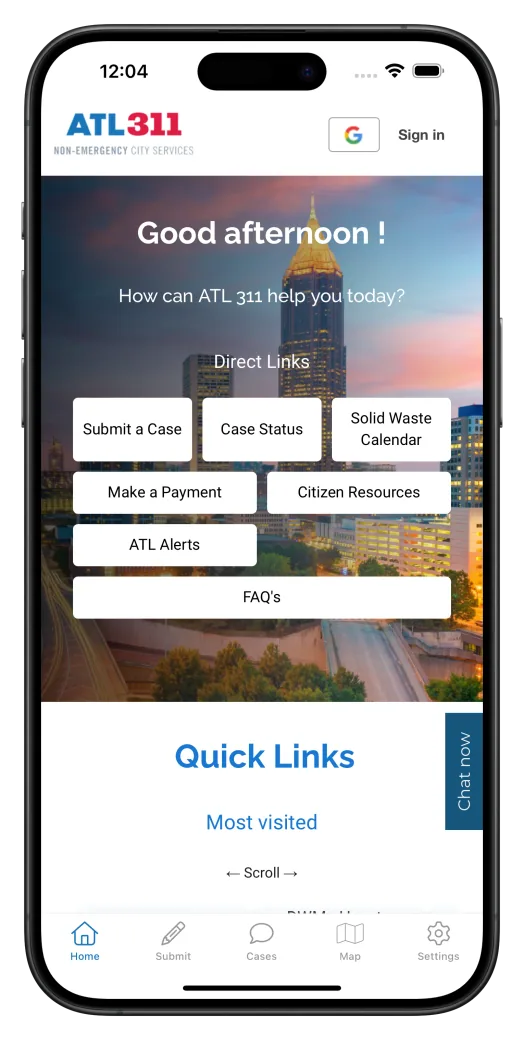
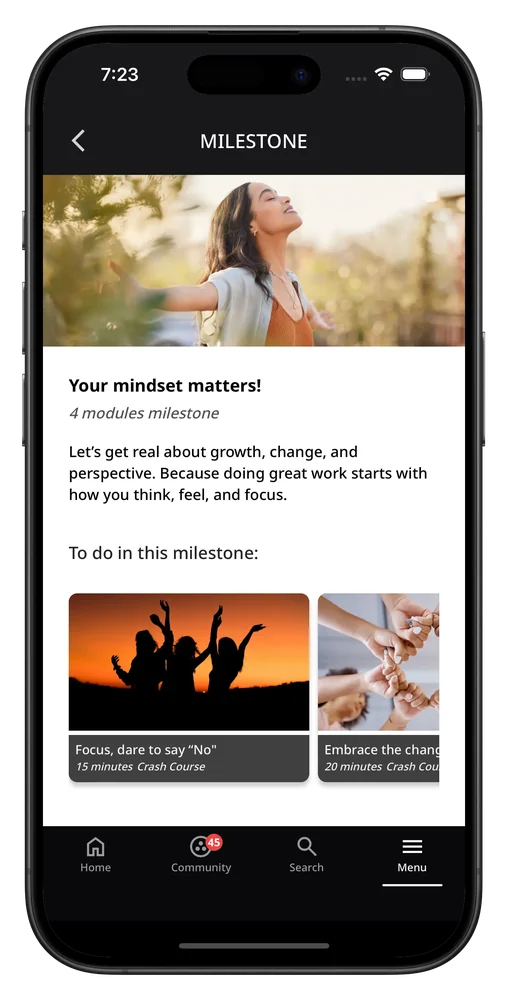
Accenture
City services app Microsoft Power Apps
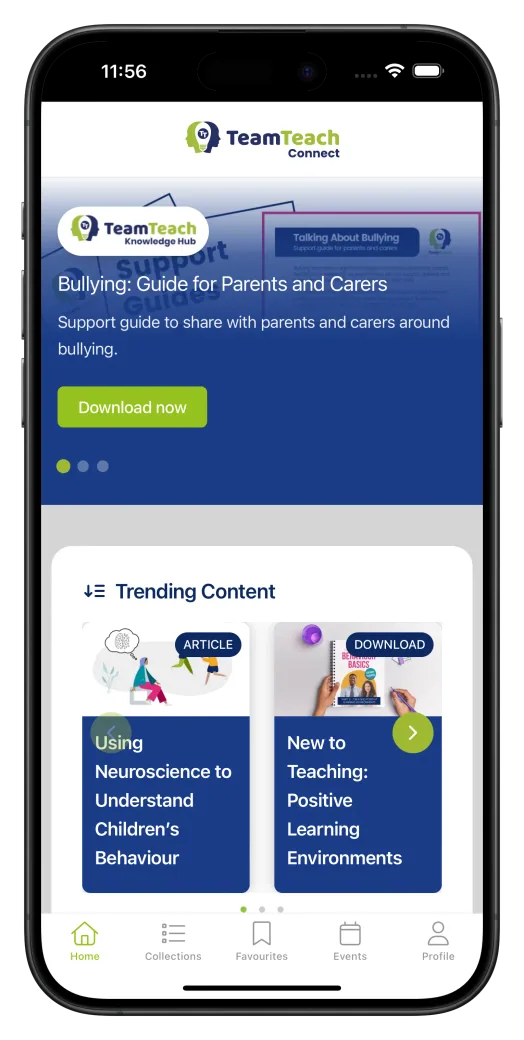
Team Teach
Education and training
"We literally had a dev team of about 30 people. We were able to cut the entire head count down to just a couple of core people working on our web tech stack."
"It feels like a mobile app is a huge win to the users who are expecting their apps on their phone to be an app and not just a PWA."
MobiLoud vs the alternatives
You chose a PWA to keep one codebase for every device. Getting into the App Store and Google Play shouldn't mean giving that up.
MobiLoud
PWABuilder or Capacitor
React Native or Flutter
The operating model
Your team keeps deploying the PWA the way it does today, and every release reaches both apps. We look after the native builds, the store reviews and every OS update.
Your team
Stays on the web stack
Our team
Builds, publishes and maintains your apps
Getting live
Your team joins a kickoff and reviews a test build. Everything else, from the native build to the store submissions, is on us.
Week 1
We walk through your PWA together: its key flows, how people sign in and anything that should behave differently in an app. Then you invite us to your Apple and Google developer accounts.
Weeks 1 to 2
We build the apps on your live PWA, adding native navigation, push notifications and deep links. You'll see a working preview by week two.
Weeks 1-2
We test on real iOS and Android devices, tune the splash screen, icons and back button, and connect GA4 and Firebase, ready for your sign-off.
Weeks 2 to 4
We submit both apps from your developer accounts and handle app store review, which usually takes one to two weeks. After that, every deploy keeps the apps current.
We can deliver everything your legal, security and finance teams will ask for:
Have any more questions we didn't answer? Book a 30-minute call or send us a message to clear it all up.
Book a callApple doesn't list progressive web apps, so your PWA needs a native iOS app around it, with enough native features to pass Apple's review. MobiLoud builds that app on your live PWA, adds native navigation, push notifications and deep links, and submits it from your Apple Developer account. Your Android app reaches Google Play the same way.
PWABuilder packages your PWA into store-ready projects that your team then builds, signs, submits and maintains. MobiLoud builds native apps on your PWA with push, navigation and deep links added, takes them through store review, and keeps them up to date with every iOS and Android release.
No. Capacitor gives your team native projects and plugins to maintain, and a web change usually means a new app release or a live-update service. MobiLoud builds on your live PWA, so your deploys update the app, and our team looks after the native side.
Yes. Apple's guideline 4.2 rejects apps that only repackage a website, which is where many wrapped PWAs come unstuck. Your app gets native navigation, push notifications, persistent login and deep links, and we handle the review and anything the reviewer asks. We've published more than 2,000 apps since 2013.
Yes, for everyone who installs the app. A PWA can only send web push on iPhone once someone adds it to their home screen. Your app asks for permission when it's first opened, or when your own button calls the app's push prompt, and you send notifications from your own OneSignal account, from its dashboard or your backend.
Your app runs your live PWA, so pages, routes and logic come from your deployment as they do in the browser. Offline behavior depends on what your service worker does, so we review it with you during the preview and tell you exactly what carries over before you commit.
Yes. Your PWA stays exactly as it is for web visitors, and the apps run on the same code. You keep one codebase and one release process for web, iOS and Android.
No. Deploy your PWA and the change appears in the apps. App updates are only needed for changes to the native layer, and we handle those.
Yes. MobiLoud adds a native tab bar and navigation, push notifications, persistent login, deep links, a splash screen and haptic feedback. Your screens render from your own code, so the design stays yours, and we tune details like the back button for phones.
The Business plan is $1,499 a month, or $1,274 a month billed annually, plus a one-time fee to build and publish the apps, with up to 10,000 monthly active users. Enterprise, with native SDK integrations, a dedicated success manager and an SLA, is custom-priced. A rebuild in React Native or Flutter typically costs $250,000 to $1M+ a year, with the team to maintain it.
Most teams are live in 2 to 4 weeks: one to two weeks to build, test and approve the apps, then one to two weeks of app store review. Your team can keep deploying the PWA the whole time.
You do, from day one. The App Store and Google Play listings are in your developer accounts, and your code stays in your repo. The platform that builds the native apps is MobiLoud intellectual property, and if you leave, your listings and users come with you.
Get on a short call to discuss your project. After the call, we'll build a free, interactive preview of your app to show you what's possible.