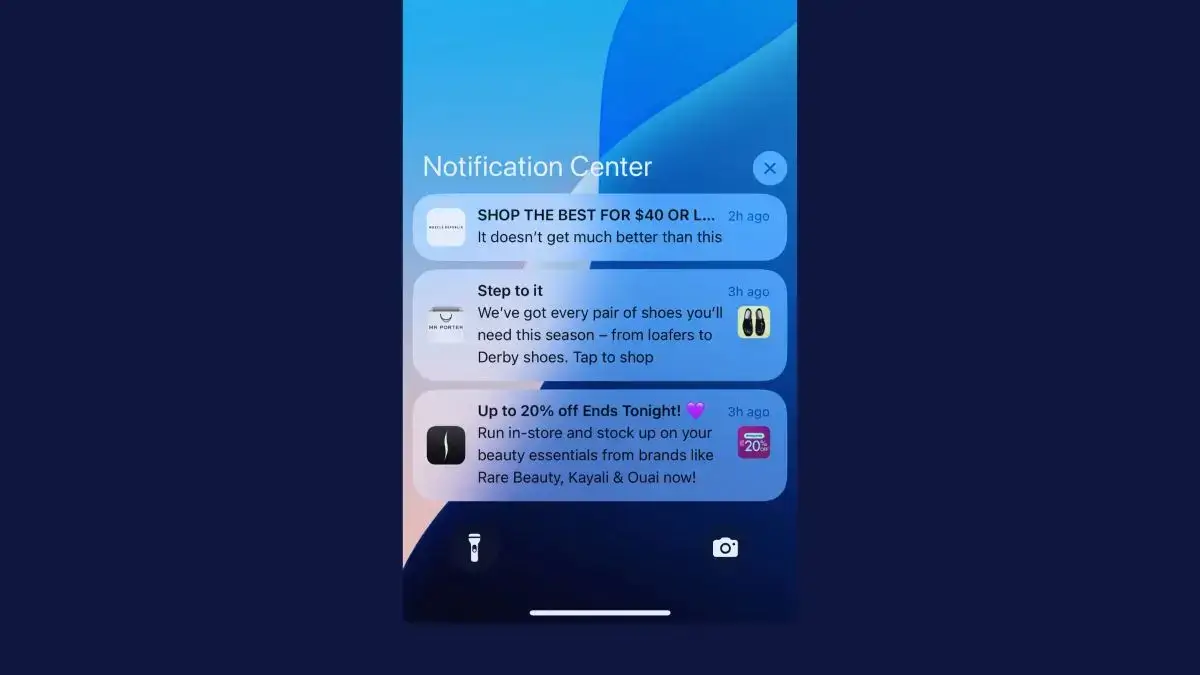
SMS has become a staple channel for ecommerce brands. A text reaches customers on the phone they carry everywhere, and tools like Klaviyo, Postscript and Attentive make it easy to send.
But there’s another channel that lands on the same lock screen, costs nothing to send and comes from an app your customer chose to install: push notifications.
This guide breaks down push notifications vs SMS, including how each works, what they cost, who you can reach, the rules for each and the results you can expect, as well as which messages belong on which channel.
What’s the Difference Between a Push Notification and a Text Message?
A push notification is a message from an app, while a text message (SMS) is a message to a phone number. Both show up on the lock screen, but they arrive by different routes and need different things before you can send one.
Push notifications come from your iOS or Android app, through Apple’s and Google’s delivery services. The customer has to install your app and allow notifications, and a tap opens the screen the message is about: a product, their cart or an order.
Text messages travel over the cellular network to the phone’s Messages app, in the same list as the customer’s personal texts. They need a phone number and the customer’s consent, but no app and no mobile data.
The app is what drives every other difference. SMS can reach anyone who gives you a number, at a price per message. Push only reaches people who’ve installed your app, at no cost per message.
The Key Differences Between Push Notifications and SMS
Push notifications and SMS differ most in what they cost, who they reach and the rules that come with them. Here’s how they compare side by side.
| Push notifications | SMS | |
|---|---|---|
| What you need | Your app, installed, with notifications allowed | A phone number and the customer's written consent |
| Where it appears | Lock screen, banners and Notification Center, under your app's icon | The Messages app, next to personal texts |
| Cost per message (US) | None | About 1 to 1.3 cents, including carrier fees |
| Who you reach | App users who allow notifications | Anyone who opts in, with or without your app |
| Length | A short title and a line or two | 160 characters per segment, or 70 with an emoji |
| Images and buttons | Yes | Images only as picture messages (MMS), at several cents each |
| After the tap | Opens the right screen in your app, signed in | Usually opens a web page |
| Replies | Buttons, but no replies | Two-way conversations |
| Delivery | Needs mobile data or Wi-Fi | Needs cellular service, not data |
| Rules | The phone's permission prompt and app store policies | TCPA consent, carrier registration and quiet hours |
| Best for | Frequent promotions, alerts and cart reminders for app customers | Customers without your app, urgent moments and conversations |
Compared with SMS, push wins on cost and on what happens after the tap. SMS wins on reach, replies and delivery without a data connection.
How Much Does SMS Cost Compared With Push Notifications?
SMS charges you for every message, while push notifications cost nothing per message once you have an app. In the US, a text costs about 1 to 1.3 cents with carrier fees, depending on your platform and plan.
| Channel and platform | Per message | Carrier fees | Per 1,000 messages |
|---|---|---|---|
| SMS, Postscript Starter ($49 monthly minimum) | $0.009 | About $0.0033 | About $12.30 |
| SMS, Postscript Growth ($100 a month) | $0.008 | About $0.0033 | About $11.30 |
| SMS, Postscript Professional ($500 a month) | $0.007 | About $0.0033 | About $10.30 |
| Picture message (MMS), Postscript Growth | $0.03 | About $0.008 | About $38 |
| SMS, Twilio | $0.0083 | $0.0035 to $0.005 | About $11.80 to $13.30 |
| Push, OneSignal or Klaviyo | None | None | $0 |
These are US list prices from Postscript and Twilio in October 2026. Attentive quotes its prices based on your message volume and list size, and Klaviyo also charges for each text.
Each SMS price is per segment. A segment is 160 characters, or 70 if the text includes an emoji, so a long message can cost two or three times as much.
You also pay for the number you text from. Postscript includes a toll-free number on every plan, while a dedicated short code costs $750 a month in carrier fees. A regular 10-digit number needs registering with US carriers, a system called 10DLC, which costs $46 once, $15 per campaign and $10 a month per campaign through Twilio.
Push platforms charge by app users instead. OneSignal is free for up to 1,000 monthly active users, then $19 a month plus $0.012 per active user, with unlimited sends. Klaviyo doesn’t charge per push notification.
The bigger cost of push notifications is the app itself, which you need before you can send a single one.
Here’s what the difference means for a brand texting 50,000 subscribers twice a week on Postscript’s Growth plan. That’s about 433,000 texts a month, or roughly $5,000 with carrier fees.
If 5,000 of those subscribers also have your app with notifications on, sending them push instead saves about $490 a month. You can then message them as often as you like at no extra cost.
This is an illustrative example, using US list prices in October 2026 and one segment per text at $0.008 plus $0.0033 in carrier fees.
A loyalty update, product recommendation or weekly promotion may be economical through push but unnecessarily expensive through SMS. SMS should generally be reserved for messages where the expected value justifies the cost.
Who Can You Reach With Push vs SMS?
SMS can reach far more of your customers than push. Anyone who gives you their phone number and consent can join your SMS list, from a first-time visitor to a customer who’s bought from you for years.
Push only reaches customers who install your app and allow notifications. Most of your customers won’t have your app: even for a high-performing app, you’re looking at around 15 to 25% of your customer base.
The best retail apps get about two in three of those app users to allow notifications: Airship’s benchmarks put the top 10% at 63.93% on iPhone and 69.85% on Android in 2025, and how and when your app asks makes a big difference.
That smaller group is worth more, though. Someone who’s made space for your brand on their home screen has shown more intent than the average website visitor or email subscriber.
SMS gives you breadth. Push gives you a direct channel to a more self-selected audience.
What Rules Apply to SMS and Push Notifications?
SMS comes with far more rules than push in the US, from federal consent law to carrier registration and limits on when you can send. Push permission is handled by the phone.
This is a summary, not legal advice, and rules differ in other countries, so check each market you send to.
SMS: Consent, Quiet Hours and Carrier Registration
Marketing texts generally need the customer’s prior express written consent under the TCPA. Customers can withdraw it by replying STOP, “cancel” or “unsubscribe”, or in any other reasonable way, and you have up to 10 business days to act on it.
Each unlawful text can cost $500 in damages, or up to three times that if the violation was willful.
Timing matters too. Federal rules bar telephone solicitations before 8 a.m. or after 9 p.m. in the recipient’s time zone, and by March 2025, one Florida law firm had sued more than 100 ecommerce brands over marketing texts sent outside those hours. Florida’s own limit ends at 8 p.m.
Carriers add their own layer. Business texting numbers in the US have to be verified or registered: a toll-free number needs verification, a regular 10-digit number needs brand and campaign registration, and carriers block texts from numbers that skip this step.
Push: Permission Comes From the Phone
Push permission comes from the customer’s phone. iPhones have always asked before an app can send notifications, Android has since Android 13, and customers can switch them off in their settings at any time.
Apple’s App Store rules add that marketing pushes need the customer’s explicit opt-in and a way to opt out inside the app. Push notifications aren’t calls or texts to a phone number, so the TCPA doesn’t cover them, though privacy laws still apply to the data you use to target them.
That toggle in the customer’s phone settings does a lot of heavy lifting. Realistically, you’re very unlikely to run into compliance issues with push.
Which Gets Better Results: Push or SMS?
Both channels get strong results, in different ways. SMS gets more clicks per message: Klaviyo’s 2026 benchmarks put the average SMS campaign’s click rate at 5.6%, and Pushwoosh measured average click-through rates of 3.05% on iPhone and 3.78% on Android for ecommerce push. But every text costs money and push is free to send, so each push notification can still earn you more than a text.
| Push notifications | SMS | |
|---|---|---|
| Click rate | 3.05% on iPhone and 3.78% on Android (Pushwoosh, ecommerce, Q4 2024 to Q2 2025) | 5.6% for campaigns and 9.65% for automated flows (Klaviyo, 2026) |
| Open rate | 1.73% on iPhone and 2.7% on Android, counting only taps (Airship, retail apps, 2025) | Not measured |
| Unsubscribes per message | Not reported, since customers switch notifications off in their settings | 1.08% for campaigns and 1.74% for flows (Klaviyo, 2026) |
| Share who opt in | 43.5% on iPhone and 49.95% on Android (Airship, retail apps, 2025) | Depends on your sign-up forms |
Opens don’t tell you much on either channel. A standard text can’t report whether it was read, so SMS platforms track clicks instead. Push platforms count an open only when someone taps, which misses everyone who read the notification on their lock screen and came back later.
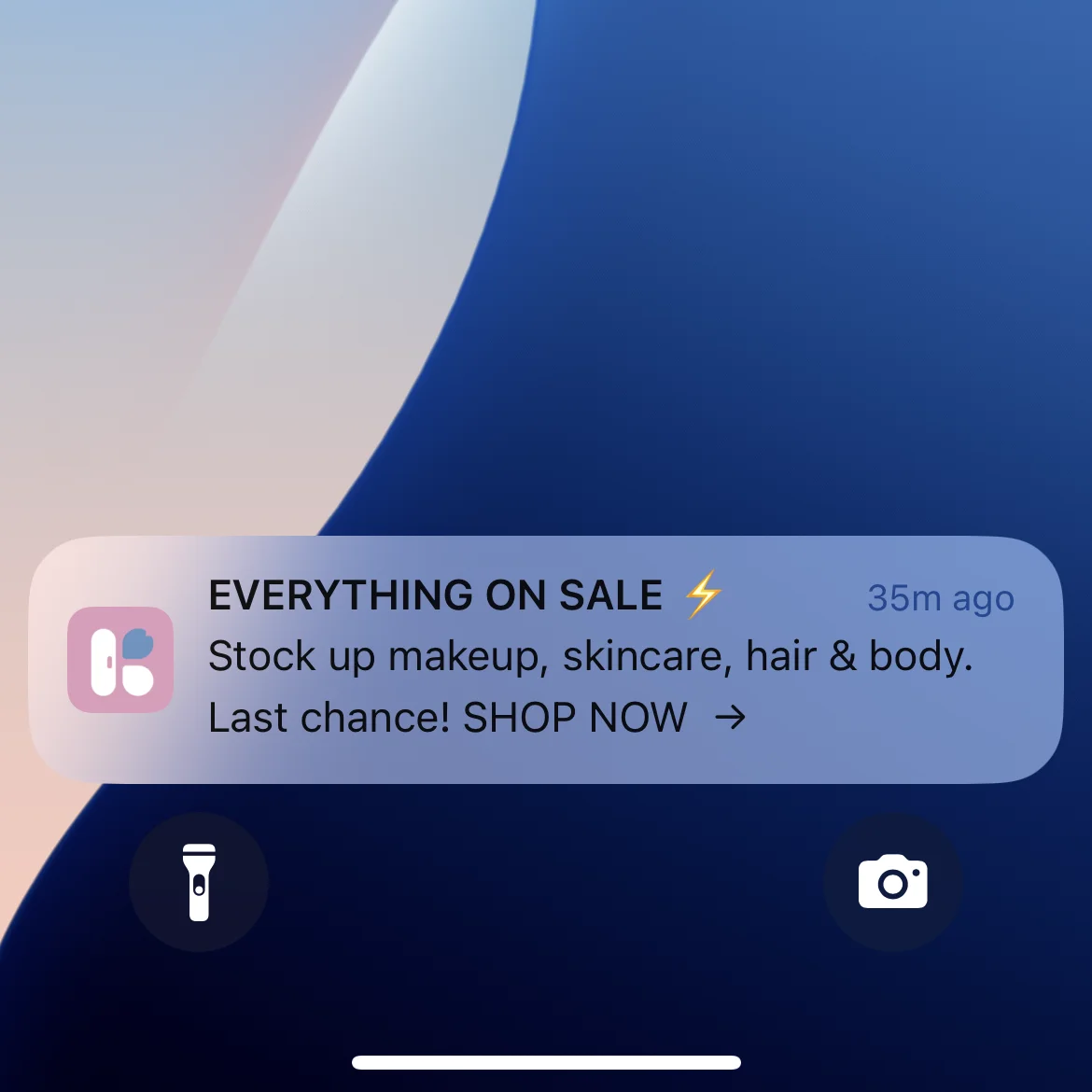
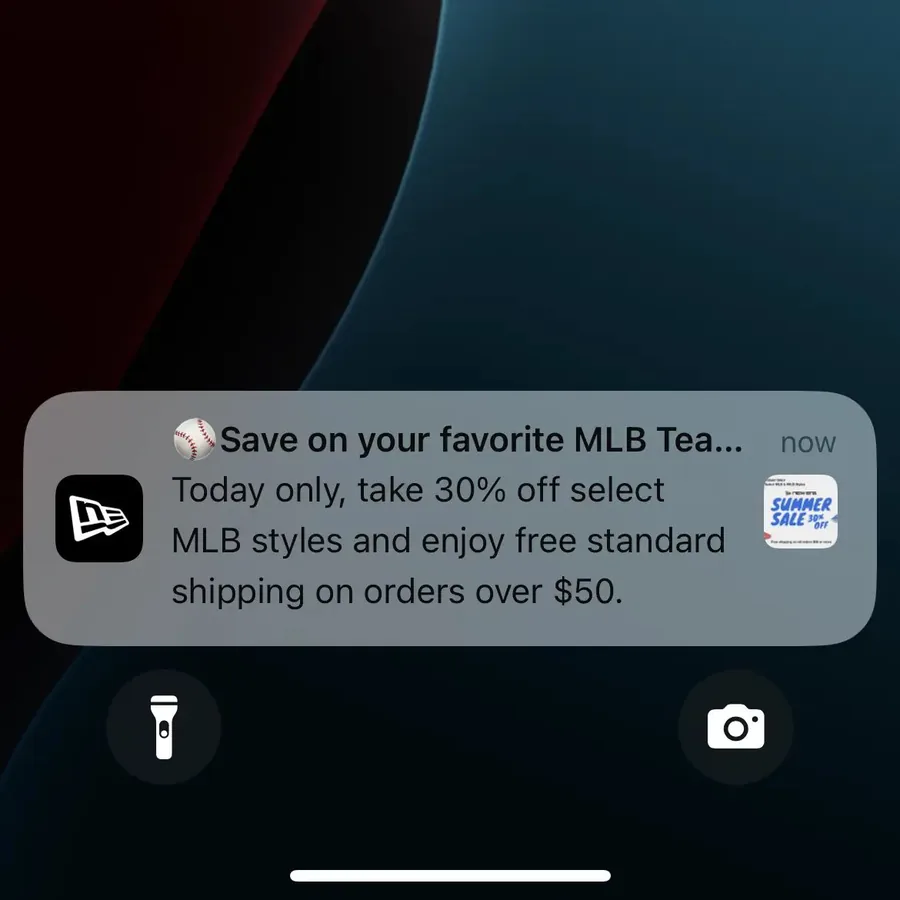
The better comparison is business performance:
- Did the message lead to a click and an order?
- Did it bring in revenue you wouldn’t have made anyway?
- Did unsubscribes, disabled notifications or app deletions go up?
Push has an edge after the tap. A notification opens the exact screen it’s about, inside an app where the customer may already be signed in, with their preferences and payment details saved. A text usually opens a web page in the browser.
How Customers See Texts and Push Notifications
Customers have good reason to be wary of texts. When people told the FTC how a scammer first reached them in 2025, a text message was the most common answer, according to the agency.
iPhones now help people filter them, too. Since iOS 26, iPhone owners can screen texts from unknown senders into a separate list. By default, only time-sensitive texts from those senders, like verification codes, still trigger a notification.
Texts also arrive in the same inbox as messages from friends and family. Because each send costs money and lands somewhere so personal, the risk of annoying your customers with a barrage of texts is greater than with push or email.
"The power of push notifications is so strong. In a world where people open email less and less each day, everyone is jumping into SMS which is crazy expensive, and people are starting to tune these out too, being able to do push notifications is the reason you do an app."
Push notifications arrive under your brand’s icon, from an app the customer chose to install, and anyone who doesn’t want them can switch them off without replying to anything.
Push isn’t immune to filtering, either. iPhones and Android phones can now summarize notifications with AI, and Pixel phones can group and silence promotions, so relevant, triggered messages get through best.
Push Notifications vs SMS: Which Is Better?
Neither channel is better across the board. Push is the better channel for customers who have your app, while SMS is better for everyone else and for messages that need a reply or can’t risk a missing data connection.
On a message-for-message basis, push is probably the strongest channel you have. It’s direct, high-visibility and zero cost. In general, if you can send someone a push notification, that should be the go-to channel for them.
When Should You Use SMS?
SMS is best when you need broad reach, urgency or a two-way conversation. It works well for:
- Customers who don’t have your app, including first-time visitors, one-time buyers and regular customers who haven’t downloaded it yet.
- Urgent, high-value messages, such as a flash sale ending in a few hours, a delivery problem that needs the customer to act or a high-value abandoned cart.
- Transactional updates, like order confirmations and shipping and delivery notifications, which customers value because they’re about something they’ve already done. Check that your consent covers any marketing you add to them.
- Customer service and conversational commerce, from product questions and order support to personal shopping, especially when a real person can step in for higher-value customers.
SMS is a strong fit when a message has to reach someone today and they don’t have your app.
When Should You Use Push Notifications?
Push notifications are best for frequent, timely messages to customers who have your app. Because each notification can open the exact screen it’s about, the path from the lock screen to checkout is very short.
Abandoned cart notifications show this best. The customer sees the notification, taps it and lands on their cart in the app, ready to finish the order.
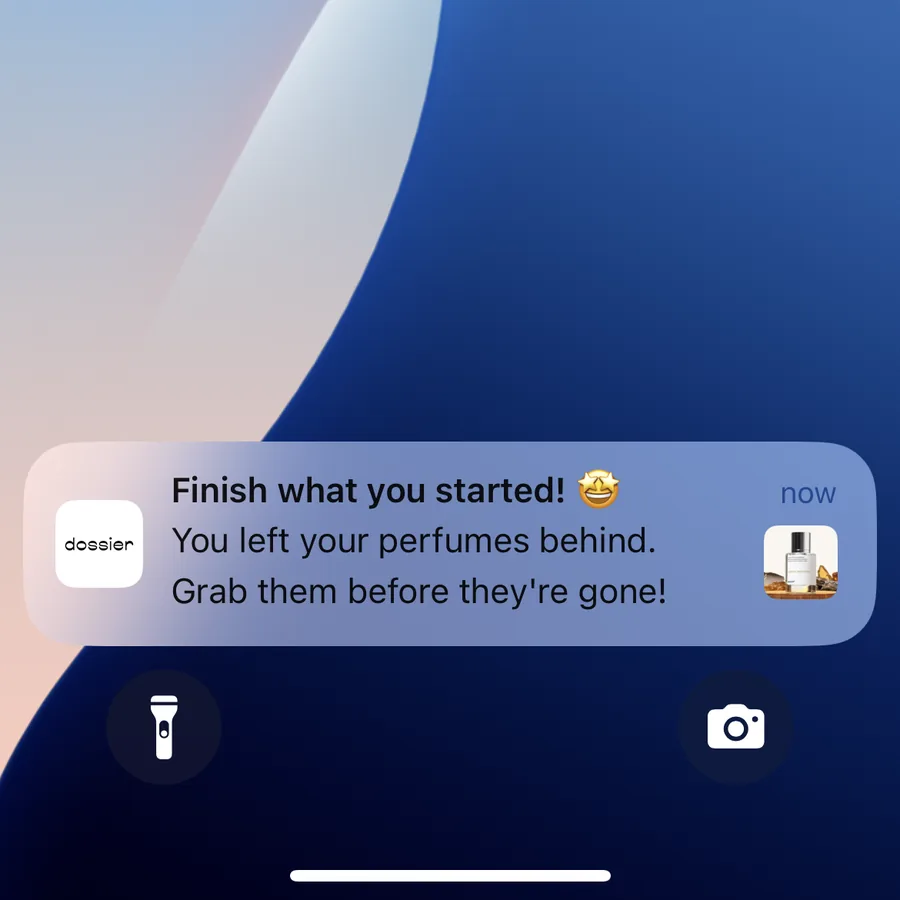
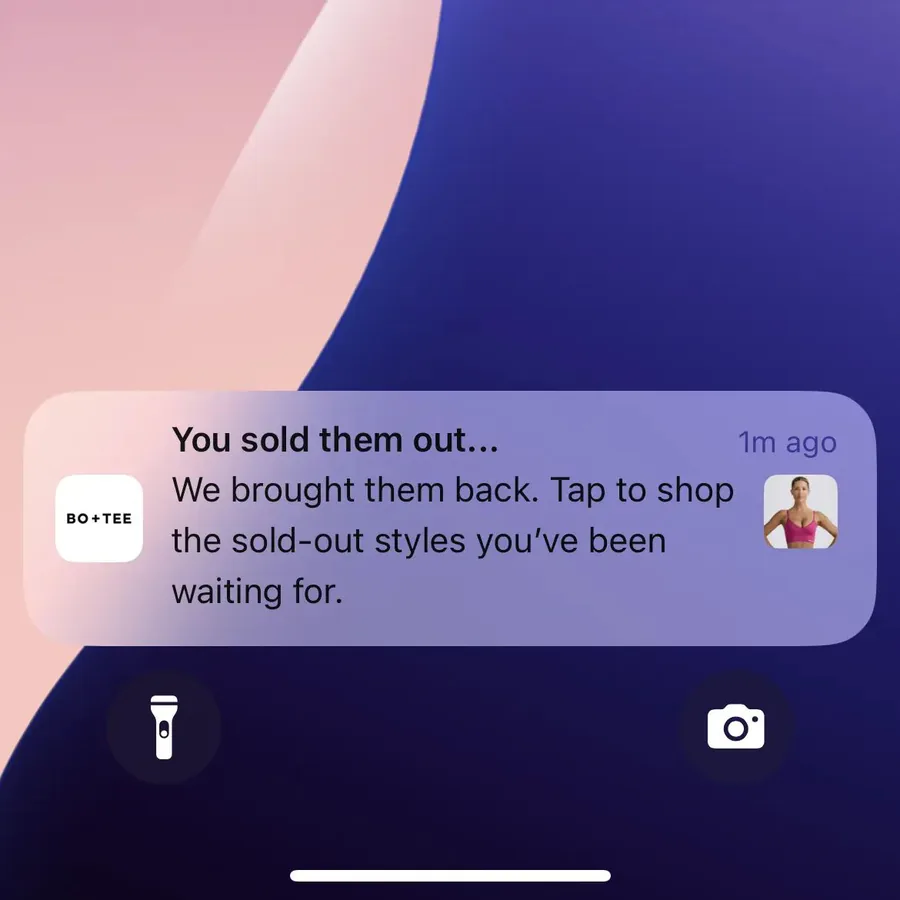
For brands we studied for our benchmark report, abandoned cart push alone brought in $10,000 to $200,000+ over just one 30-day period. The power of this one campaign is often more than enough, on its own, to pay for the cost of having an app in the first place.
Push also suits:
- Back-in-stock and price-drop alerts, which reach customers who are already waiting to buy and open the product page.
- Loyalty updates, such as points earned, rewards available and expiring benefits, which would get expensive and intrusive by text.
- New arrivals, product picks and sales, especially app-only offers and early access for your most engaged customers.
- Regular re-engagement, from replenishment reminders to personalized recommendations.
This doesn’t mean sending every notification to every app user. A relevant weekly notification can strengthen retention, while several irrelevant notifications a day can make customers disable push or delete your app.
Which Messages Should Go by Push and Which by SMS?
For customers who have your app, broad promotions are the easiest messages to send by push rather than by text. Klaviyo’s 2026 benchmarks show SMS earns 45.2% of its revenue from automated flows, which make up just 7.6% of SMS sends. Klaviyo’s own advice is that SMS “should prioritize high-intent moments over broad promotional blasts.”
Those broad promotions are what shopping apps push most. About seven in ten of the 249 notifications in our push notification report were new arrivals, product picks or sales, and the typical app sent 4.5 a week.
| Message | Customers with your app | Customers without it | Why |
|---|---|---|---|
| New arrivals and product picks | Push | Email, or SMS for big launches | Frequent and low urgency, so a text each time adds up |
| Sales and flash sales | Push | SMS | Time-sensitive, and push costs nothing to send |
| Abandoned carts | Push, then SMS for high-value carts still open | Email, then SMS for high-value carts | A text is worth paying for when the cart is |
| Back-in-stock and price drops | Push | SMS | The customer is already waiting to buy |
| Loyalty points and rewards | Push | Small, frequent updates | |
| Order and shipping updates | Push | SMS | Practical news customers want on their lock screen |
| Delivery problems that need action | SMS | SMS | It has to arrive, even without a data connection |
| Questions and customer service | SMS | SMS | Customers can reply |
| Win-backs for lapsed customers | SMS or email | SMS or email | Lapsed customers may have deleted your app |
Push is ideal for the promotions and alerts you send every week, and SMS for the moments that justify a cost per send or that push can’t reach.
How SMS and Push Notifications Work Together
Push and SMS shouldn’t compete to send the same message to the same customer at the same time. They work best as one system, where each customer gets each message once, on the channel that suits it.
An abandoned cart sequence might work like this:
- Send an app push notification shortly after the customer leaves.
- Follow with an email containing more detail or product recommendations.
- Send an SMS only to high-intent customers whose cart is still open, or whose offer is about to expire.
The exact sequence will depend on your products, margins and customer behavior, but the principle is the same: avoid sending the same thing twice.
Your messaging platform should know which channels each customer has, and apply rules such as:
- Don’t send an SMS if the customer already bought after a push.
- Don’t send identical push, SMS and email messages within the same hour.
- Prioritize push for app users when the message doesn’t need a reply.
- Reserve SMS for messages with enough urgency or expected value.
- Hold back customers who recently bought or received another campaign.
Which Tools Send SMS and Push Notifications?
Most brands send SMS and push through a marketing platform rather than building it themselves, and a few platforms now handle both.
Best SMS Marketing Apps for Ecommerce Brands
- Klaviyo: Best for brands already using Klaviyo for email. It keeps email, SMS and mobile push in the same customer profiles, segments and flows.
- Mailchimp: A convenient choice for brands already on Mailchimp, with SMS as an add-on to its paid plans in the US, Canada, the UK, Australia and much of Europe.
- Postscript: An SMS-first platform for ecommerce brands, which now also sends RCS messages and email.
- Attentive: Best suited to larger retail and ecommerce brands that want custom pricing, strategic support and app push alongside SMS and email.
- Omnisend: A good option for brands that want email and SMS in one relatively accessible platform.
- Recart: Suits Shopify brands that want hands-on help, with a dedicated SMS strategist at no extra cost.
Best Push Notification Services for Ecommerce
You can send push through Firebase directly, but a push service is better if you want to run real marketing automation with push.
The two services we recommend most are Klaviyo and OneSignal. Both have everything you need to run push campaigns and flows, and if you already send email and SMS through Klaviyo, adding push there keeps your channels working together.
MobiLoud apps can also use our push notifications app for Shopify, which sends automated order and shipping updates to customers who buy through your app.
How to Add Push Notifications to Your Marketing Stack
To send push notifications, you need a native app for iPhone and another for Android. Building those from scratch is the expensive part: it usually takes months, a large budget and a team to keep both apps in step with your website.
MobiLoud cuts that cost by building your native apps on top of the website you already have. Your customers get real apps from the App Store and Google Play, with native push notifications, native navigation and links that open the app.
- Push is built in. Your app comes with OneSignal or Klaviyo set up, so you can segment, automate and coordinate push with your email and SMS.
- Welcome screens ask for permission at the right moment, which helps your opt-in rate.
- Your site carries over. Your storefront, checkout, customer accounts and integrations work in the app, with no rebuild and no second codebase.
- We handle the app. We build, publish and maintain your app, launch typically takes 2 to 4 weeks and there’s a one-time setup fee.
"We've seen such huge success with SMS, and push notifications are a free version of SMS, so it's a no-brainer for us to have."
MobiLoud is best suited to brands with a strong website and a solid base of repeat customers, the people most likely to install your app and keep it.
Final Thoughts
Push notifications and SMS both give you a direct route to your customer’s phone, but they shouldn’t be used interchangeably.
SMS offers broader reach and supports replies, which makes it valuable for urgent, transactional and conversational messages. Its cost per send and strict rules mean every text needs to earn its place.
Push notifications need an app, but they give you a highly efficient way to reach your most engaged customers as often as you like.
Use SMS where its reach, urgency or conversation adds value. Use push to talk to app customers more regularly, without adding a cost every time you press send.