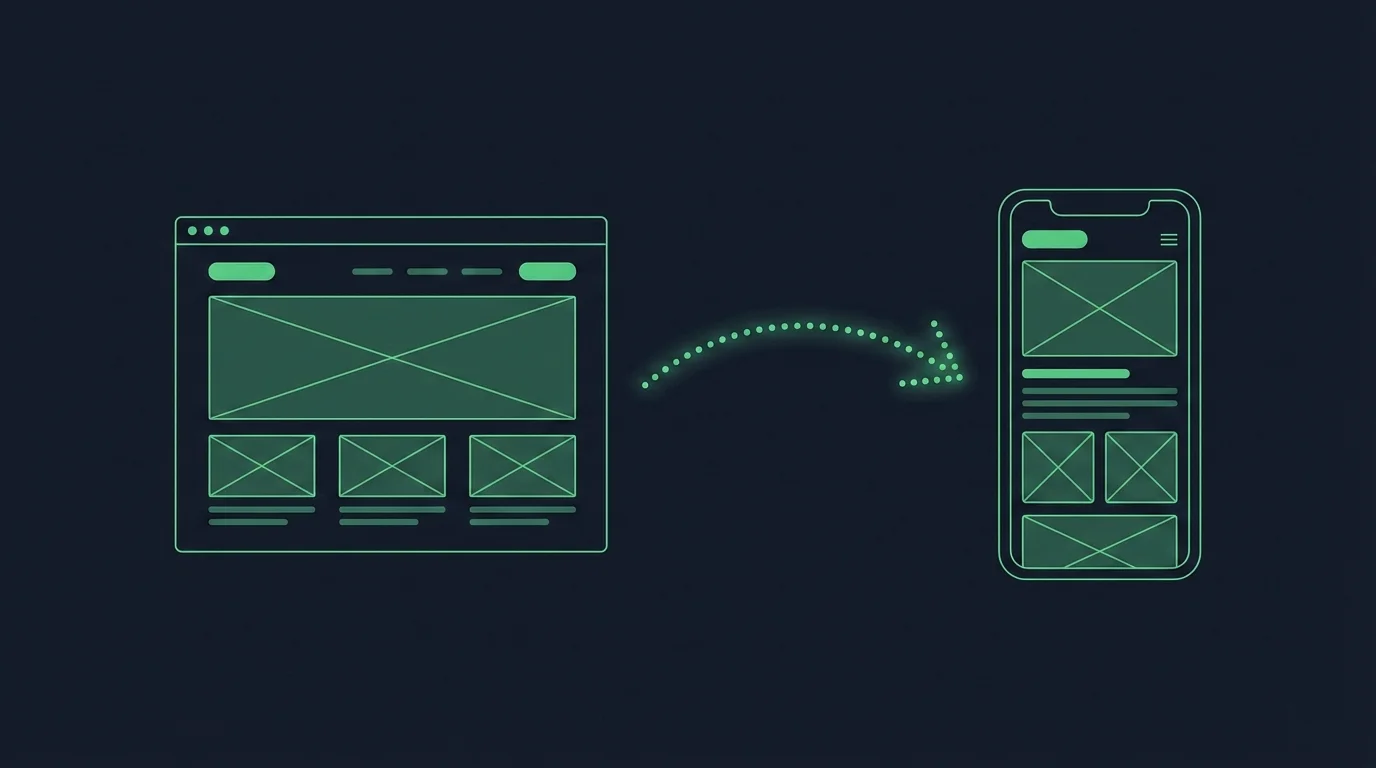
About 59% of web traffic worldwide now comes from phones, according to StatCounter’s figures for September 2026.
That makes the choice between a web app and a mobile app more important than it looks.
A web app on a phone is still a browser tab. A mobile app is an icon on the home screen that can send notifications, work offline and use the camera.
A mobile app costs more, though. It means app store reviews, separate builds for iPhone and Android and a bigger bill, so choosing wrong costs you either your mobile users or months of development.
This guide compares the two side by side, with the pros and cons of each, how to choose and why most businesses end up with both.
What Is a Web App?
A web app is a software application that runs in a web browser. It’s built with web technologies such as HTML, CSS and JavaScript, often with frameworks like React or back-end languages like Python, and it works on any device with an internet connection, with nothing to install.
The code for a web app lives on a remote server. A browser (Chrome, Firefox or Safari, for example) loads it when someone enters the app’s URL or follows a link.
People sometimes use “web app” and “website” interchangeably. Usually, though, a web app means a site with a high level of interactivity, rather than a static content site.
Progressive web apps (PWAs) are web apps too. They add features like offline pages and a home screen icon, so they feel closer to a mobile app while still running in the browser.
Starbucks’ ordering site is a well-known example. To learn more about PWAs, read our complete guide to progressive web apps.
What Is a Mobile App?
A mobile app is a software application that runs on a phone or tablet’s operating system, such as iOS or Android. People download it from the Apple App Store or Google Play.
Mobile app code is installed on the device, rather than loaded from a server through a browser. That means a mobile app can work without an internet connection, though many apps still need one for some features.

Mobile apps come in different forms, including native apps, hybrid apps and cross-platform apps.
Native apps are written in each operating system’s own languages, such as Swift for iOS and Kotlin or Java for Android. Hybrid and cross-platform apps use frameworks that share code between platforms, often including web technologies like HTML and JavaScript.
Key Points of Difference Between a Web App vs Mobile App
Web apps and mobile apps differ most in how people get them, which platforms they run on and what they cost to build and maintain.
| Web app | Mobile app | |
|---|---|---|
| Where it runs | In a browser, on any device | On the phone or tablet, installed from the App Store or Google Play |
| Getting started | Click a link and start using it | Download and install first |
| Home screen | Only if the user adds it themselves | An icon on the home screen from day one |
| Push notifications | On desktop and Android; on iPhone only after it's added to the Home Screen | On iPhone and Android |
| Offline use | Limited | Possible |
| Device features | Some, through the browser | Full access to the camera, location, biometrics and more |
| Updates | Live for everyone as soon as you publish | A new release through app store review (web-based screens in hybrid apps update instantly) |
| Cost to build | Lower, with one codebase | Higher, especially for separate native iOS and Android apps |
| Best suited to | Tools used on desktop and mobile, quick launches and tight budgets | Businesses with repeat mobile customers who need push, offline use or device features |
Deployment
Web apps are delivered through a browser, while a mobile app’s code is downloaded onto the user’s device.
That makes a web app easier for new users to start using. They can follow a link or find it on Google, and start right away.
With a mobile app, users have to download it before they can open it. That’s a point of friction, but it also makes mobile apps “stickier”, because they stay on the device until someone uninstalls them.
The app’s icon sits on the home screen, one tap away. A web app disappears when the browser tab closes, and relies on the user to go back to it on their own.
Platform Compatibility
Web apps work on any device with a browser and an internet connection, while mobile apps only work on the platform they’re built for.
That cuts both ways. It’s a plus for web apps, because one codebase serves more people on more platforms.
But mobile apps can offer a deeper, smoother experience on phones, because they’re built for the platform they run on. Web apps are more widely accessible, but the experience suffers when one design has to serve every kind of device.
Investment (Time, Money, Effort)
Web apps are quicker, easier and cheaper to build than mobile apps in almost every case.
The technology is simpler, and there are far more developers and development tools for the web. Native mobile development is harder by comparison: it takes longer, and mobile developers are harder to find and charge more.
A native mobile app typically costs 5 or 6 figures to build, with separate builds and often separate teams for iPhone and Android. Maintenance adds more every year, at 15 to 25% of the build cost by a common rule of thumb.
Cross-platform and hybrid apps cut that investment, often by a wide margin, because they share code between platforms.
Pros and Cons of Mobile Apps vs Web Apps
Here’s a short breakdown of the pros and cons of mobile apps and web apps, from a business’s point of view.
Pros of Web Apps
- Easy to develop and deploy
- Work on any platform with a browser and an internet connection (desktop, laptop and mobile devices)
- Easier and cheaper to update and maintain
- Web developers are easier to find than mobile developers
Cons of Web Apps
- Don’t offer the best experience for mobile users
- Can feel slower and less smooth on phones than an app
- Lower engagement and retention than mobile apps
- Easy to forget, with no icon on the home screen
Pros of Mobile Apps
- Offer a user-friendly, engaging and immersive experience on mobile
- Can work offline
- Can use device features, such as GPS and the camera
- Let businesses send push notifications to app users on all devices
- Deliver higher engagement and retention
- Can be published and promoted on the Apple App Store and Google Play
Cons of Mobile Apps
- Can be difficult to develop
- Generally expensive and time-consuming to build
- More difficult and expensive to maintain
- Native apps need separate builds for each operating system
How to Choose the Best Type of App For Your Project
There’s no single “best” type of app between mobile and web. The right one depends on what you want to accomplish, your audience, your budget and how much time you have for development.
Consider your target audience
Think about who you’re building the app for. If your audience mostly uses phones, you should build a mobile app.
If you’re not sure, the data suggests a large share of them are on mobile. More people worldwide go online on their phones than on computers, and the share keeps rising.
If your audience uses a mix of devices, you may want to build a web app first, to reach as many people as possible. Hybrid apps are also a good fit here, to serve more users on more platforms.
Necessary functionality of your app
Think about which features the app needs.
If it needs the device’s hardware or sensors, a mobile app is a must. The same goes for apps where people take or upload photos and videos, like Instagram, TikTok or Snapchat.
Do you want the app to work offline? Then you’ll need a mobile app.
Location features, push notifications and tap and swipe gestures aren’t exclusive to mobile apps, but they’re much easier to build and work much better in an app than in a mobile web app.
Does the app also need to work on desktop? If so, you’ll want a web app, or at least a hybrid app that works on more than just mobile.
Budget
If you’re on a tight budget, you might want to build a web app instead of a mobile app. Web apps are significantly cheaper, especially compared with native mobile apps.
They’re also much cheaper to maintain. With a mobile app, you need to plan for 15 to 25% of the original development cost every year for maintenance and updates.
Because of the lower investment, many companies build a web app first, as an MVP or proof of concept, to win the backing they need to build a mobile app.
There are ways to bring the cost of a mobile app down a long way, though. Hybrid app builders like MobiLoud, for example, reduce the cost of building a mobile app by nearly 90%, letting you go live for a one-time setup fee.
Learn more: 11 Examples of Successful Hybrid Mobile Apps
Timeline
Finally, consider when you need to launch.
Native mobile apps take a long time to build, often 6 months or more of full-time development. Web apps can be built and launched much faster.
Hybrid mobile apps are a middle ground. Built on a website or web app you already have, they can launch in weeks rather than months, as fully functional apps.
Which is the better fit for your business?
Here’s how the choice usually plays out for common types of projects.
- A SaaS tool or dashboard people use at their desk: start with a web app, and add a mobile app when customers ask for one.
- An online store with repeat customers: a mobile app alongside your website, for push notifications and a place on the home screen.
- A publication or online community: web first, then an app for your most loyal readers and members.
- An internal tool for staff: a web app, unless it needs the camera, scanning or offline use.
Can a Web App Become a Mobile App?
A web app can become a mobile app without being rebuilt. A hybrid app runs your existing web code inside native iOS and Android apps, and adds what a browser can’t, like push notifications and a home screen icon.
That’s how MobiLoud works, and it’s how many of the hybrid apps you already use are built. You keep one codebase, and every change to the web app shows up in the mobile app too.
A progressive web app is the lightest option, but it stays a website. It isn’t listed in the App Store, and on iPhone people have to add it to their Home Screen themselves.
Just wrapping a website in an app isn’t enough either. Apple turns down apps that are only a website in a wrapper, so the app needs native features of its own.
Our guide to turning a website into a mobile app covers the options.
Web App vs Mobile App: Which Is Better? (Final Thoughts)
Ultimately, web apps and mobile apps can both be powerful tools for serving your audience. The right choice depends on what you want to accomplish and who you want to serve.
Web apps are cheaper, faster and easier to build, and one build serves a wider range of users. But you give up usability, engagement and retention, particularly with mobile users.
Mobile apps are harder to build and need a bigger investment to launch, and native apps only work on one platform. But they perform much better with mobile users and are easier to use on a phone.
The best path, in most cases, is to build both. Most businesses have customers on mobile and desktop, and having both lets you serve all of them while getting the benefits of mobile apps.
Instead of sinking six figures into a native app, a more accessible option is to build a web app first, then turn it into a hybrid app with MobiLoud. That serves users on every device, without the investment of native apps and with much lower upkeep.
Using MobiLoud means:
- All the mobile development is done for you, with no coding needed
- You go live with both iOS and Android apps
- Launch typically takes 2 to 4 weeks
- The features you build for the web carry over to your mobile apps
- Updates, maintenance, bug fixes and support are included, with no 5 or 6 figure yearly bill
- You get 90% of the functionality of native mobile apps, for less than 10% of the cost
- We handle submission to the App Store and Google Play
It’s the most straightforward way to build a mobile app today, and far better than native apps in 95% of cases.
To get started, schedule a free, custom, 1:1 demo with one of our app experts. We’ll walk you through the process, show you a live, interactive preview of your app and give you everything you need to start your project.